

Question
Can't rotate objects using mouse - with side / corner points selected as reference points?
OK. I'm still on v 20.0 - and Windows 10:

But I don't remember anyone mentioning this problem? Only that "constrain proportions" resets.
I can select rotation point and manually enter the rotation angle - and it works fine.
But this point is ignored if I try to rotate using mouse?
Before - top-left point selected as "active":
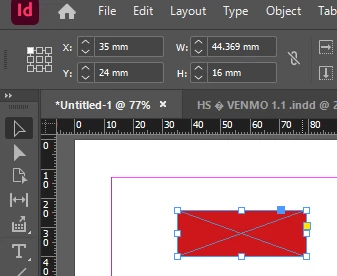
And during the operation - it switches to "center point":
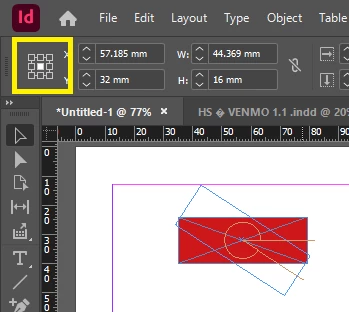
Has this been fixed in the latest update(s)?


 AdChoices