Participant
April 28, 2022
Answered

Can't select "Spreads" from "Print Booklet" due to lack of installed printers

  • April 28, 2022
  • 2 replies
  • 1200 views

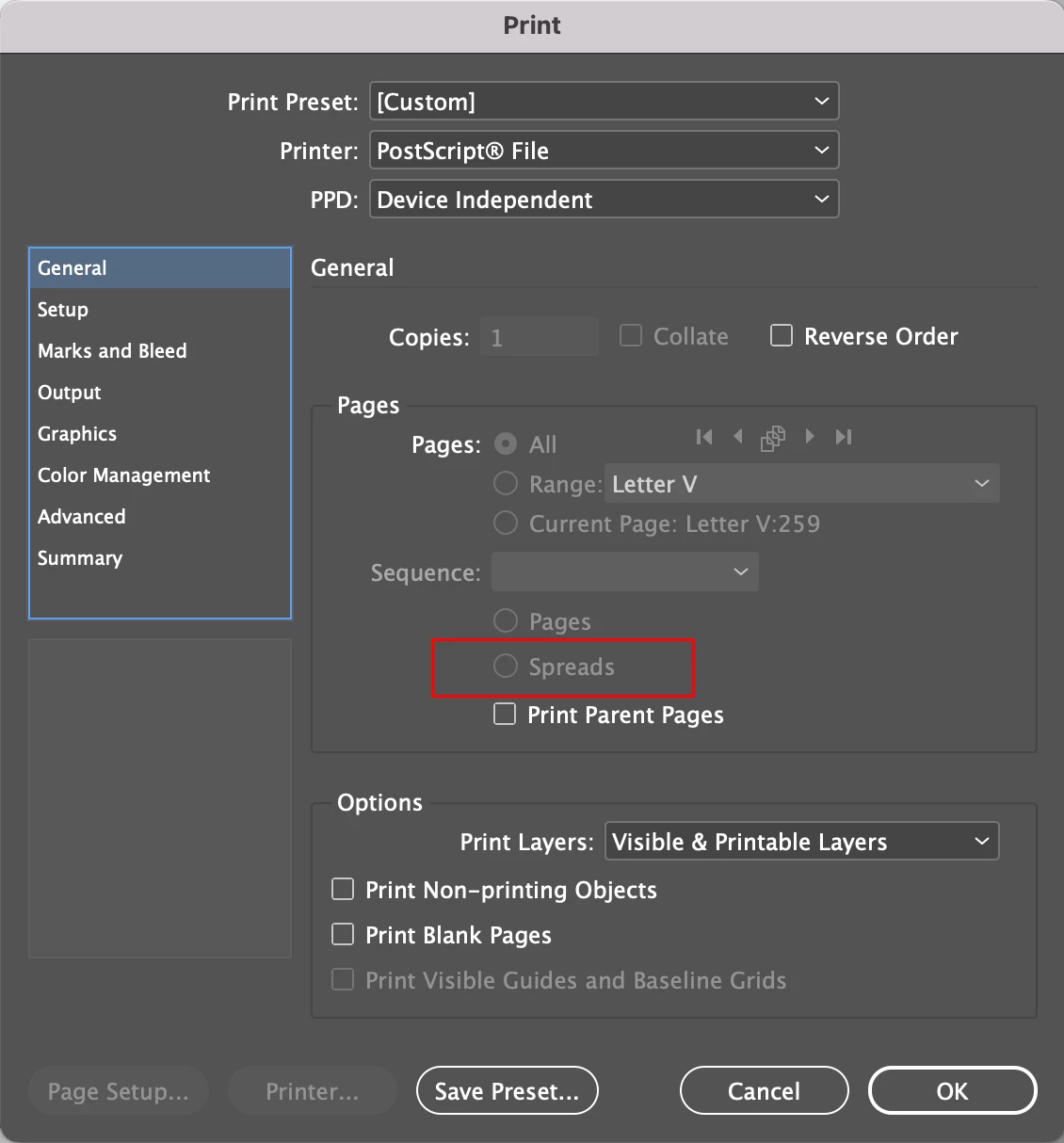
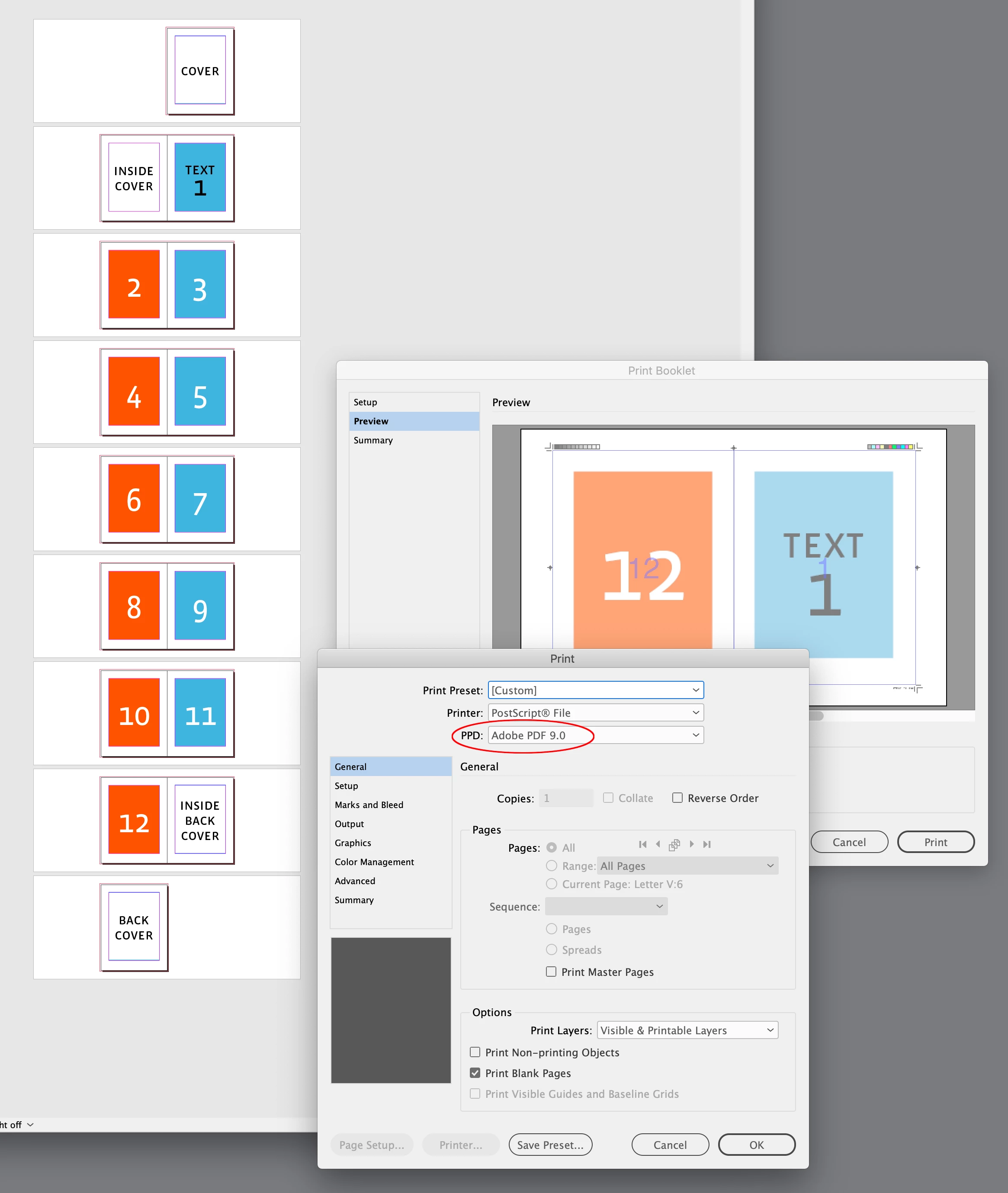
I am trying to create printer spreads with crops and bleeds for my InDesign document but since I don't have a printer installed, it just uses the default Postscript File PPD.  Trouble with this is that it does not allow for me to select "Spreads" from within the "Print Settings" dialog box (it's grayed out). 
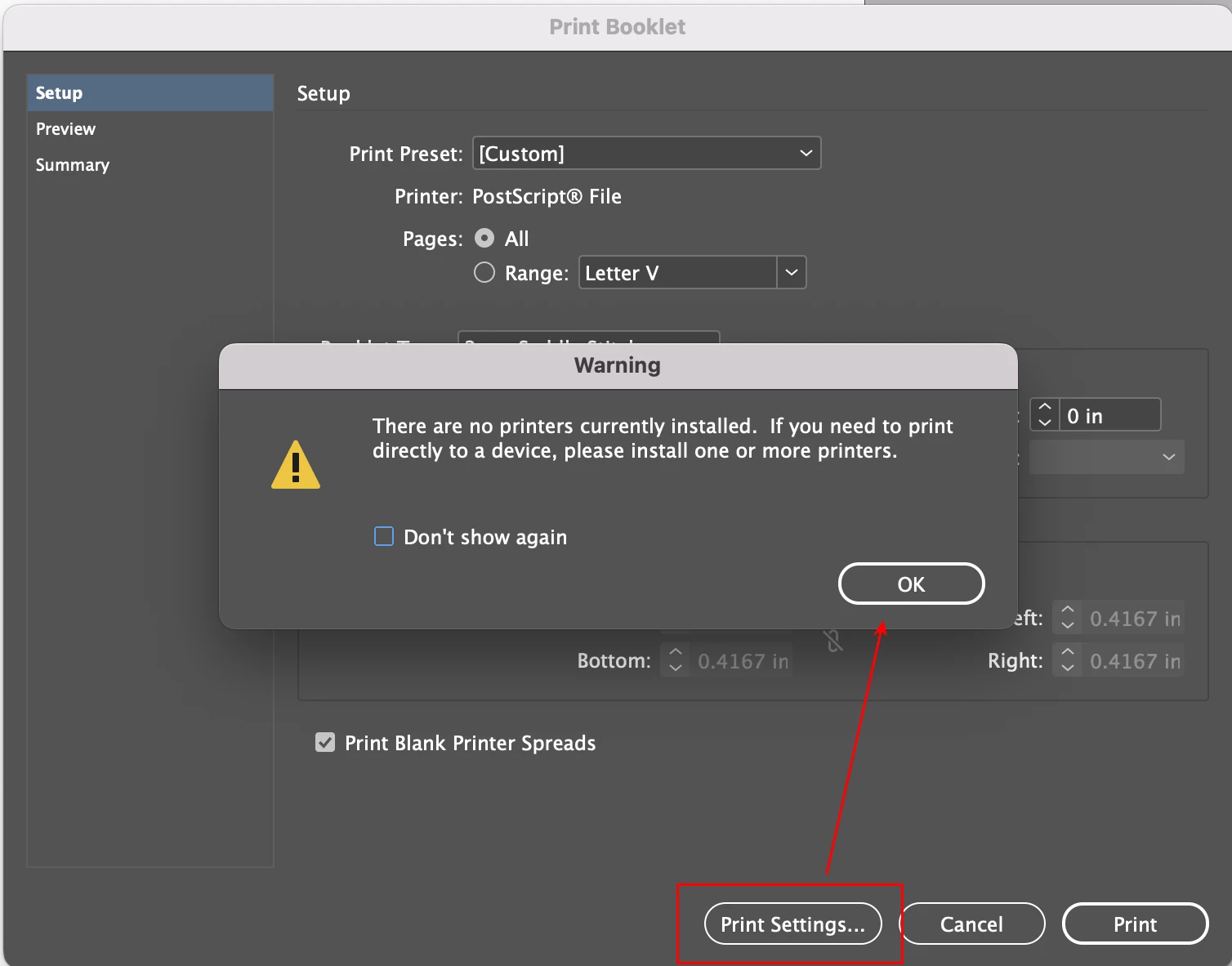


If I don't select this, the preview LOOKS okay. But, the resulting PDF creates a file with individual pages rather than the printer spreads I am looking for.
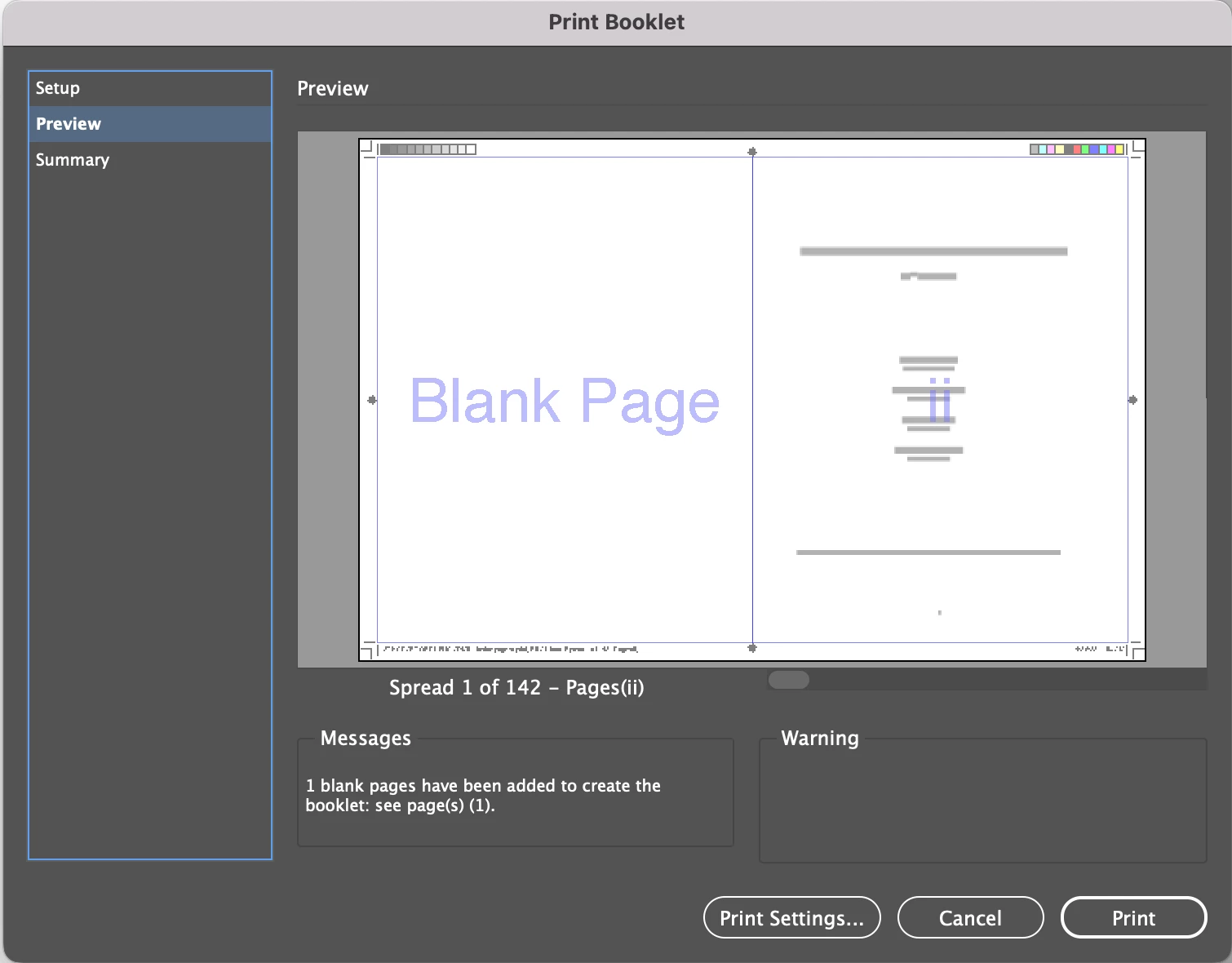
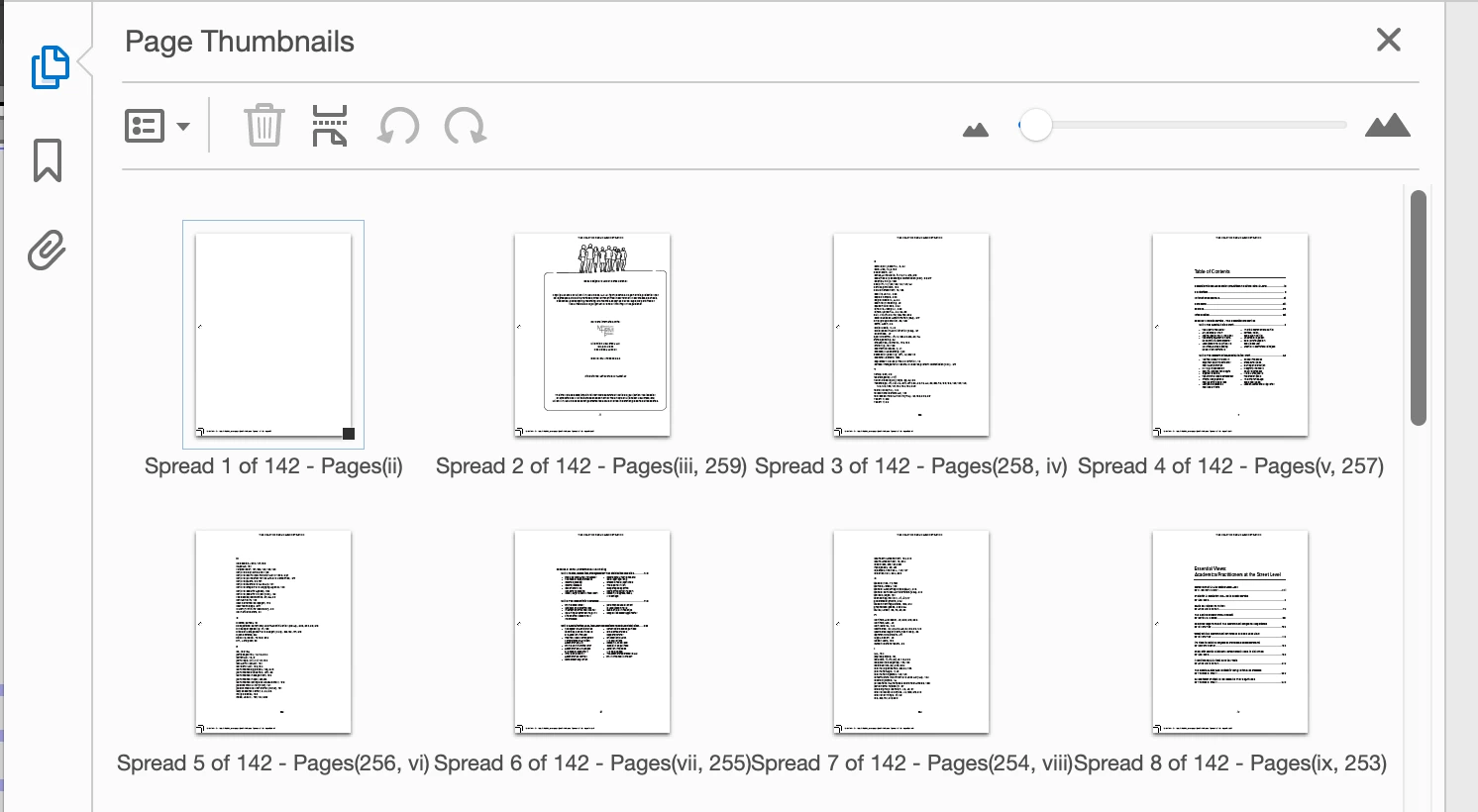


How can I create the printer spreads document with bleeds and crops without having access to the "Spreads" feature to fix the issue?
This topic has been closed for replies.
Correct answer rob day

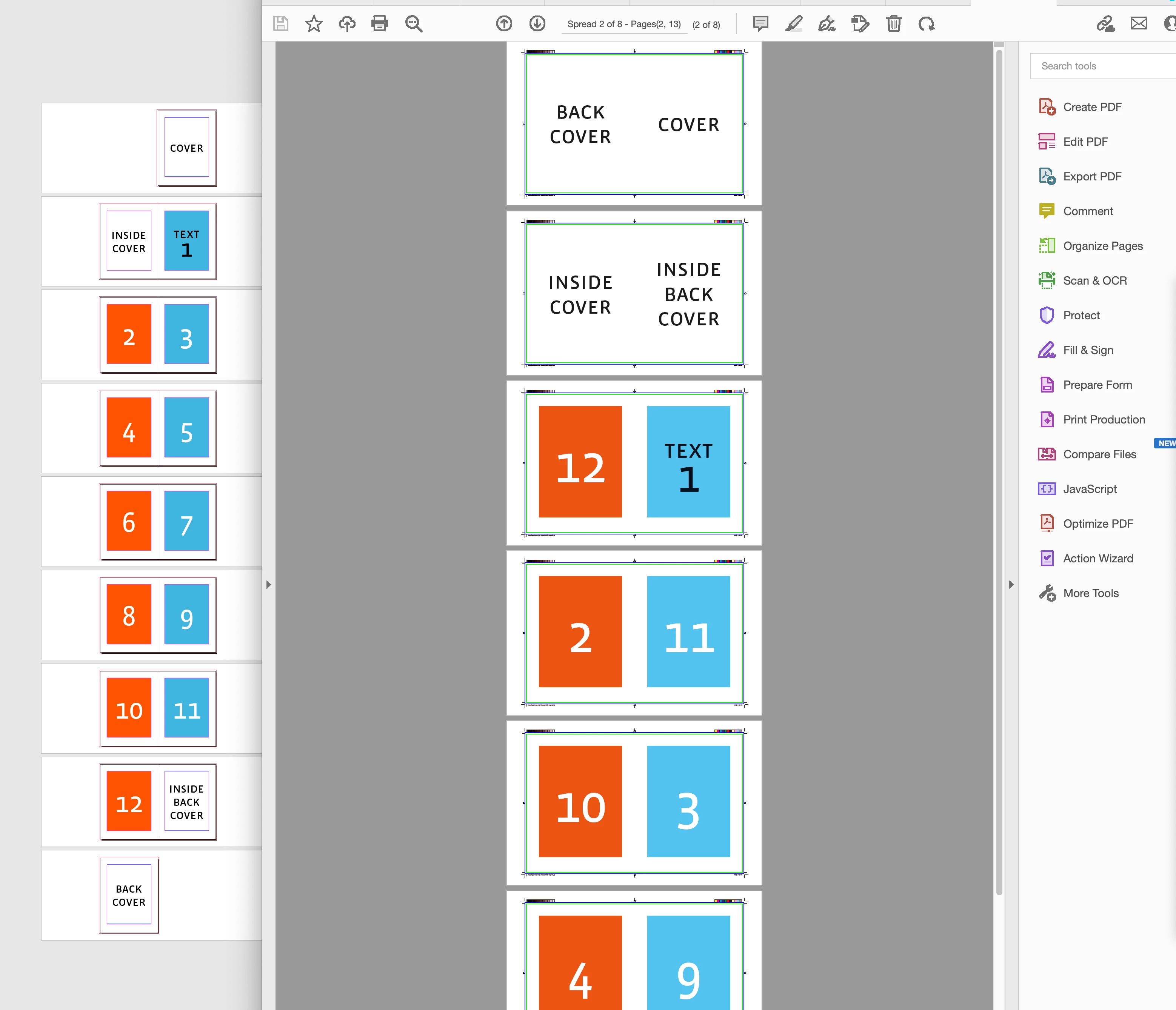
Hi @default5wig073opthn , Print Booklet automatically outputs spreads, so Print>General>Spreads is always grayed out. You’ll probably need to get the Adobe PDF 9.0 PPD in order to fully control postscript saving. You can get it here, follow the install instructions carefully:


https://helpx.adobe.com/indesign/kb/add-acrobat-ppd.html


The Distilled .PS file in AcrobatPro:


2 replies

rob day
Community Expert
rob dayCommunity ExpertCorrect answer
Community Expert
April 28, 2022

Hi @default5wig073opthn , Print Booklet automatically outputs spreads, so Print>General>Spreads is always grayed out. You’ll probably need to get the Adobe PDF 9.0 PPD in order to fully control postscript saving. You can get it here, follow the install instructions carefully:


https://helpx.adobe.com/indesign/kb/add-acrobat-ppd.html


The Distilled .PS file in AcrobatPro:


Participant
April 28, 2022

That fixed it. Thank you very much!

BobLevine
Community Expert
Community Expert
April 28, 2022

Why are doing this? Imposition is a job for the printer. Send a proper PDF and let them do it.


If you really need to do this yourself, again, export a PDF and use Acrobat's booklet feature to print it.

Participant
April 28, 2022

I am doing it because I want to be able to provide this support to my client. I agree that imposition is typically the job of the printer, however, providing this type of file to my client will give them more flexibility for printers.