
Can't sync InDesign settings to new computer
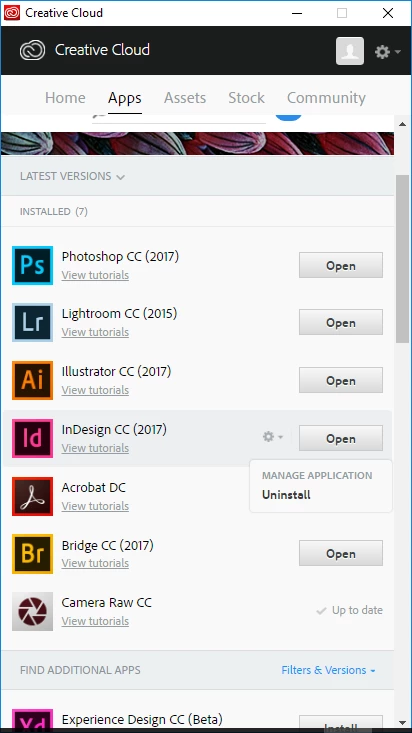
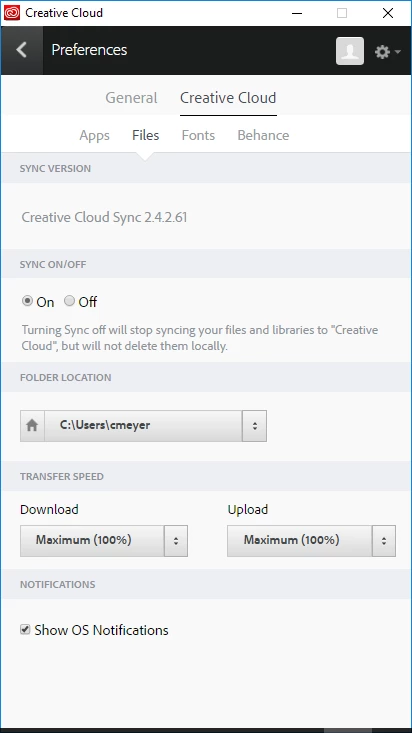
I have spent a couple hours now trying to sync my InDesign settings. I can't find the sync buttons, Adobe Cloud doesn't have sync options (there's no option to Import previous settings and preferences), I can't find the actual files in the programs > adobe > Adobe InDesign CC 2017 > Presets > any of the folders do not contain any of my personal settings.
I have to migrate computers from a Windows 7 laptop to a Windows 10 laptop. Both have the latest adobe programs available. My InDesign is super important because I know that I have spent hours getting specific customized settings for mine, and having to reset all these again is going to be time consuming.
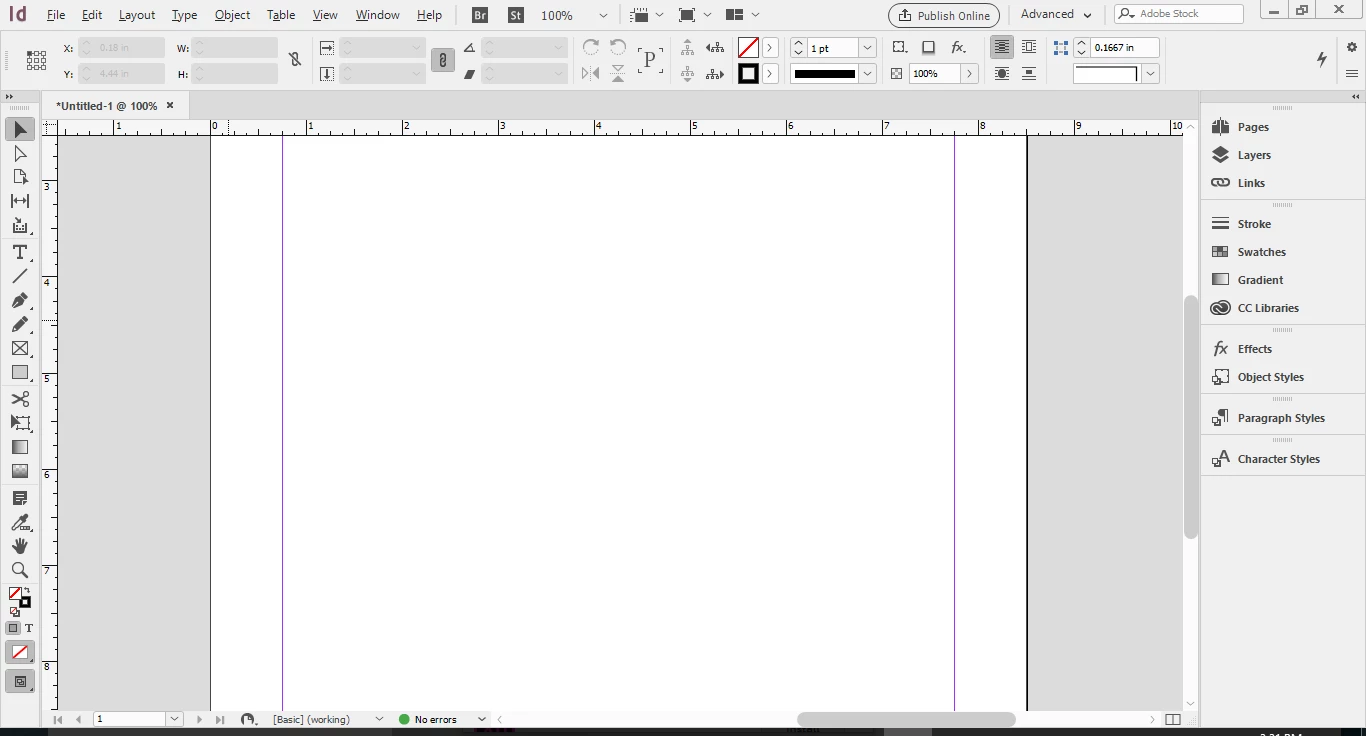
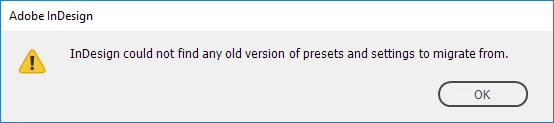
There is no sync button at the bottom of my screen like suggested in one of the several sync instructions available. When I try to go to Edit > Migrate previous local settings, it says InDesign could not find any old version of presets and settings to migrate from. But I know that Adobe Cloud is working because all the documents that I've created and placed on the CC drive has all my files on my new laptop. Just not any of my settings. What the hell is going on?
all screenshots provided are the same on the other laptop.
 AdChoices