Participating Frequently
May 2, 2018
Answered

Can't update InCopy links - HELP!!!

  • May 2, 2018
  • 2 replies
  • 1032 views

We just updated to High Sierra (Version 10.13.4) and now I'm finding that I can't update the InCopy links like I used to.

In fact, updating isn't even an option for the edited links...  Right-clicking on the text frame won't work.  Ditto for tabs.  I've tried exporting as a IMDL, but that didn't help.  However, I was able to update a couple links while in Safe Mode.  If that helps?
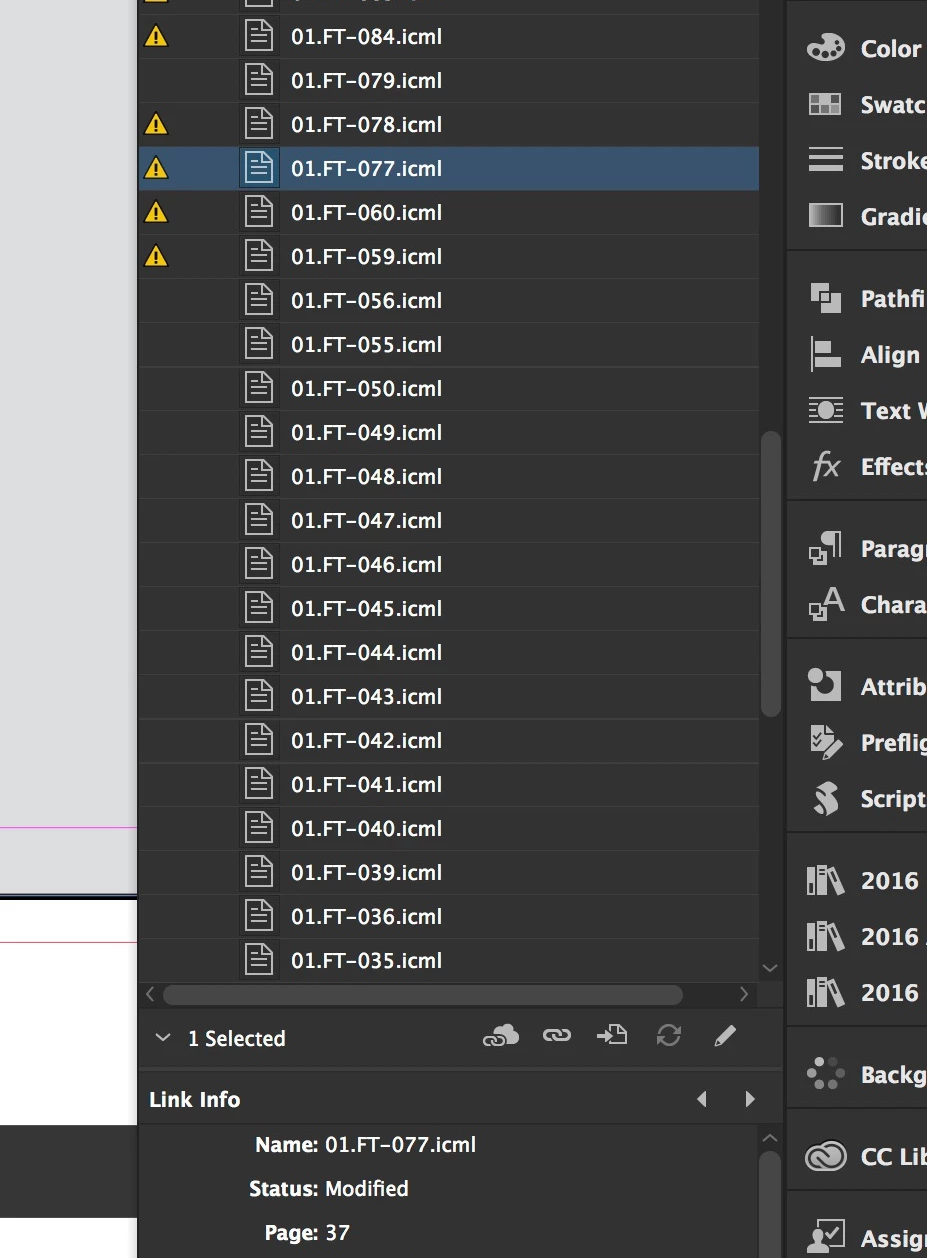
My usual tricks aren't working and I have multiple editors ready to do their thing.  Any ideas?  HELP!

UPDATE: Just tried updating the files and it worked.  Everyone left for the day, so all other Macs were logged off the server and turned off.  Server issue?

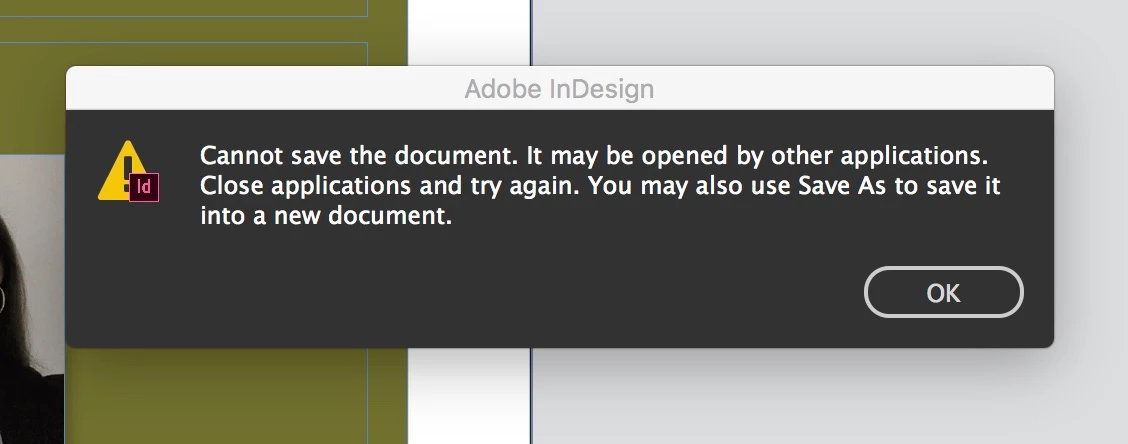
ANOTHER UPDATE: More issues today.  Looks like when someone else opens the document in InCopy and starts making changes - everything goes haywire!  All of a sudden I can't save the file anymore and they can't check in the stories they are editing.  I'm also unable to delete the original InDesign document from our sever as "the operation can't be completed because the item is in use".
This topic has been closed for replies.
Correct answer BobLevine

Tested with the Dropbox app and everything works just fine.  No problems at all.  In fact, the notifications are nice. 

Tested with server permissions updated (Read/Write) and had the original problems.

All Macs are updated to High Sierra, but the server is still on Sierra.  Should the server be upgraded?  Our IT guy advised against it.


If it works with Dropbox and not the server you have your answer. The server needs to be addressed.

Sounds like your IT guy doesn’t want to be bothered.

2 replies

Srishti_Bali
Legend
May 4, 2018

Hi there,

Sorry for the inconvenience. Though we have limited support on Network and VM related issues( Technical support boundaries for virtualized or server-based environments | CS ) but from personal experience I would suggest you few things which you must check:

  • Check if this is happening with your user account only or with multiple users
  • Check if there is any antivirus or if there is any end point security or if there is any restriction imposed by your IT Team.
  • This generally happens when network policies or Operating System is updated, check with your IT team for the same.

Regards,

Srishti

BobLevine
Community Expert
Community Expert
May 3, 2018

All of this sounds like a server issue.

edrift101Author
Participating Frequently
May 4, 2018

That makes sense to me.  Any resources for fixing this or do I just push this to our off-site IT support?

BobLevine
Community Expert
Community Expert
May 4, 2018

I'd have the server looked at before anything else. If this were a common issue we'd be seeing way more reports of it.

As a test, try setting up something via a dropbox folder and see if it works. If it does, you can be almost positive of a server issue of some kind.