dublove
Legend
July 31, 2025
Answered

Can the script read the paragraph style name as a script setting value?

  • July 31, 2025
  • 2 replies
  • 416 views

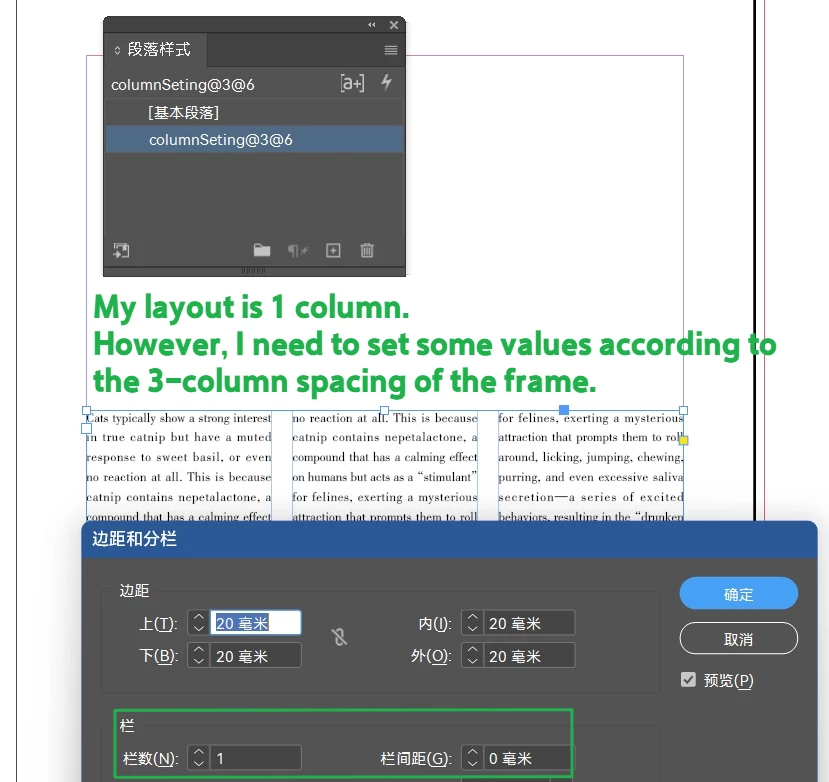
For example, my layout only has one column.
However, my text box has three columns with a column spacing of 6 mm.
But the settings for each ID document may be different.

If frequent switching may cause errors,


I came up with a solution to set 3 and 6 in a paragraph style.
For example, the paragraph style is named: columnSeting@3@6

When I run the script, it automatically sets 3 as the number of columns and 6 as the spacing.


Are there any other better methods?
Correct answer rob day

Are you referring to SetParGroup()?
I would like to assign certain paragraph styles to specific groups.

First, iterate through all paragraph styles. If SpaceCol is present, read the content after @ as csp and cn.

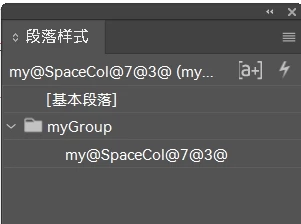
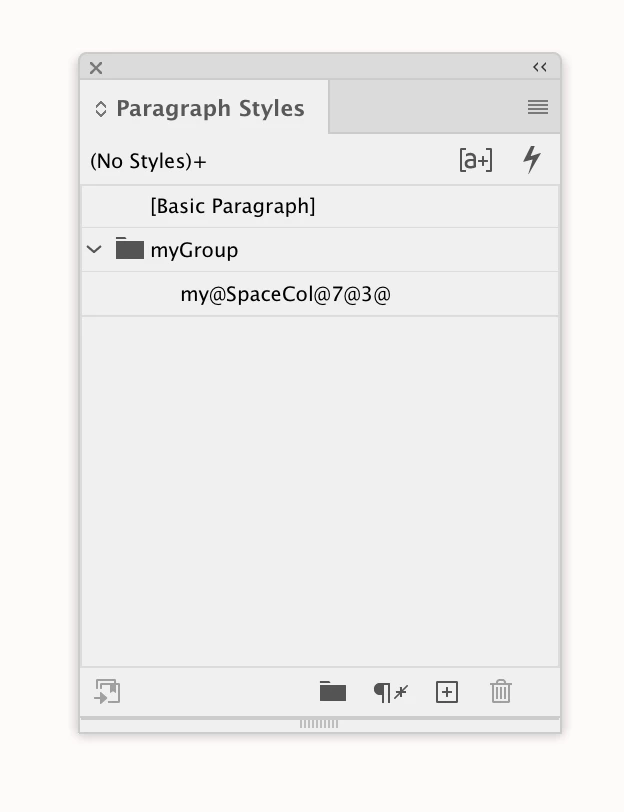
If not, create a new paragraph style named my@SpaceCol@7@3@.


Before the second checkColSet() check, add the following again:
var myParas = myDoc.allParagraphStyles;

This refreshes the paragraph styles.


This makes a group and returns a Pstyle if they do not exist, or returns the existing Pstyle if it does


var ps = addParaStyleGroup(app.activeDocument,"myGroup","my@SpaceCol@7@3@")
$.writeln(ps.name)
//returns the style’s name my@SpaceCol@7@3@


/**
* Returns a ParagraphStyle named sn in a group named g 
* @ param the document to add the group and style 
* @ param the paragraphStyle group name 
* @ param the paragraphStyle name 
* @ returns the paragraph style named sn 
*/

function addParaStyleGroup(d,g,sn){
    //check if group exists if not make a group named g
    if (d.paragraphStyleGroups.itemByName(g).isValid) {
        g = d.paragraphStyleGroups.itemByName(g);
    } else {
        g =  d.paragraphStyleGroups.add({name:g});
    }
    //check if a p style named sn exists if not make
    if (g.paragraphStyles.itemByName(sn).isValid) {
        return g.paragraphStyles.itemByName(sn);
    } else {
        return g.paragraphStyles.add({name:sn})
    } 
} 


2 replies

dublove
dubloveAuthor
Legend
August 4, 2025

Thank you very much.
No need, I seem to have found the direction.
I went through all the paragraph styles.


dublove
dubloveAuthor
Legend
August 4, 2025

@rob day 

I did it, but I have some doubts.

Not found the first time, why is it still 0 after creating a new style?

checkColSet();
alert(csp);
alert(cn);

Is the variable occupied? Do you need to clear the cache?

Below is the complete code:

//The reference mark is SpaceCol.
var colSetParStn = "my@SpaceCol@7@3@";
var myDoc = app.activeDocument;

//Reference settings
var myTemp = colSetParStn.replace(/^[^@]+@/, "").replace(/\.jsx$/, "").split('@');
//var changeTo = decodeURIComponent(myTemp[0]);
var startMark = myTemp[0];
//alert(startMark);
var myParas = myDoc.allParagraphStyles;
var csp = 0, cn = 0;

//First, check if there is a target paragraph style. If there is, read it.
checkColSet();
function checkColSet() {
    for (var i = 0; i < myParas.length; i++) {
        getParaName = myParas[i].name.replace(/^[^@]+@/, "").replace(/\.jsx$/, "").split('@');
        if (startMark == getParaName[0]) {
            csp = getParaName[1];
            cn = getParaName[2];
        }
    }
}

//If csp is not present, cp remains 0. Create a new paragraph style.
if (cn == 0 || csp == 0) {
    SetParGroup();
}
//Double-check
checkColSet();
alert(csp);
alert(cn);

function SetParGroup() {
    var wn = [colSetParStn];
    for (var i = 0; i < wn.length; i++) {
        w = newParGroStyle(app.activeDocument, "myGroup", wn[i])
    };
}

function newParGroStyle(d, g, n,) {
    // Get the group by name
    var group = d.paragraphStyleGroups.itemByName(g);
    // If group exists, check or create style
    if (!group.isValid)
        group = d.paragraphStyleGroups.add({ name: g })
    if (!group.paragraphStyles.itemByName(n).isValid)
        group.paragraphStyles.add({ name: n });
}


rob day
Community Expert
Community Expert
August 4, 2025

Your script throws multiple errors— myParas, cn, cps, colSetParStn are not defined

dublove
dubloveAuthor
Legend
August 1, 2025

This should be a very practical method.
It's much more convenient than modifying the JSON every time.


However, the style names are not fixed, so they are difficult to find. The only fixed part is that they start with “columnSeting@