Hi John,
this is the first time, that I write a script, that should style only selected cells. So maybe a bit to complicated, but for me works this one.
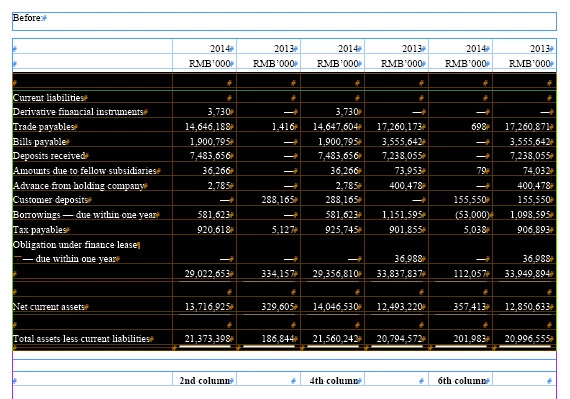
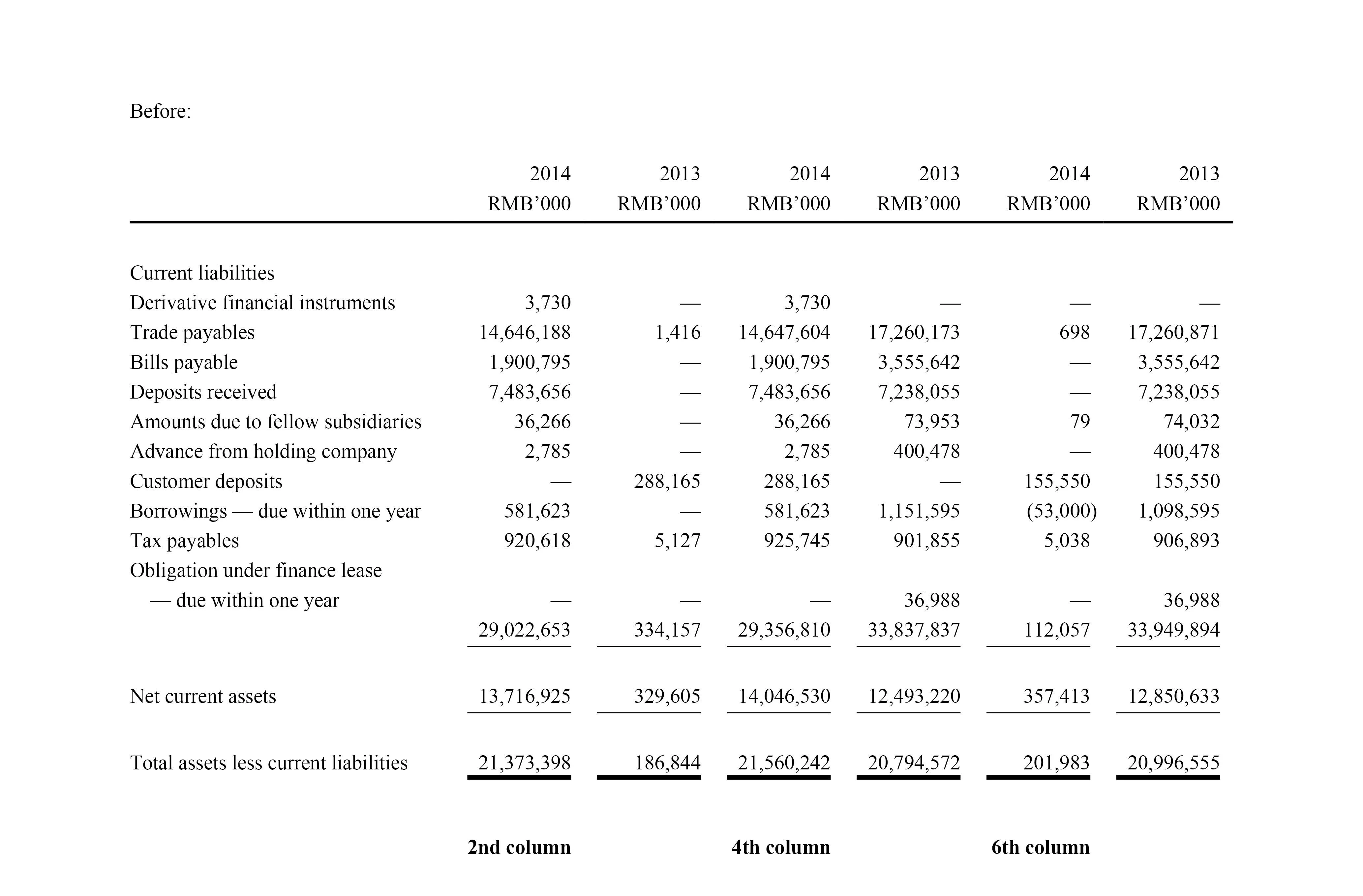
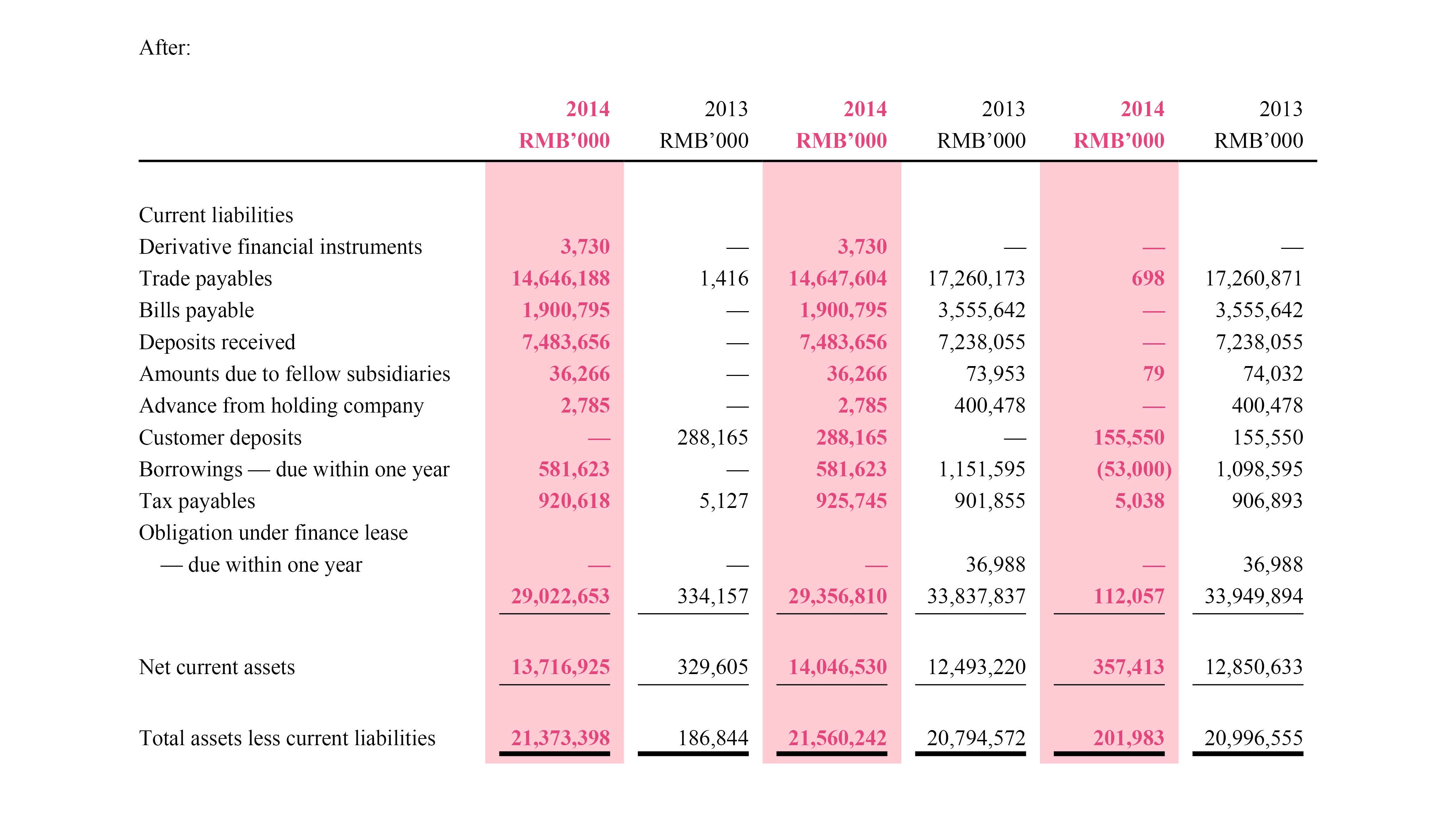
You could enter in the lines 14-16 your informations. The script will have a look at your selection and will formating every second column in the selection.
It should work with selected rows, but also if you select only parts of e.g. column 3-6 or if you select the whole table.
It will not check, if your entered color or characterstyle is valid.
if ( app.selection.length > 0 && ( app.selection[0].constructor.name == "Cell" || app.selection[0].constructor.name == "Table" ) ) {
    if ( app.scriptPreferences.version >= 6 ) {
        app.doScript( main, ScriptLanguage.JAVASCRIPT , [], UndoModes.ENTIRE_SCRIPT, "style every second column in selection" );
    }
    else {
        main();
    }
} else {
    alert ( "Nothing or wrong selection!" );
}

function main() {

    var myColor = "Black";
    var myFillTint = 20;
    var myCharStyleName = "bold";

    var curSel = app.selection[0];
    var allCells = curSel.cells;
    var startCol = curSel.cells[0].name.split(":")[0]*1;
    var endCol = curSel.cells[-1].name.split(":")[0]*1;
    var counter = startCol + 1;

    for ( var i = 0 ; i < allCells.length; i++ ) {
        var curCell = allCells;
        var curCol = curCell.name.split(":")[0]*1;

        if ( curCol == counter ) {
            curCell.fillColor = myColor;
            curCell.fillTint = 20;
            curCell.texts[0].appliedCharacterStyle = myCharStyleName;
            counter = counter + 2;
        }

        if ( counter > endCol ) {
            counter = startCol + 1;
        } // end if
    } // end for
} // end main
 AdChoices