Inspiring
August 7, 2014
Answered

Can you make a script for select cells?

  • August 7, 2014
  • 3 replies
  • 1370 views

Hi everyone

I want to use script to select cells

If I selected a cell or slected a character in the cell or the cursor in the one cell

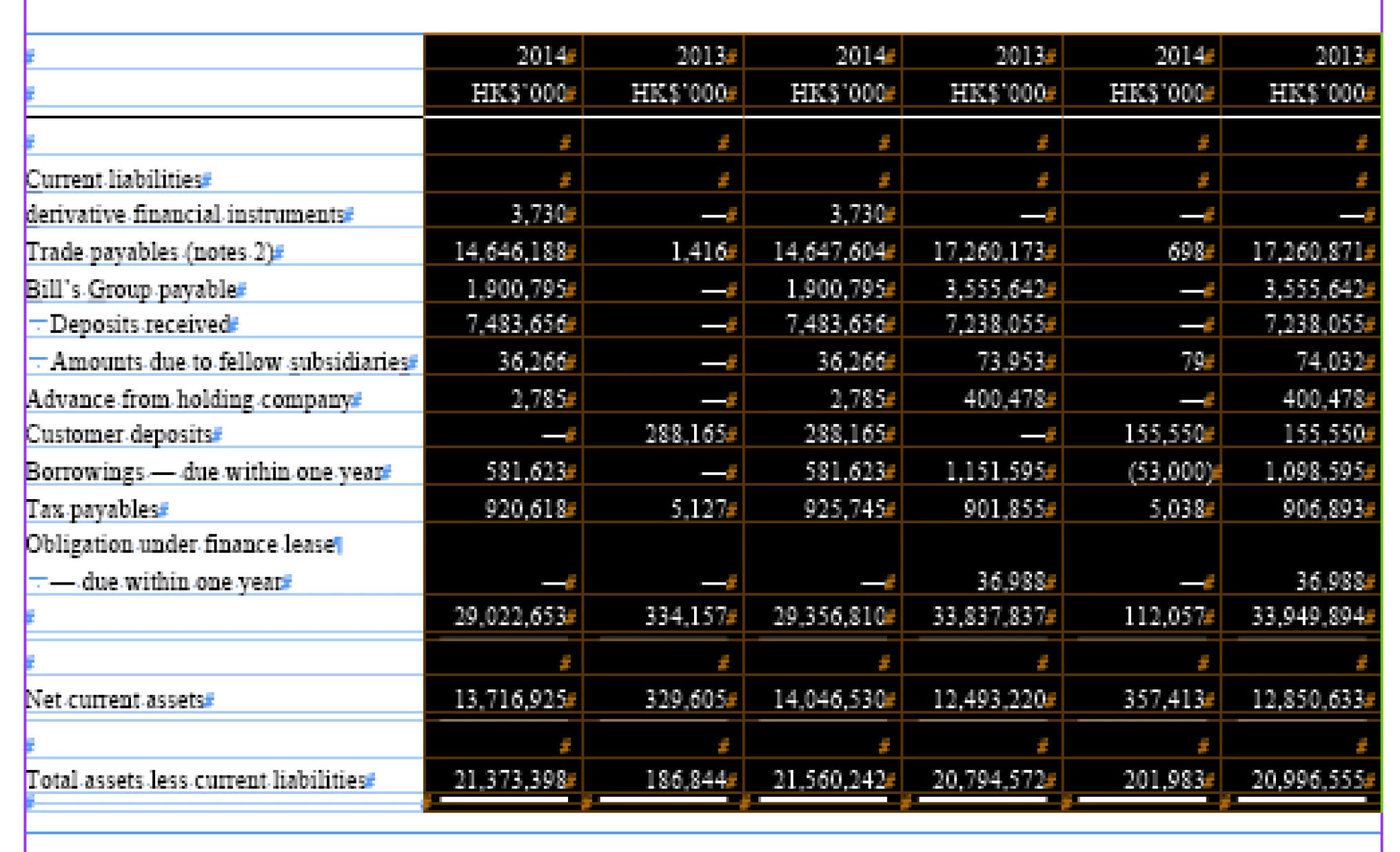
I want to script count the cursor position as a first column then select all the right hand side of cells:

for example:

I selected a cell like this:
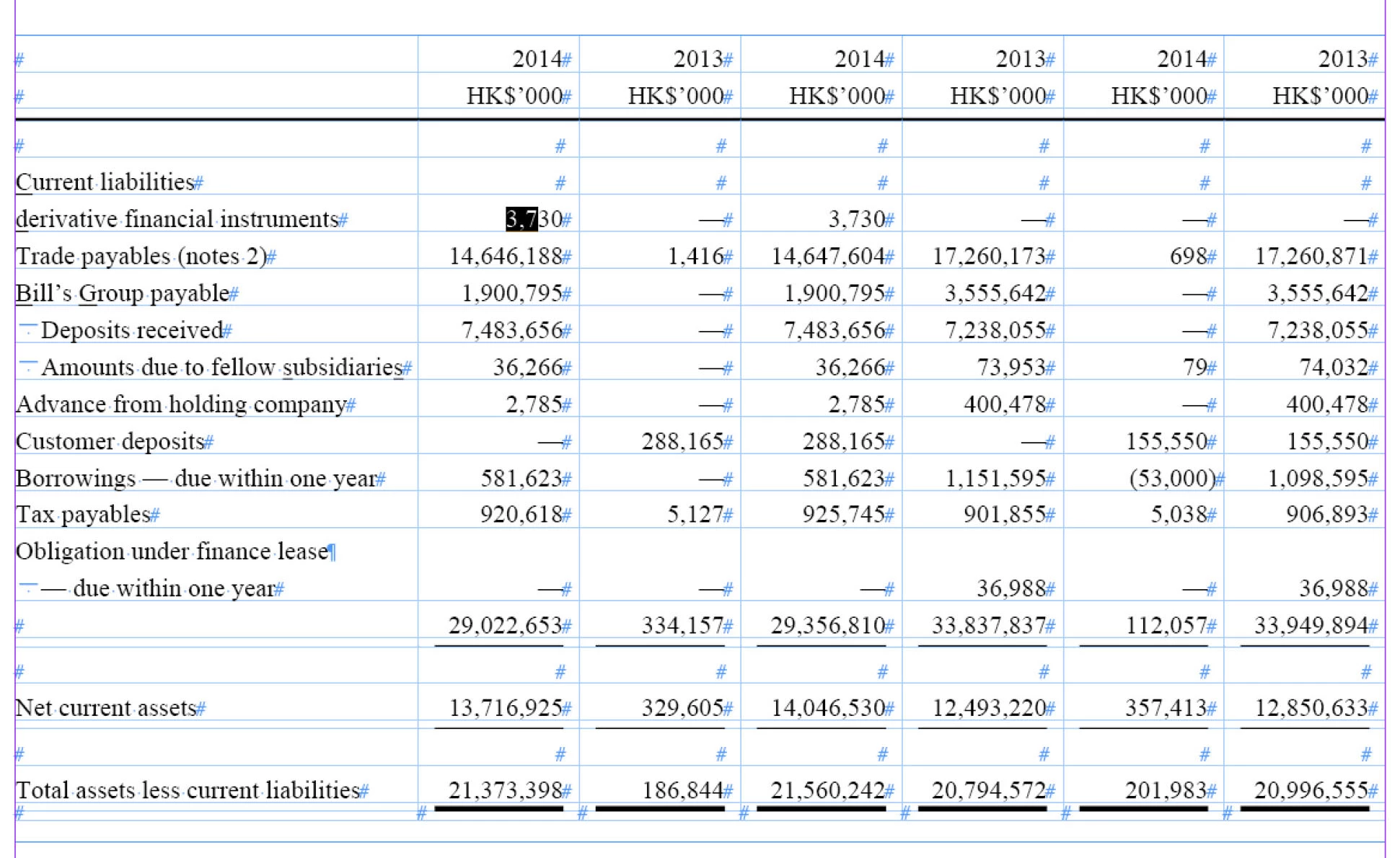
then I want to select the cells like this:
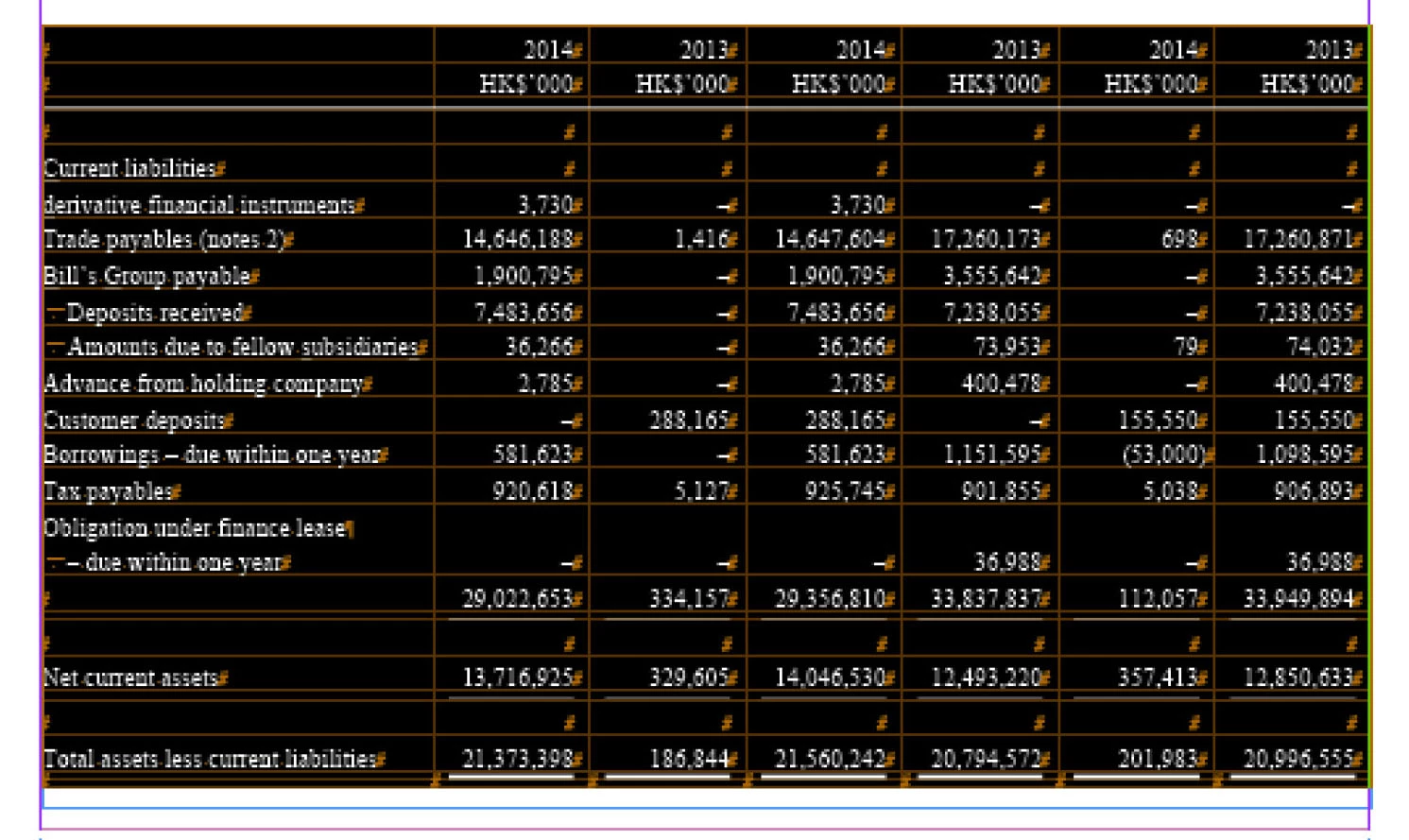
and 2nd script for select all cells
thanks

John

This topic has been closed for replies.
Correct answer Sajeev Sridharan

Try this,

Script #1:

app.selection[0].parent.cells[0].select();

app.selection[0].parent.cells[-1].select(SelectionOptions.ADD_TO);

Script #2:

app.selection[0].parent.rows[0].select();

app.selection[0].parent.rows[0].select(SelectionOptions.ADD_TO);

Vandy

3 replies

JohnwhiteAuthor
Inspiring
August 8, 2014

THANK YOU VANDY

John

JohnwhiteAuthor
Inspiring
August 7, 2014

Thank you Vandy,

Thank you Uwe,

thank you very much!

and I need two more scripts for select cells like this:

can you guys help me?

1)            If cursor position in this location:

I want to select like this:

2)       If cursor position in this location:

I want to select like this:

thanks

Regard

John

Sajeev SridharanCorrect answer
Legend
August 8, 2014

Try this,

Script #1:

app.selection[0].parent.cells[0].select();

app.selection[0].parent.cells[-1].select(SelectionOptions.ADD_TO);

Script #2:

app.selection[0].parent.rows[0].select();

app.selection[0].parent.rows[0].select(SelectionOptions.ADD_TO);

Vandy

Community Expert
August 7, 2014

First script: What will writing a script like that doing something different from using one keyboard shortcut plus a click? Maybe just using one single keyboard shortcut that is assigned to the script.

On Mac OSX:
alt + cmd + a
shift click the second column

Second script: Just one keyboard shortcut. No need to write a script.

On Mac OSX:

alt + cmd + a

Uwe

Community Expert
August 7, 2014

Ok. For the shift click you have to go to the top of the table to get the arrow down cursor symbol indicating a column.

Uwe

Legend
August 7, 2014

Uwe was correct...

Anyway you still need a script, try this....

#1 script:

app.selection[0].parent.columns[0].select();

app.selection[0].parent.columns[-1].select(SelectionOptions.ADD_TO)

#2 script:

app.selection[0].parent.parent.select();

Vandy