
Answered
Cannot apply master to pages i, ii, iii, etc
I have this master page for creating background colors on each page:
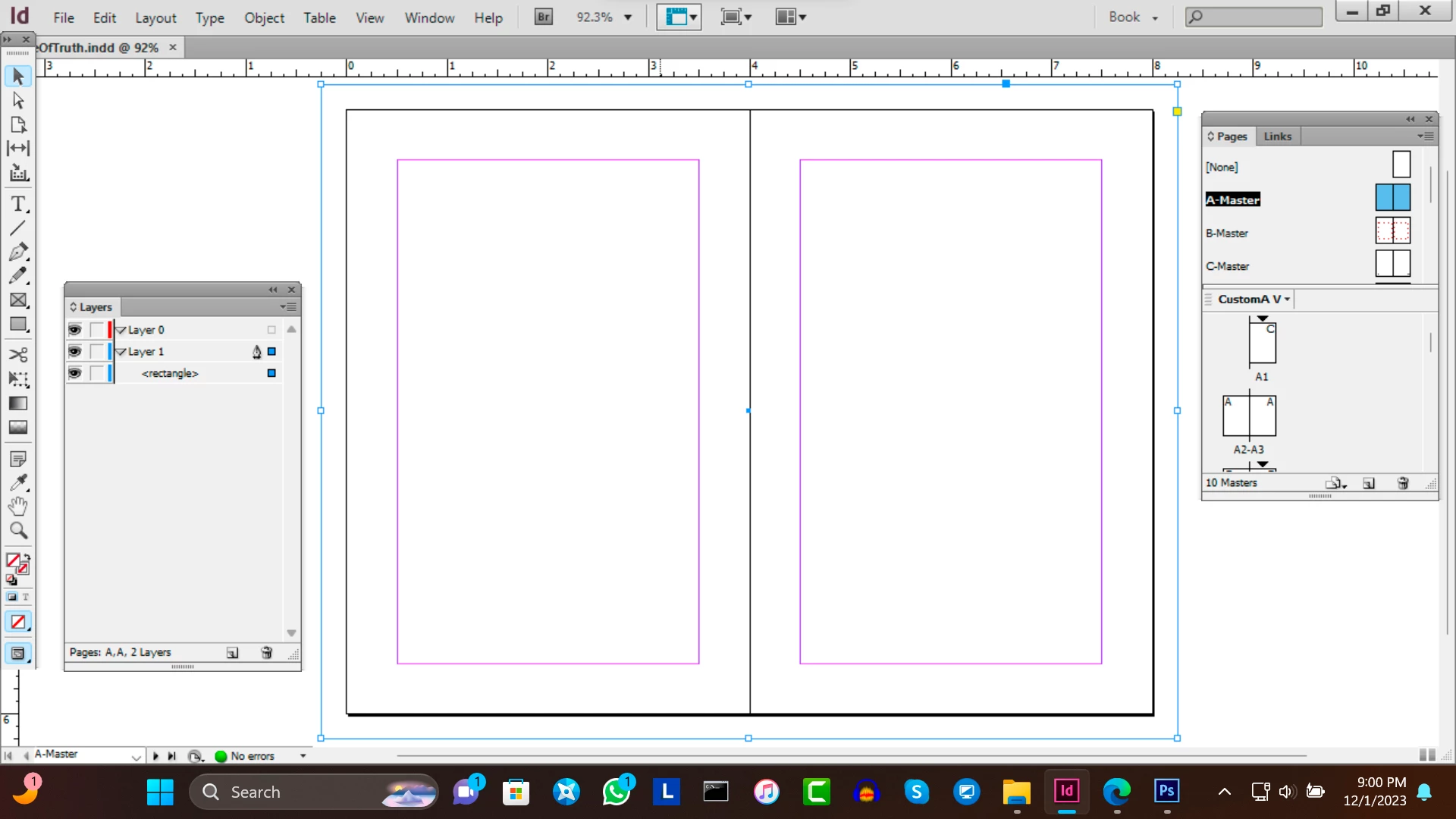
I was able to apply it to pages 1 - 101. But how can I apply it to pages i - xvii?

I have this master page for creating background colors on each page:
I was able to apply it to pages 1 - 101. But how can I apply it to pages i - xvii?
Hi @Brigit Ananya:
In the Pages panel, click the thumbnail for page i, and then Shift+Click the thumbnail for page xvii (all selectede page thumbnails will be blue). Then Alt+click on the name of the master page you wish to assign to the selected body pages. You will see the letter for the corresponding master page in the top outside corners of the body pages once they are correctly assigned.
~Barb
Already have an account? Login
Enter your E-mail address. We'll send you an e-mail with instructions to reset your password.
 AdChoices