Participant
October 25, 2022
Question

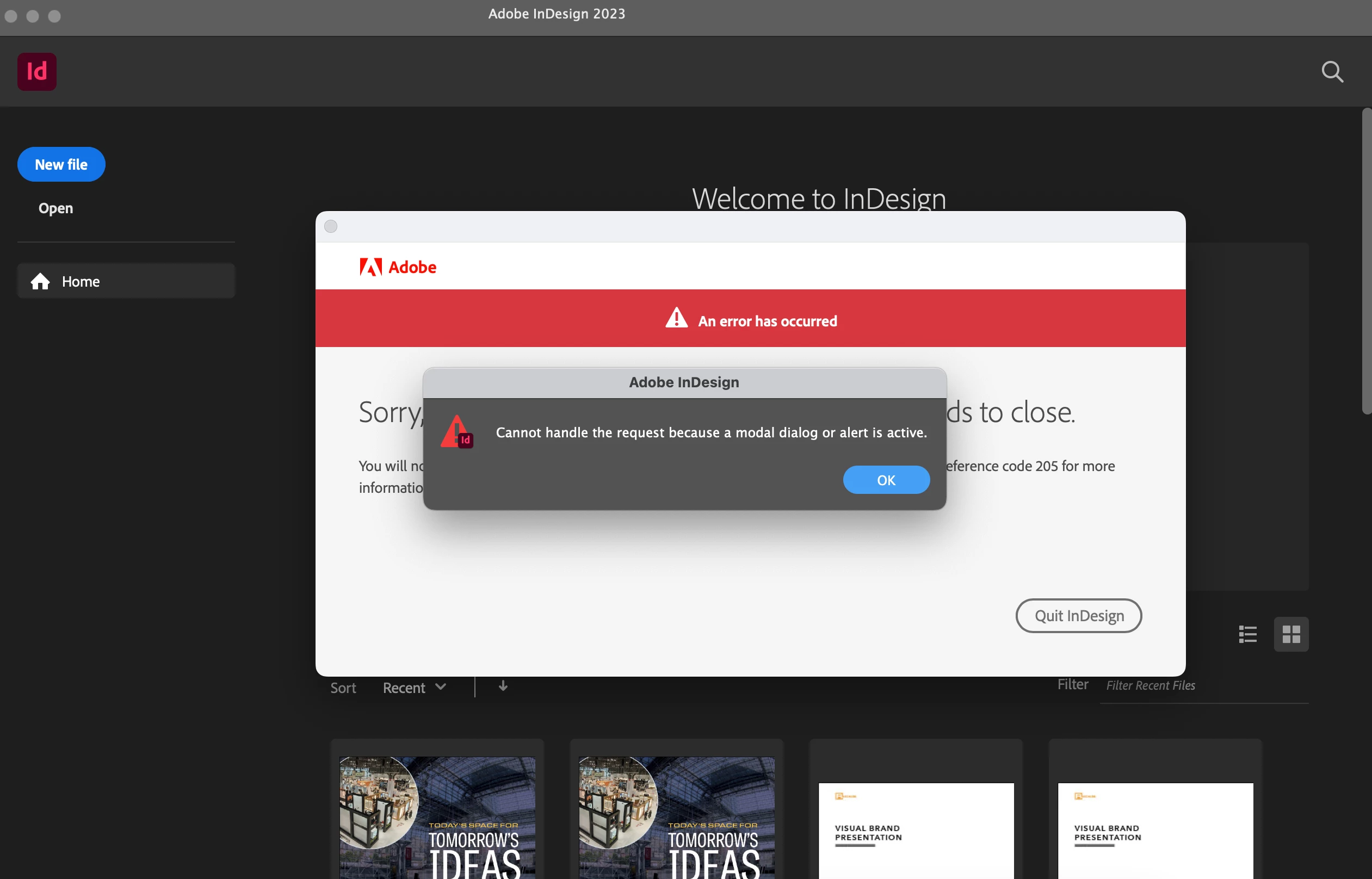
Cannot handle the request because a modal dialog or alert is active...
  • October 25, 2022
  • 1 reply
  • 213 views

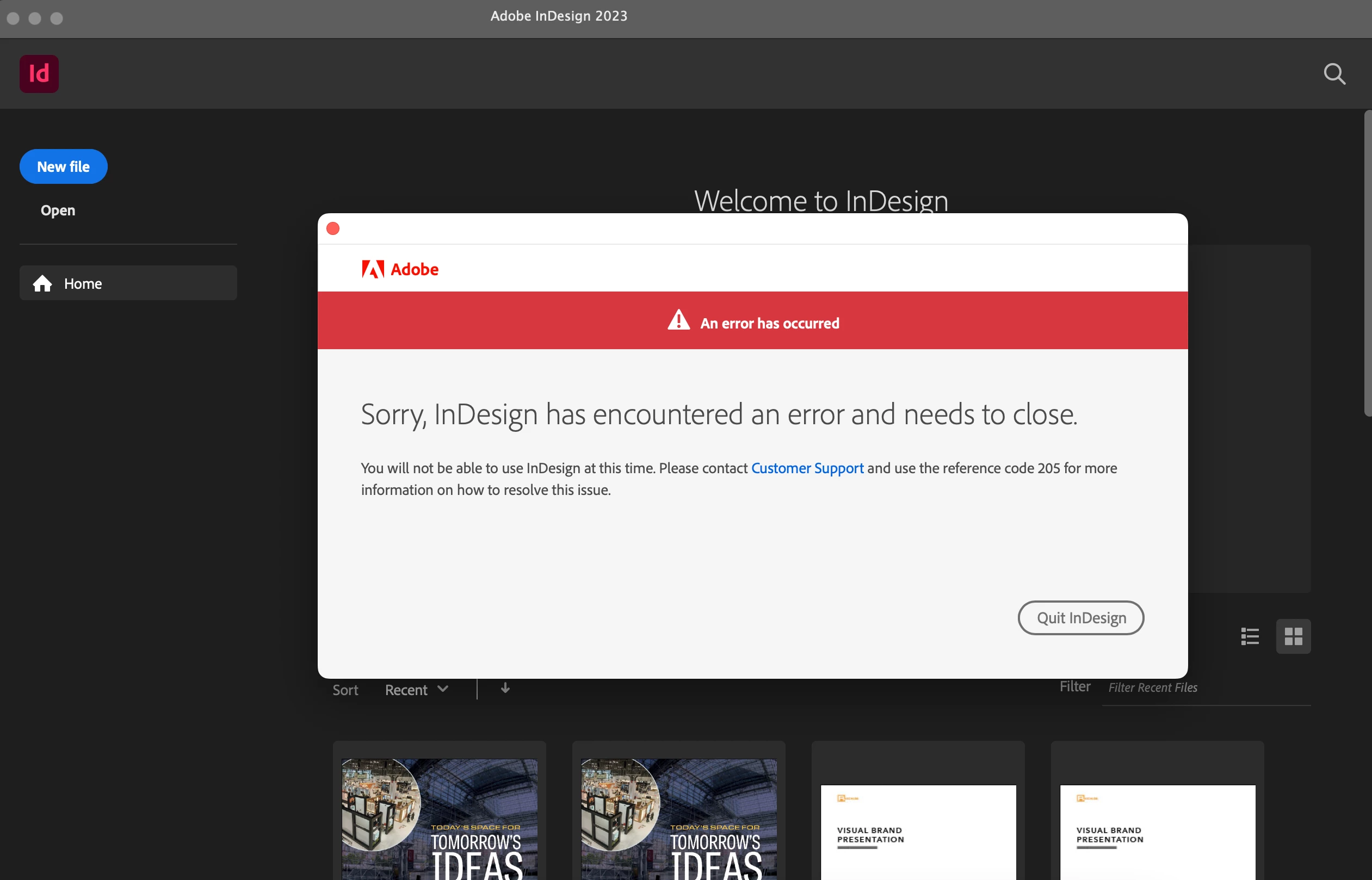
Every time I open up InDesign this pops up on my laptop. It started happening after I installed the new InDesign 2023 version (which says it works for my computer. I even tried opening files with the 2020 version. I've forced quit the software, uninstalled and reinstalled InDesign, cleared out the preferences, and restarted my computer, but nothing seems to work. If anyone else has any suggestions please help!

This topic has been closed for replies.

1 reply

Frans v.d. Geest
Community Expert
Community Expert
October 25, 2022

The dialog that causes the this alert is right there on your screeshot: the big one saying Quit InDesign... Now the real question is why it crashes and has encountered the error...

Participant
October 25, 2022

Yeah, they both pop up every time I open InDesign. The error message pop-up doesn't tell me what it could be and it won't even let me report the error to Adobe. It literally just force quits the entire app when I click "Quit InDesign." I'm at a loss.