
Question
Cannot open .indd files. Getting recovery prompt, and then error causing me to force close.
Hi all,
I'm getting the following error:
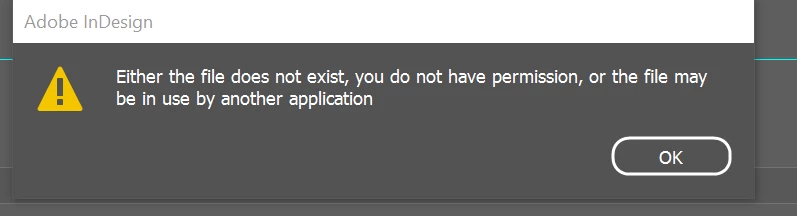
Here's some context leading up to this:
- Split an original document into separate documents and put them into a book file.
- Today, attempted opening one of the new files from the book (and from File Explorer) and got the error.
- Force quit (Task Manager -> End Task).
- Tried reopening the file, prompted with recovery dialg, clicked Yes. The same error is given.
- Force quit. Retried with another document. Same result.
- Retried with the original document (that I split the files from) and get the same error and recovery prompt after force quitting.
- Pasted the files to my desktop and tried opening. Same result.
I've uninstalled InDesign, made sure OneDrive was off, made sure Adobe CC syncing was off, removed the document files from the book files, deleted the lock files, reset my Preferences.
Anything else I can try? Or possible reason why I'm having this issue?
 AdChoices