Participant
February 3, 2023
Question

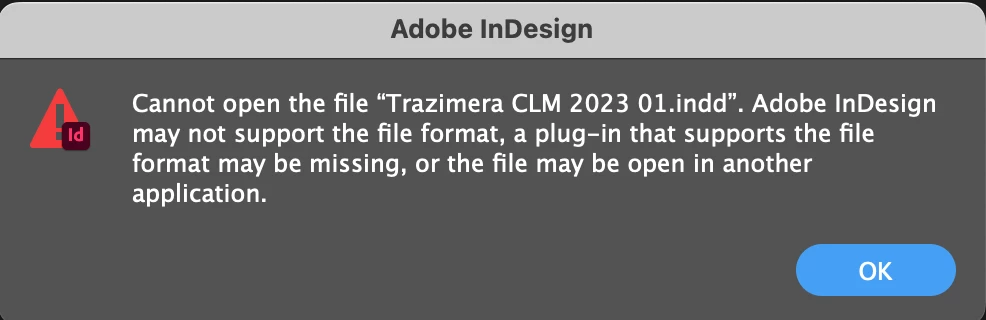
Cannot open the indd file

  • February 3, 2023
  • 2 replies
  • 1020 views

Hi, 


I Have a working file that I worked in ID2023 then when I opened it the day after it doesn't open anymore.

Other working files are opening though.


Can anyone help? 🥺 Thanks in advance

This topic has been closed for replies.

2 replies

BobLevine
Community Expert
Community Expert
February 5, 2023

That is not an error you'd get with an file created in a later version, so I think we can eliminate that.


If that file is in an iCloud, OneDrive, Google Drive, or Dropbox folder, make sure that the entire folder is not taking advantage of a smart sync feature and that all files are readily available on the hard drive.

Willi Adelberger
Community Expert
Community Expert
February 3, 2023
  1. Do you want to open it on the same computer or did you save it on a shared server or cloud file? Then go with right mouse click in Finder or Explorer and choose make offline available.
  2. Do you see a lock sidecar file? Delete it.
  3. Do you try to open it with anouther version than CC 2023, an older version to open the file? Then use the latest version.
Participant
February 3, 2023

Hello, Just using the same computer, didnt saved it on cloud or shared server. Where do i find this lock sidecar file? Yes my indesign app is updated as it says on CC app manager list. Still wont open

Peter Spier
Community Expert
Community Expert
February 3, 2023

Look for a file with a .idlk extension in the same folder as the file that will not open and delete thaat.