
Cannot place .XLSX file in InDesign (at all). No error message.
Hi Community,
I'm venturing into new territory and trying to place an .XLSX table into my .INDD class syllabus.
I have watched a handful of videos and read a few threads. I must be making a BEGINNER'S mistake somewhere.
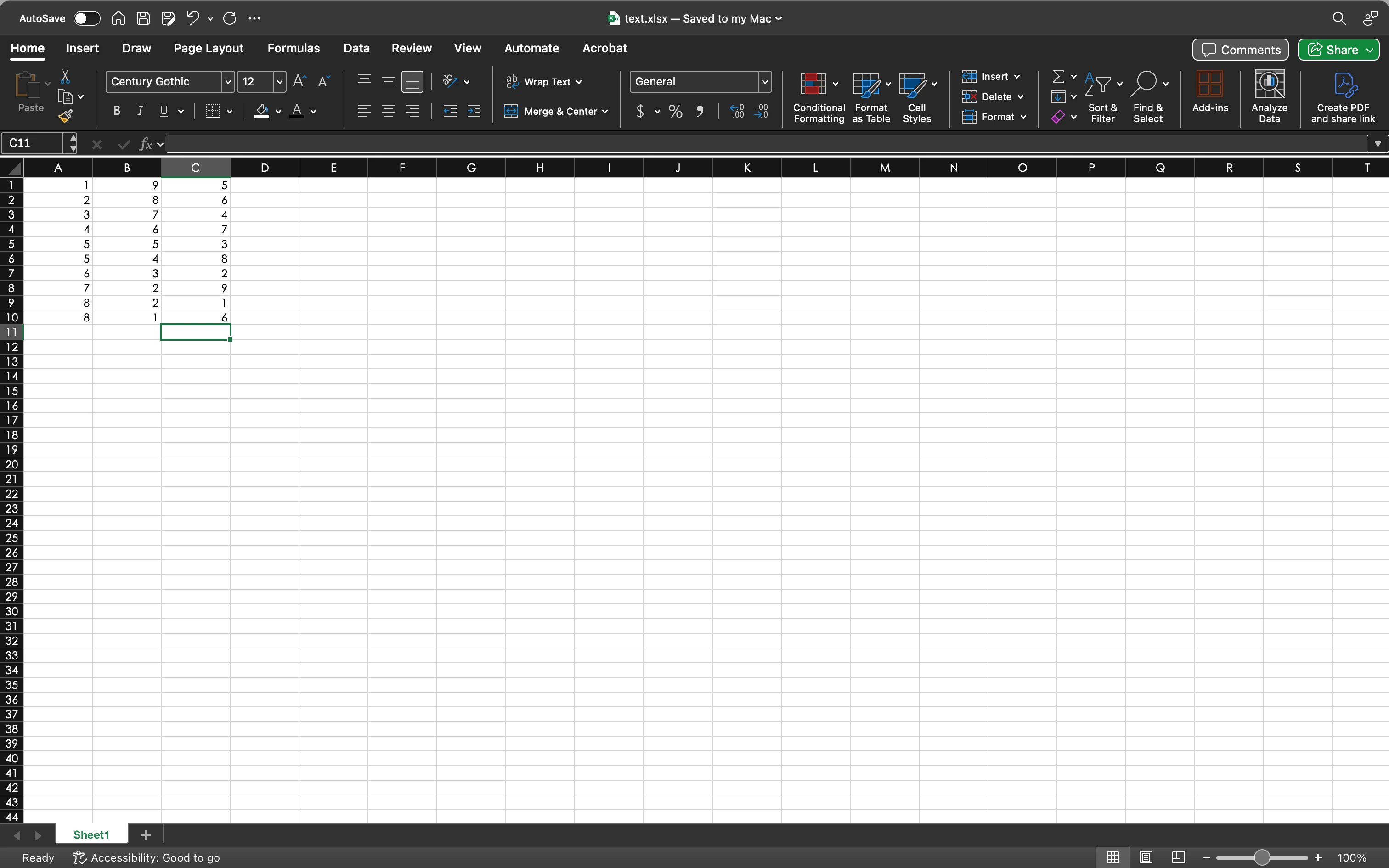
To troubleshoot, I made three different .XLSX files, descending in complexity from my desired file, down to a test file with only single digit integers and no formatting.
I have create links to placed files turned on.
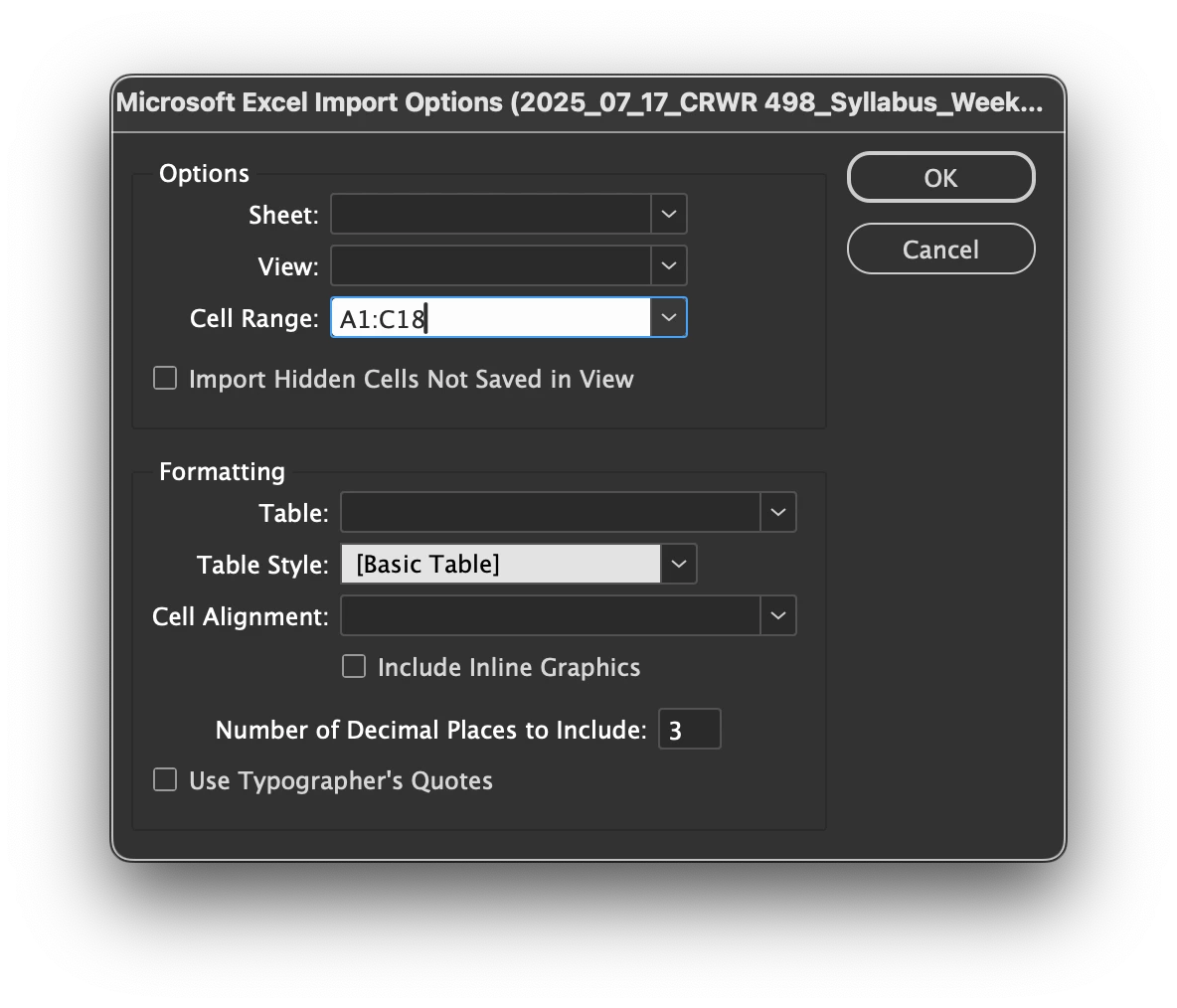
I have import options checked.
After the import menu, there is nothing loaded on the cursor and it's as if I didn't use the Place function at all. Exactly NOTHING happens. Bleep blorp bloop.
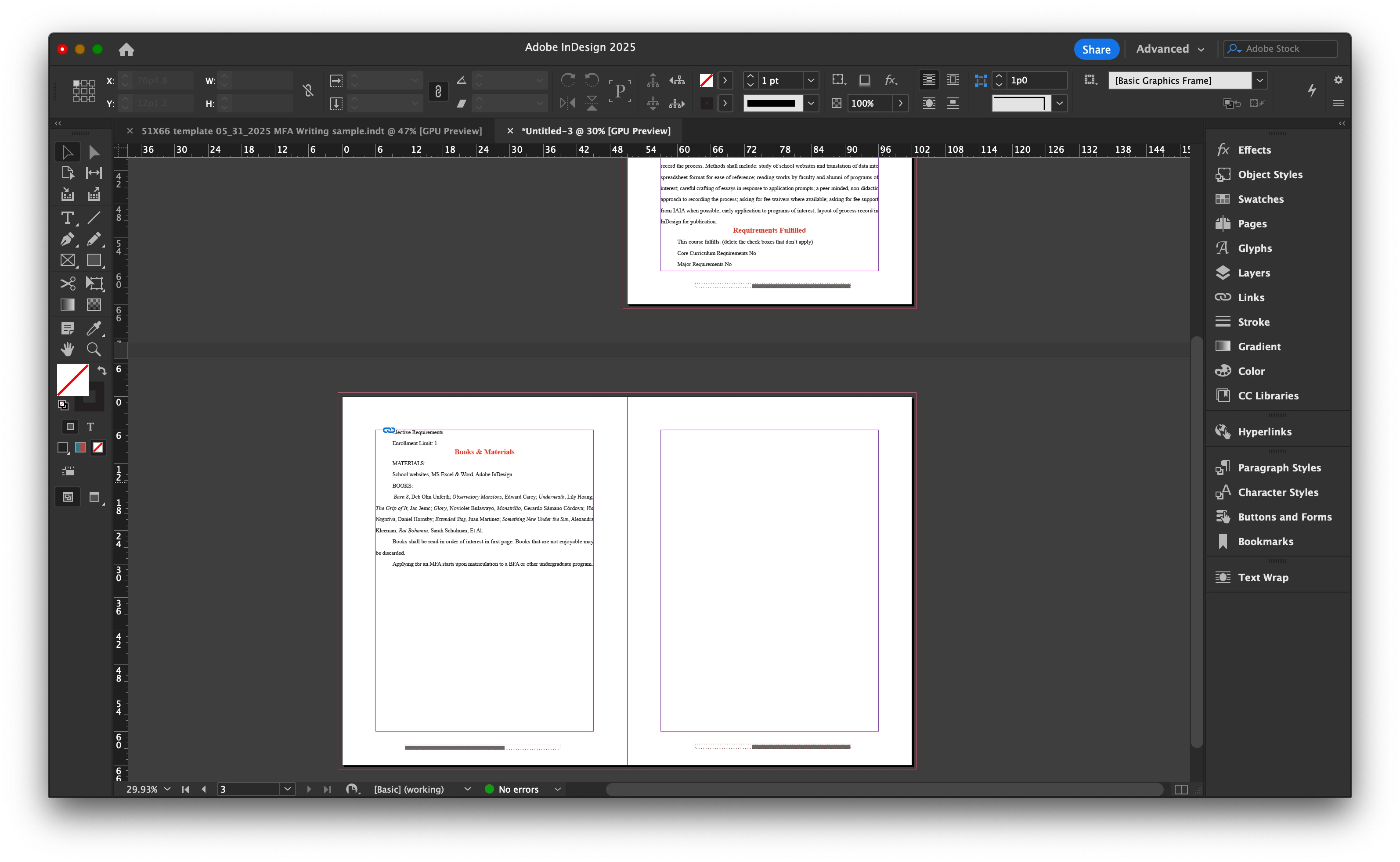
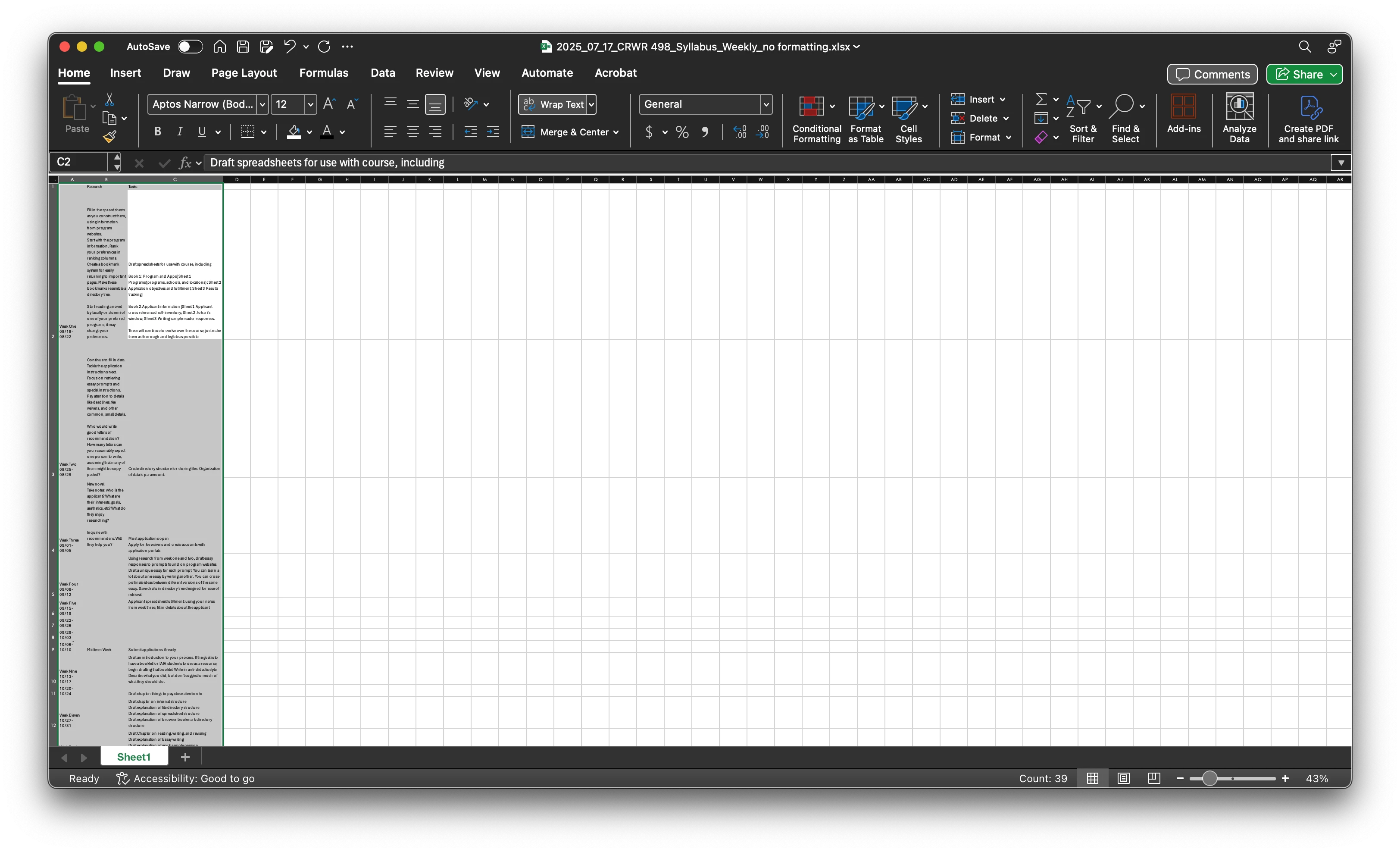
I'm attaching SS of the .XLSX in Excel, the destination .INDD, and the Import options menu as it populates for me (mostly greyed-out, allowed to set cell-range, table style, that's about it.) *also: I realize the cell range does not match the test dataset, it does match the desired dataset in screenshots further down the post).
Your help is appreciated.
David
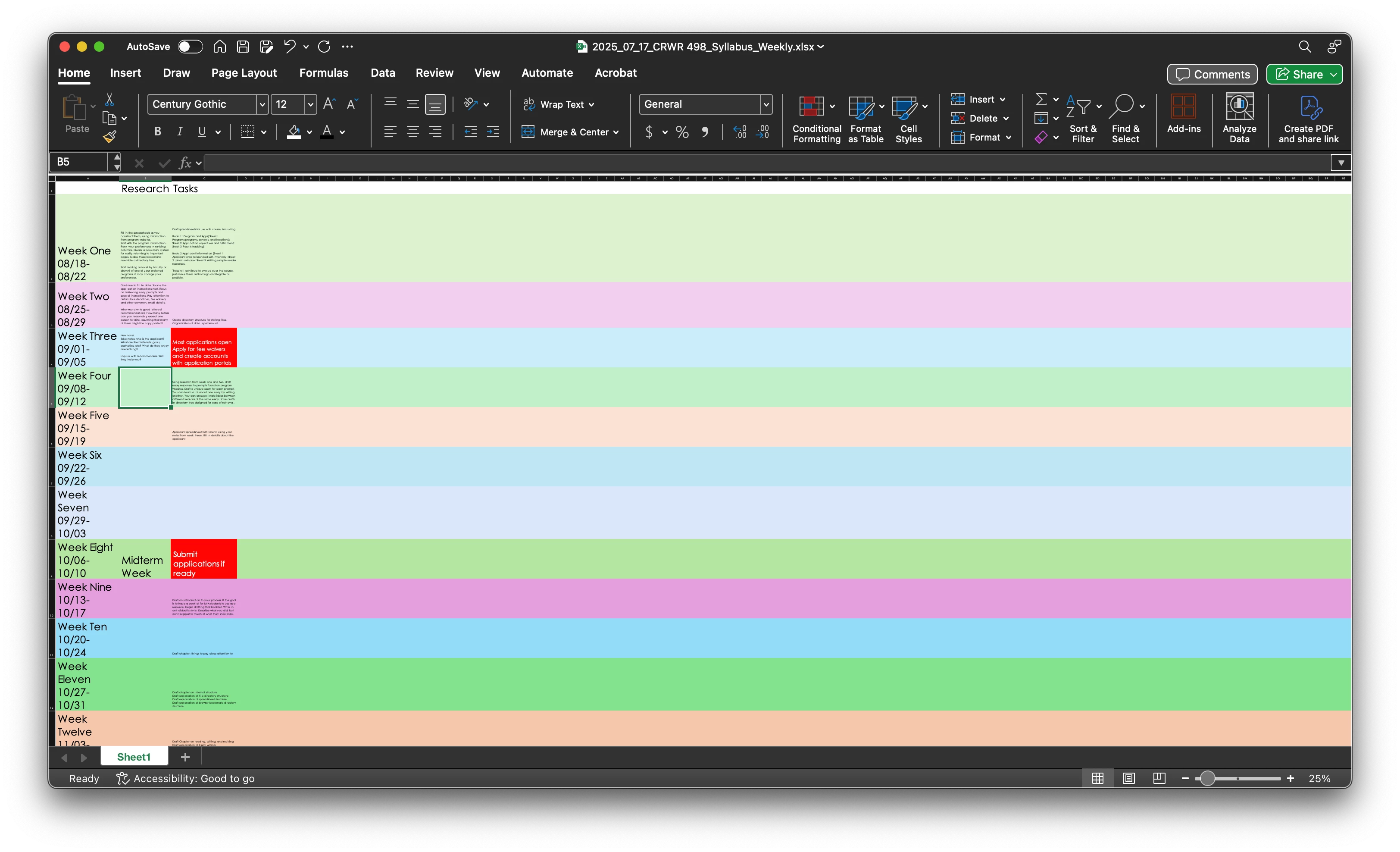
 Further Screenshots: my desired dataset, both formatted and "unformatted"


 AdChoices