
Participant
March 20, 2022
Question

Cannot Save File

  • March 20, 2022
  • 3 replies
  • 230 views

Hi, I have a problem when saving files in InDesign

The problem here is I cannot save my file when I try to save it. It said like the picture below:
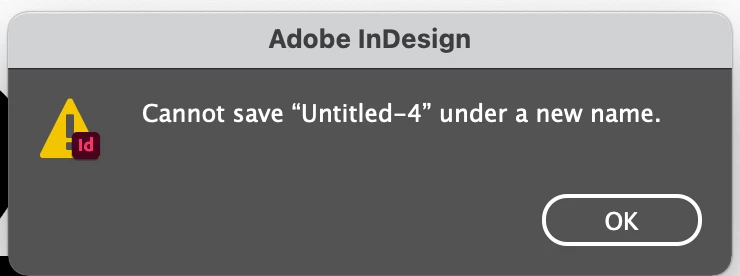
But when I export it as .idml file, it worked.

How can I save it in original way?


I'm using InDesign CC 2020 version 15.1

Running on macOS 11.6.5


This topic has been closed for replies.

3 replies

Peter Spier
Community Expert
Community Expert
March 20, 2022

Do you have an external monitor conected? There are a number of similar reports with more recent versions and external monitors.

Participant
March 20, 2022
I have an external monitor on both my iMac and my laptop. I finally realized that I can convert the few files I’ve done in the 2022 version of inDesign back to the 2020 version. That seem to be my best option while I try all of the suggestions I’ve received on my laptop that I only use occasionally. I can’t deal with the wasted time. 


Sent from Yahoo Mail for iPhone
Willi Adelberger
Community Expert
Community Expert
March 20, 2022

Open the IDML and save as new INDD. If you cannot save it otherwise is the IDML path the way to repair the file. Check if unwanted changes happened.