
Cannot unlock text boxes from a Master Page
Hi,
First think first: Adobe InDesign CC for MAC, OS X 10.9.1.
I got a file from a client with a lot of master pages. Now, what puzzles me is that at a point the designer used a Master page (Title on Bottom - Y) to add the text on footer, which footer is then used on the rest of the master pages. Each master page contains three layers: Text Boxes, Images, Blue Frames.
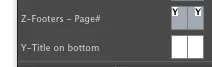
Then, he created another master page (Z - Footers_Page#).
Now, the tricky question.
He, initially, locked the titles from the bottom which were put on layer Text Boxes. I unlock them.
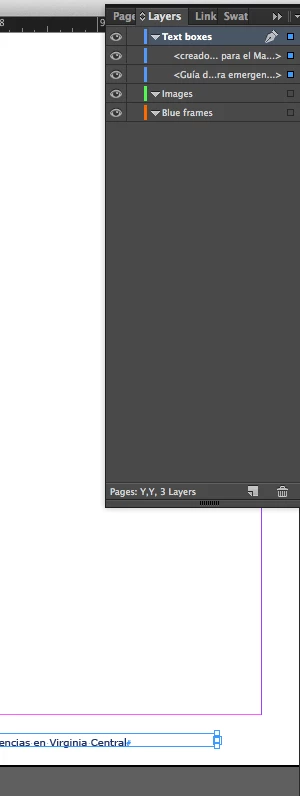
Then, I went on my document page in order to sselect that text from the footer and make it a little smaller, but only in that page, not on all pages of the document. Usually this is done by clicking on the desired text frame while pressing Command+Shift. It didn't worked.
I checked the master pages and noticed that the page I tried to change was using the Master Z. So, I thought that master might have the bottom text locked too. So, I went to that master and I noticed that the text boxes containing the footers is not locked but not even showed on any of those three layers.
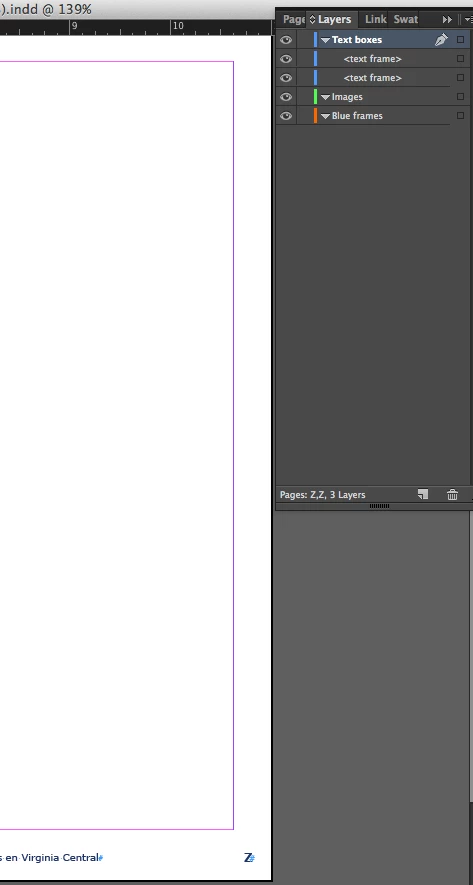
I tried Command+Shift+click on the text boxe containing the sentence ending in ... Virginia Central, in order to make it editable. No way. In layer Text Boxes they are not showed.
The only text boxes I can edit are the page numbers.
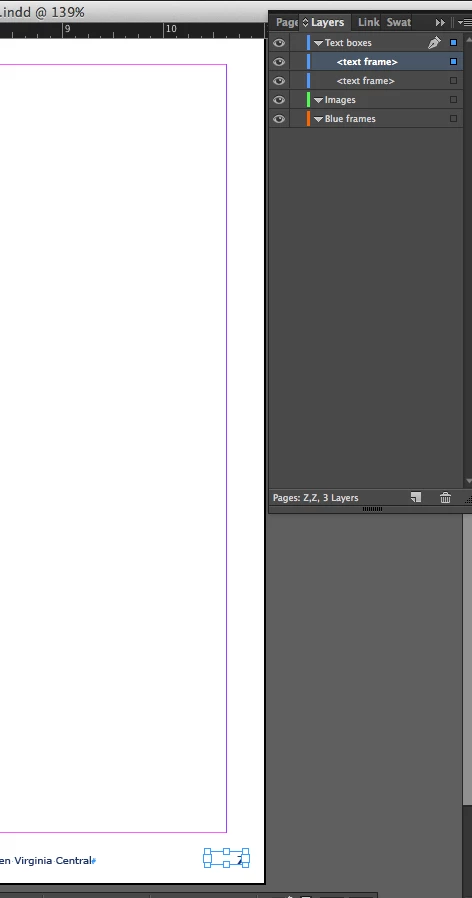
However, when I make the Text Boxes layer invisible, all footers dissapear, including those I cannot edit at all.
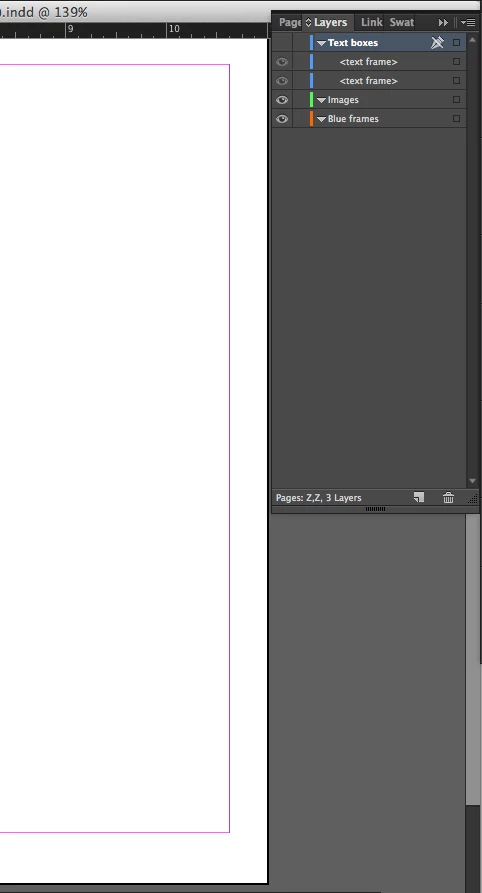
So, I start wondering. What's going on? Commands like Show all on spread, or Unlock all on spreads are grey. So, how do I edit that line on a single page.
There is an unprofessional way, but I preffer to learn before doing amateur job.
Thank you.
Sebastian
 AdChoices