
Answered
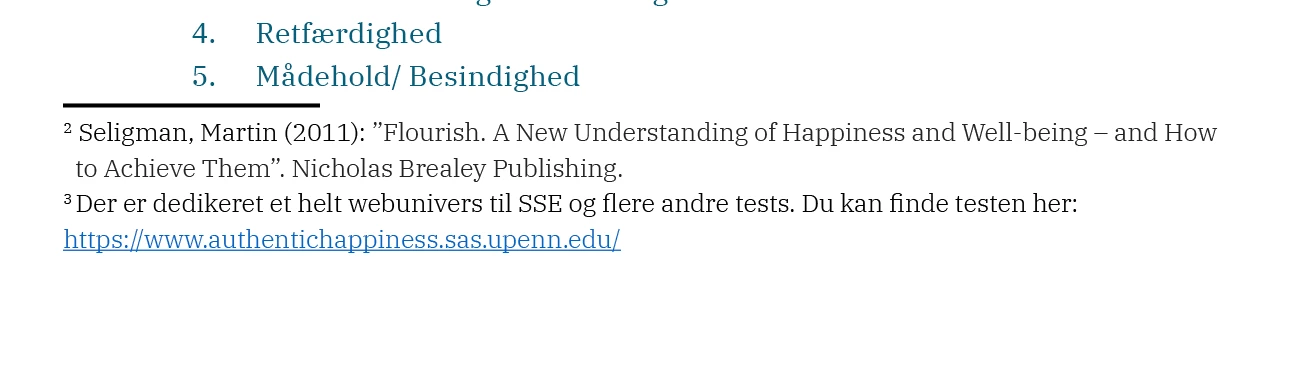
Cant remove line on top of foot note (imported word-doc).
Hi Guys
I can't figure out how to remove the line that is above the foot notes that I have imported from a word dock. Further more theres a "invisible border! around the foot notes that moves my main txt and can't figure out where to turn this of.
Hope somebody can help! Thanks!
 AdChoices