Inspiring
May 13, 2019
Answered

Carriage returns and spacing are flipped

  • May 13, 2019
  • 1 reply
  • 834 views

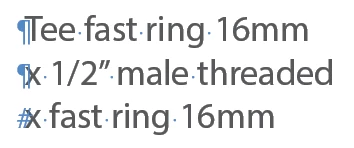
I received a file where the carriage returns and the figure space symbols (#) are at the beginning of the sentence, and some of the spacing is flipped. If you were to highlight the sentence from beginning to the end, it jumps around from beginning to all over the sentence.

Has anyone ever seen this? In all of my 20+ years of working with Indesign I never have. The file is coming from Israel, but it is all in English. Maybe corrupted fonts corrupted the file? Does anyone know of any solutions? For now, I have to re-type the copy in a new document, copy/paste back into the old document and apply styles. The copy is technical and there's lots of it so this can be time consuming and increase chances for copy errors throughout the document.

Picture is an example of what's going on:
This topic has been closed for replies.
Correct answer KatStellRiver

Hi Kathryn:

Do you know of a shortcut to change the ALL of the text from, let's sat, Hebrew, to English USA setting?

If the text is formatted with styles, you can redefine their definitions.

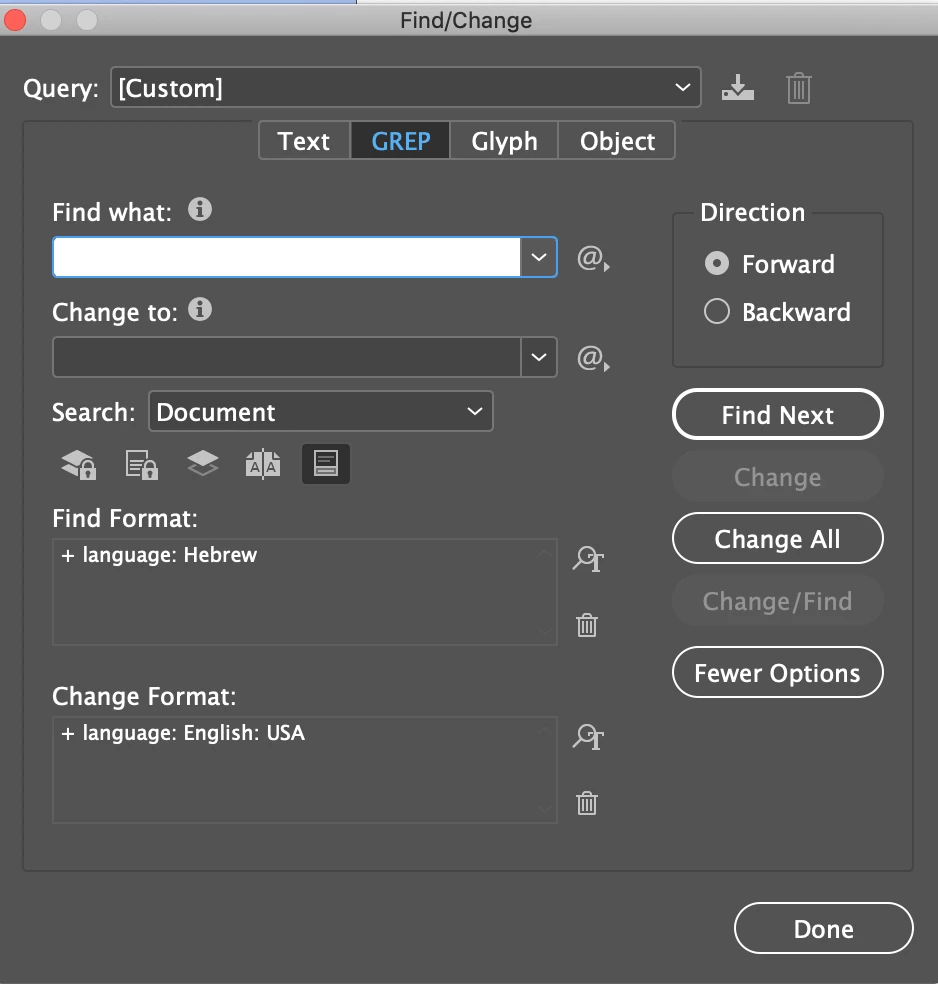
If not, you can change the language via Find/Change at the bottom of the dialog box. B

~Barb


I figured it out! It's actually a setting in paragraph options. You must have "Adobe Paragraph Composer" checked. My document had "Adobe World Paragraph Composer" checked. This allows users that are using middle eastern languages to use a mix of languages, but of course this was messing everything up on my end.

Yay!:)

1 reply

Barb Binder
Community Expert
Community Expert
May 13, 2019

Hi Kathryn:

So you have a North American version of InDesign installed, but the Right to Left orientation is coming in with the file?

Does the answer on this thread help?

Type tool changes sequence of text

~Barb

~Barb at Rocky Mountain Training
Inspiring
May 13, 2019

Yes, I have North American version. The copy is set to English: USA setting. Not all of the text is like this, but a good amount it is. Yes some of it is right to left or jumps all around.

The copy could have originally been set to Hebrew. Maybe changed at some point before sending to me.

Barb Binder
Community Expert
Community Expert
May 14, 2019

That's my guess as well. Were you able to restore L to R in that document?

~Barb

~Barb at Rocky Mountain Training