Participant
June 7, 2017
Answered

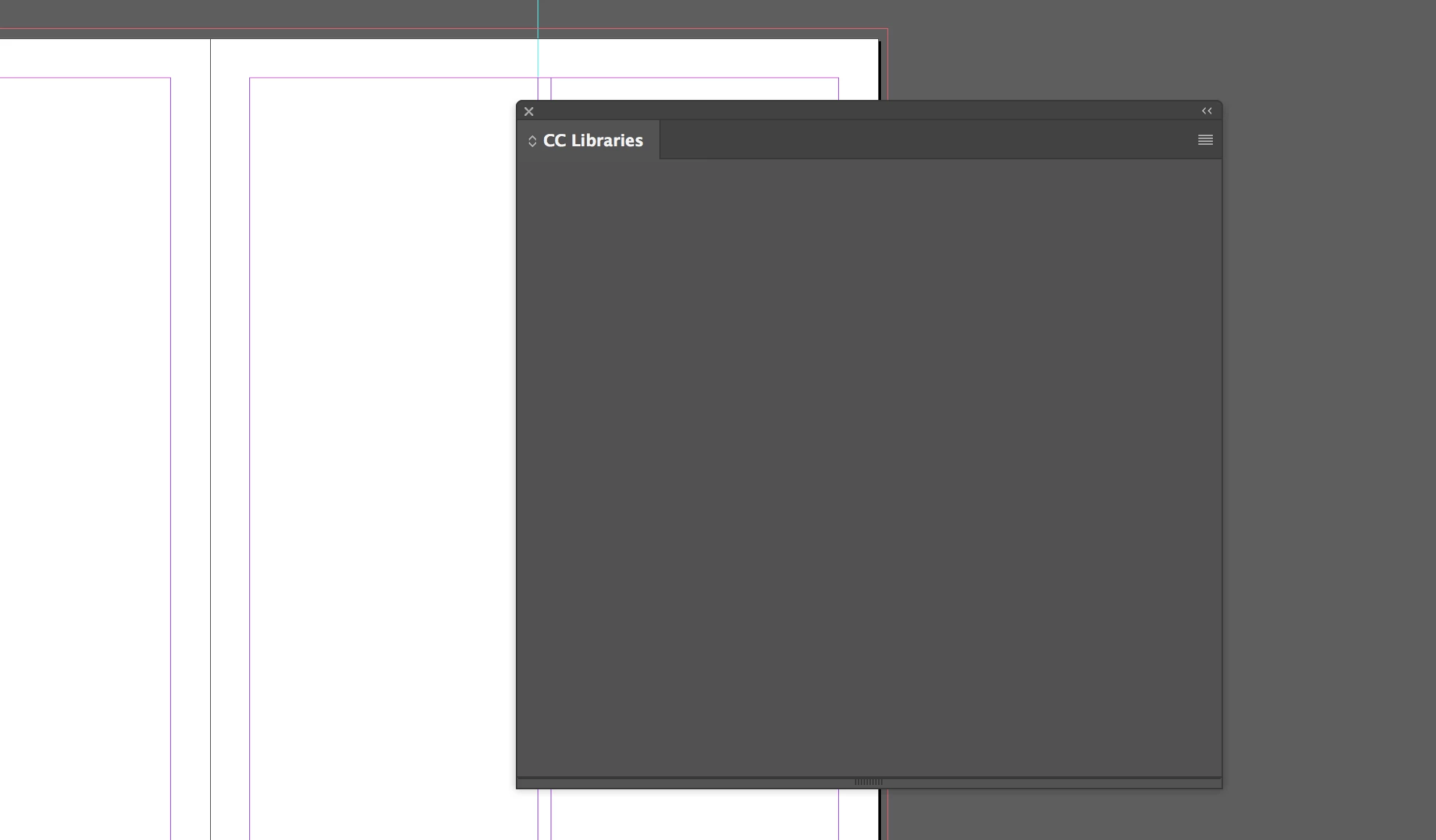
CC Libraries for InDesign are not showing, display bug?

  • June 7, 2017
  • 3 replies
  • 3578 views

I am working on a magazine and use CC Libraries extensively for titles, graphics, and magazine fonts and colors. I open the panel and it loads, no connection issue or error messages, but it's just blank, I can hover my mouse over items that should be there and the mouse will change to the "click" version, so I know everything is there, it's just not displaying.
This topic has been closed for replies.
Correct answer amaarora

Hi,

If the above suggestion does not work, then try re-installing InDesign.

After uninstalling ensure that the folder C:\Program Files\Adobe\Adobe InDesign CC [Version] goes away.

On Mac you would find Adobe InDesign CC[Version] in the applications folder. Once you uninstall this folder should go away completely.

Then re-install

-Aman

3 replies

Participating Frequently
December 8, 2022

Can confirm it IS a display bug. I have a Razor Core X eGPU with an AMD RX VEGA 56 card. If I "get info" for InDesign application and disable "prefer external GPU" then the CC Libraries panel loads correctly. If I quit and enable "prefer external eGPU" then open InDesign again, the CC Libraries panel is empty. 

amaarora
Community Manager
amaaroraCommunity ManagerCorrect answer
Community Manager
June 8, 2017

Hi,

If the above suggestion does not work, then try re-installing InDesign.

After uninstalling ensure that the folder C:\Program Files\Adobe\Adobe InDesign CC [Version] goes away.

On Mac you would find Adobe InDesign CC[Version] in the applications folder. Once you uninstall this folder should go away completely.

Then re-install

-Aman

Kanikas
Community Manager
Community Manager
June 8, 2017

Moving to InDesign

Steve Werner
Community Expert
Community Expert
June 8, 2017

Go to the CC desktop app > "gear" icon > Preferences > General. Log out and log in again with your Adobe ID.