

Question
Cell Style Not Applying Bottom Border in InDesign - Missing Border When Using Style
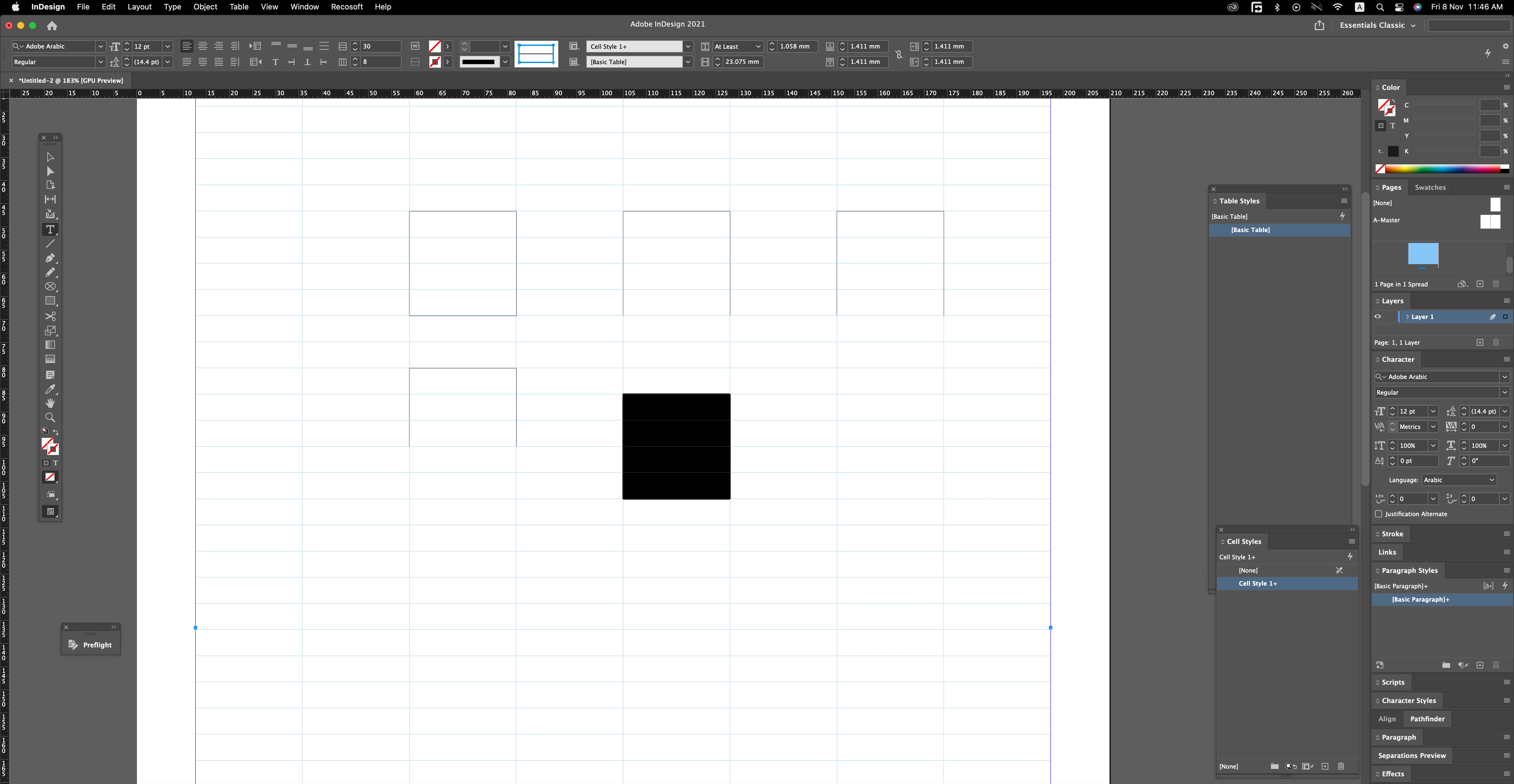
i am working on annual report of 300 pages where on every page there is so many borders to apply on figures the issue i am facing is when i select 4 rows and single column and apply border to the cell 0.25 pt its fine manually, selected cells when i create new cell style and apply the style on same cells nothing happens the plus sign shows with style name, when option click on style name style applies but the bottom line is missing
now i want to clear the plus sign when i click on style style applies and bottom line to complete border what i am missing here. thanks for help
<Title renamed by MOD>


 AdChoices