
Answered
Centering ( may be a silly question)
When I am dragging an object on the page and I hit center, I get a magenta guideline, but sometimes it is green... what is the difference in meaning?
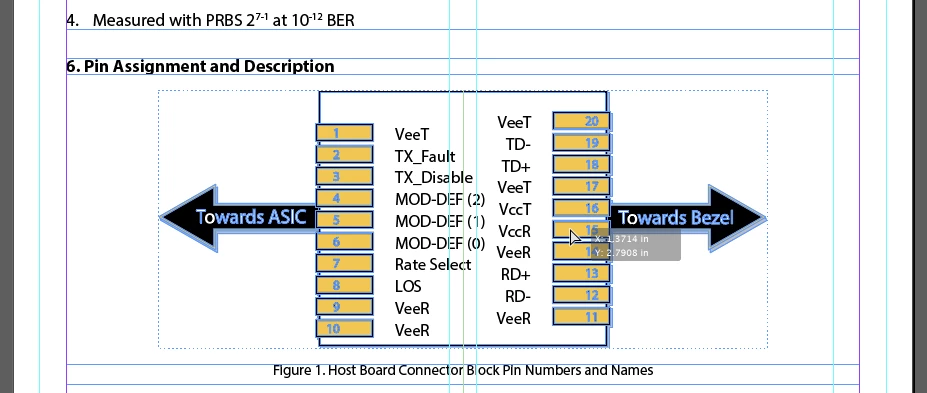
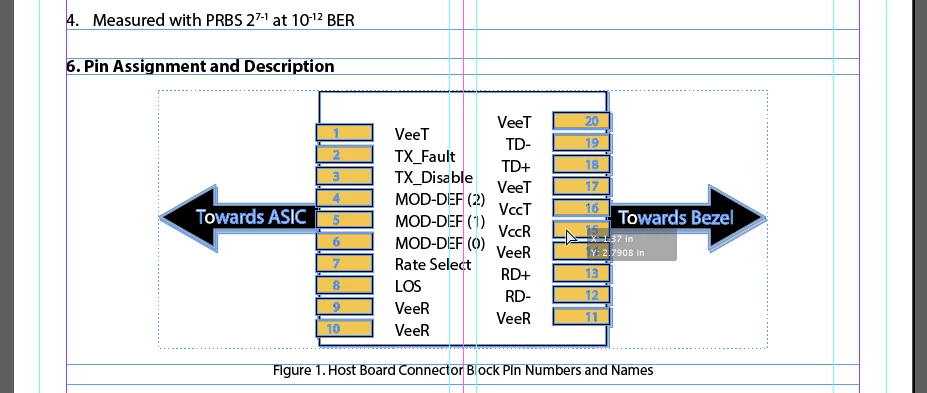

When I am dragging an object on the page and I hit center, I get a magenta guideline, but sometimes it is green... what is the difference in meaning?
The green ones are "Smart Guides." Here's a writeup about them: Create and work with ruler guides in InDesign
The magenta line means that you're aligning to the horizontal or vertical center of the page. The green line helps you align to other things (objects) on the page.
I hope this helps!
Buck
Already have an account? Login
Enter your E-mail address. We'll send you an e-mail with instructions to reset your password.
 AdChoices