
Question
Challenge: How to Remove single Font Default Font in INDD
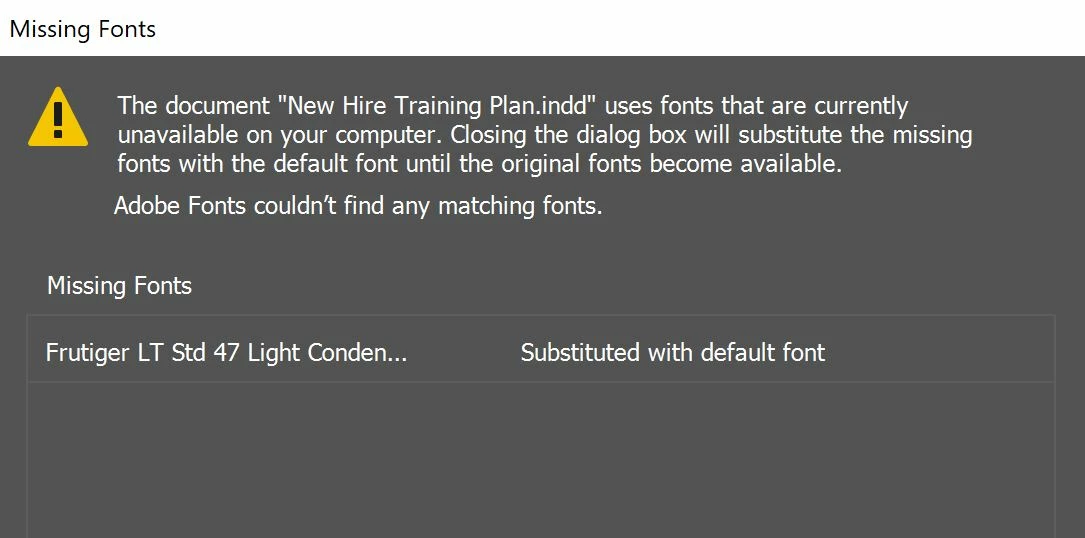
Hello - I have a Font Family that is missing one of the default fonts causing my document Pre-Flight to error out and replace this missing individual font (Frutiger 47 - Light Condensed) to auto replace with Minion Pro - which looks very different. I have manually readjusted this many times to Frutiger 55 Roman, however I need to manually adjust this everytime I am in and out of the working file. Any tips on how to clear 47 Light Condensed - Fruitger (Font that is MIA from Font family) to default to 55-Roman - Frutiger? I do not want the Minion Pro in this file at all. TIA for sharing any tips and tricks! 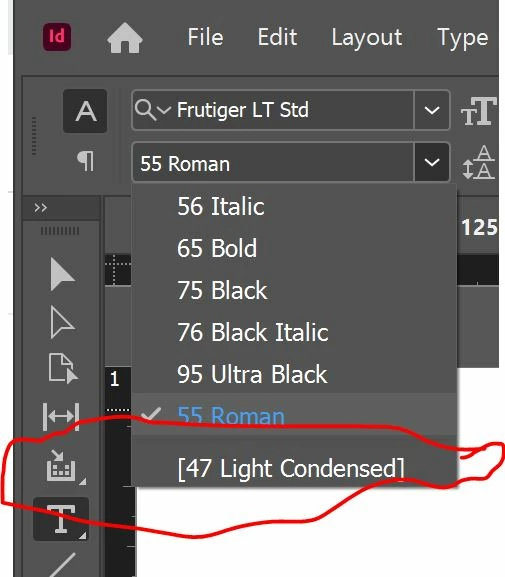
 AdChoices