
SimonCan
Participant
April 9, 2025
Answered

Change font weight of bullet points

  • April 9, 2025
  • 1 reply
  • 331 views

Please help, I have been trying to sort this myself but have drawn a blank so far. 


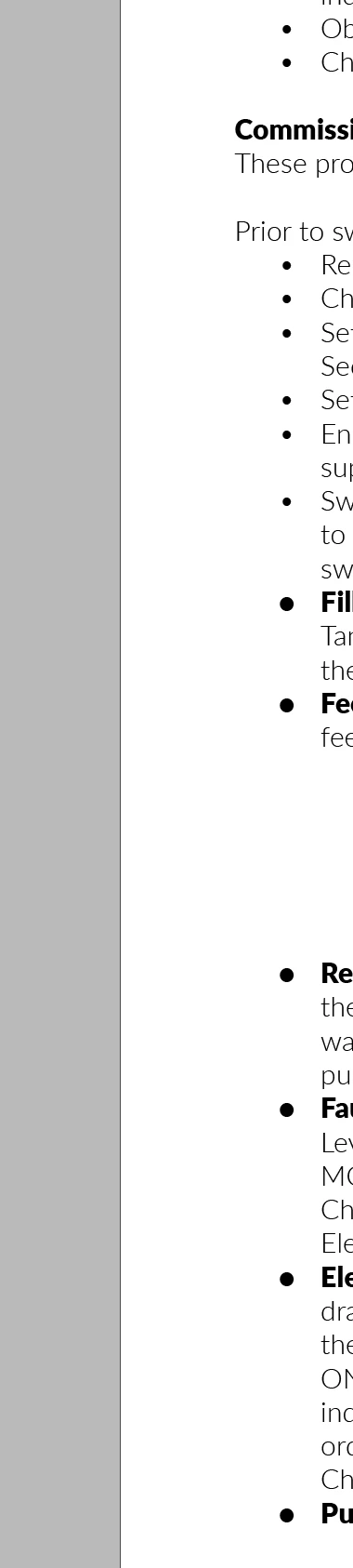
I have created a list in InDesign and every item is bullet pointed. Some of the items start with Lato Light others use Lato Black. However, I cannot seem to control the weight of the font for the bullet piont itself, which means I have inconsistency across the document. How do I control this?
 

Correct answer Frans v.d. Geest

By using a  character style. Create the desired character style and in your Paragraph style set it to be used for the list.

1 reply

Frans v.d. Geest
Community Expert
Frans v.d. GeestCommunity ExpertCorrect answer
Community Expert
April 9, 2025

By using a  character style. Create the desired character style and in your Paragraph style set it to be used for the list.

SimonCan
SimonCanAuthor
Participant
April 9, 2025

Thank you so much, Frans.