Inspiring
December 13, 2022
Answered

change of table size

  • December 13, 2022
  • 1 reply
  • 1080 views

Hi,


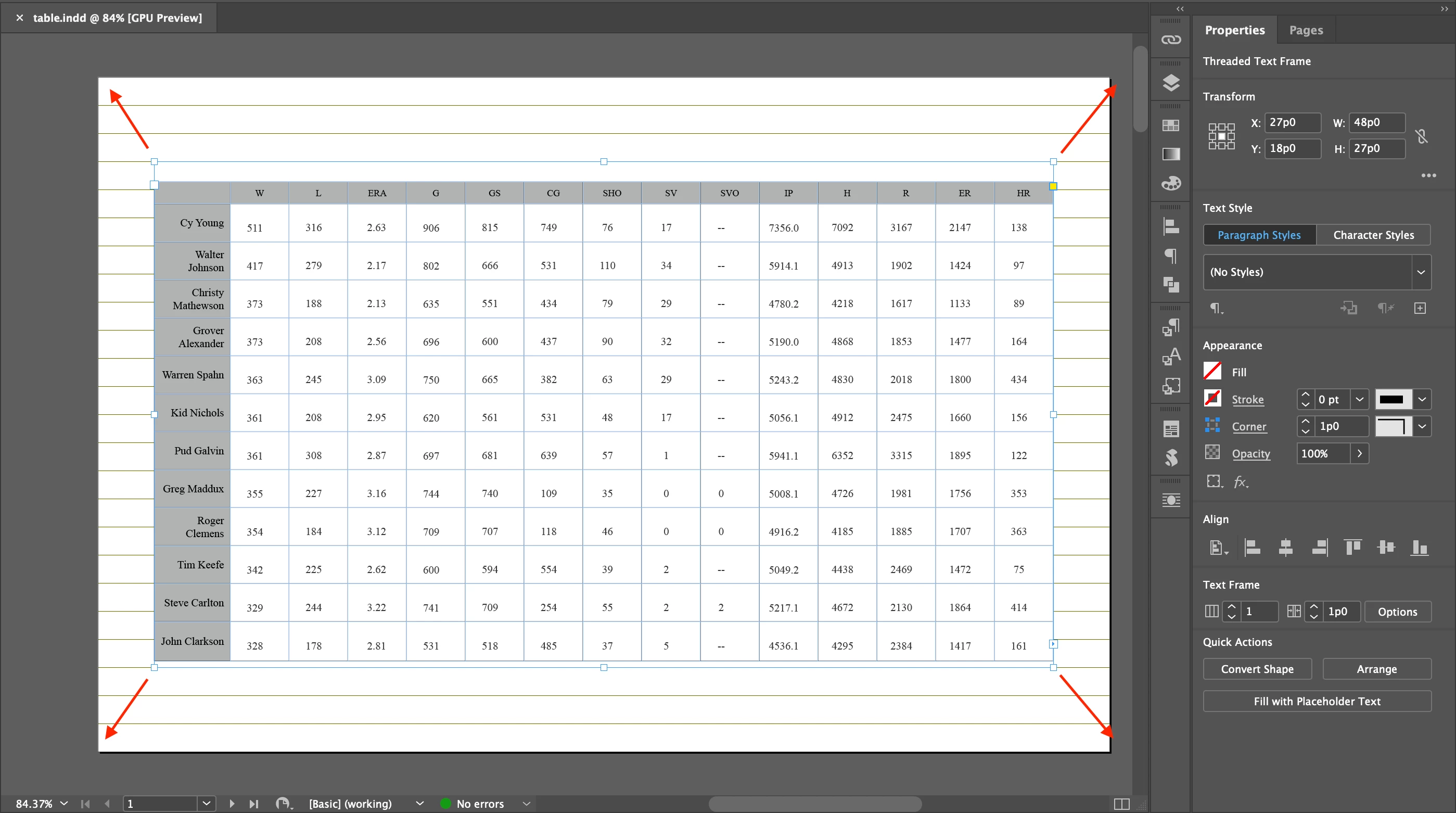
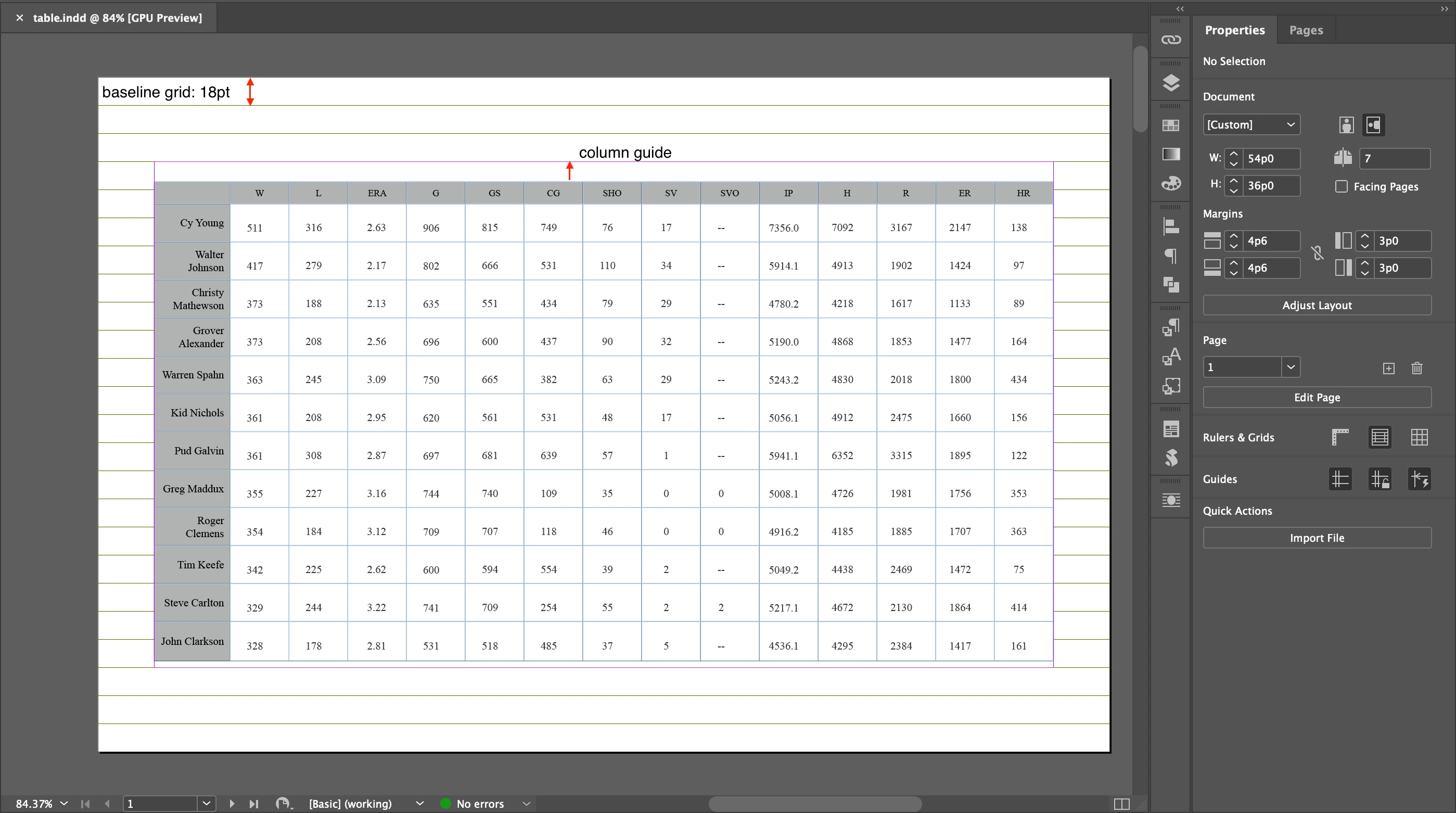
Is there any way to increase the height of table up to the column guide?


or


Sould I increase the table frame?


Hosun
 

This topic has been closed for replies.
Correct answer Peter Spier

I can think of two reasons this could be happenig. Fiorst is there's something else in the cells above the text you can see (show hidden characters to check), or more likely, the top and or bottom inset values are set differntly for these two cells. Verrical justification works in the space between the insets which act just like page margins inside the cell.

1 reply

Peter Spier
Community Expert
Community Expert
December 13, 2022

Tables behave is kind of odd ways. If the table is wider than the frame it will extend outside the frame boundaries, but if it's taller it will break between rows. Changing the size of the text frame that contains a table will not affect the size of the at all.


You can move the table upwards by moving the top of the text frame higher on the page (but the whole table will move upward, the table won't change size) or you can remove wahtever is in the text pushing it below the top of the frame now. Without seeing invisible characters I can only guess there is an empty paragraph above the table.


If your goal is to make the entire table take up more space on the page the only ways you can do that is to increase the heights of the rows and the widths of the columns or to put the table into a new frame by itself aand achor that frame into your text as an anchored object, then scale that. I have not tested the anchoring method and I'm not certain it will work but creating a new dcoument for the table and palcing that as an achored image probably would.

Inspiring
December 13, 2022

I just moved up and down the table frame and got what I expected.


I have another question.


There are two cells, both of which are aligend right and center.

But they don't look aligned.

Is there any way to make them aligned?


Hosun


Peter Spier
Community Expert
Peter SpierCommunity ExpertCorrect answer
Community Expert
December 13, 2022

I can think of two reasons this could be happenig. Fiorst is there's something else in the cells above the text you can see (show hidden characters to check), or more likely, the top and or bottom inset values are set differntly for these two cells. Verrical justification works in the space between the insets which act just like page margins inside the cell.