
Aircubelimited
Participant
April 19, 2023
Answered

change page name on template

  • April 19, 2023
  • 1 reply
  • 326 views

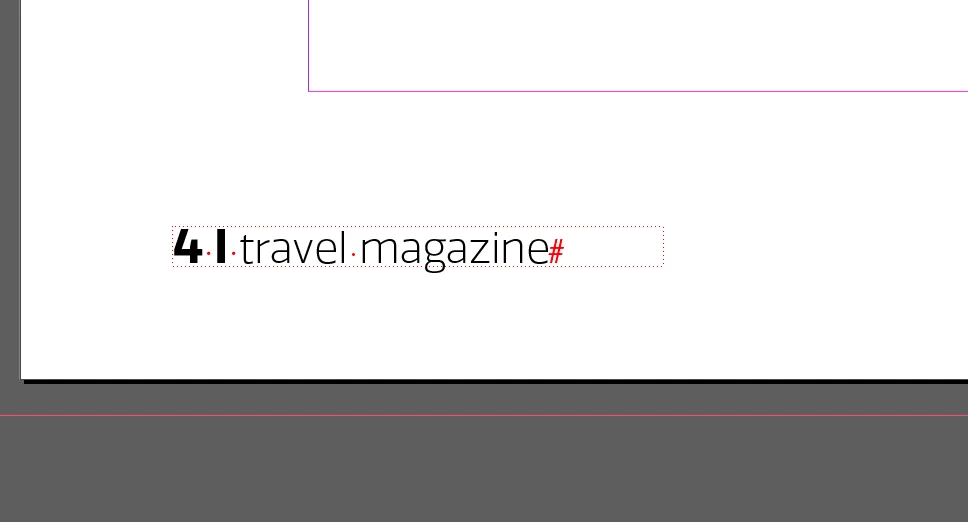
Hello, I used a template downloaded from Adobe Stock, I managed to edit all sections of the document except the page numbers/name. It seems like it's locked out somewhere, but I cant find it. 

As per the image, nothing happens when clicking on it. 


This topic has been closed for replies.
Correct answer jmlevy

See the small dots around the text frame? It indicates that this frame is on a parent page. So, go on the parent page (usually at the top of the pages panel) and you will be able to edit the content of the frame.

1 reply

jmlevy
Community Expert
jmlevyCommunity ExpertCorrect answer
Community Expert
April 19, 2023

See the small dots around the text frame? It indicates that this frame is on a parent page. So, go on the parent page (usually at the top of the pages panel) and you will be able to edit the content of the frame.