

Answered
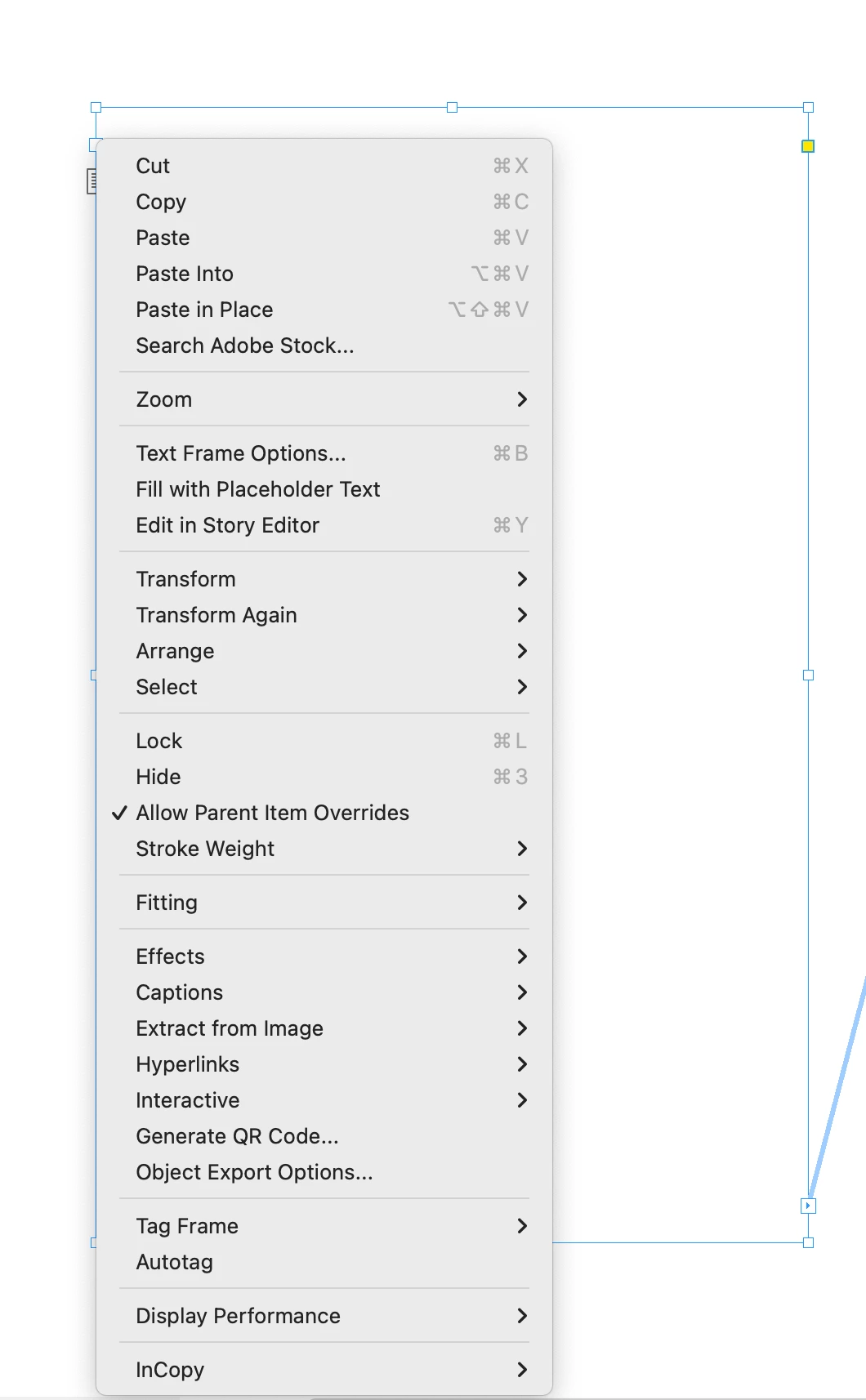
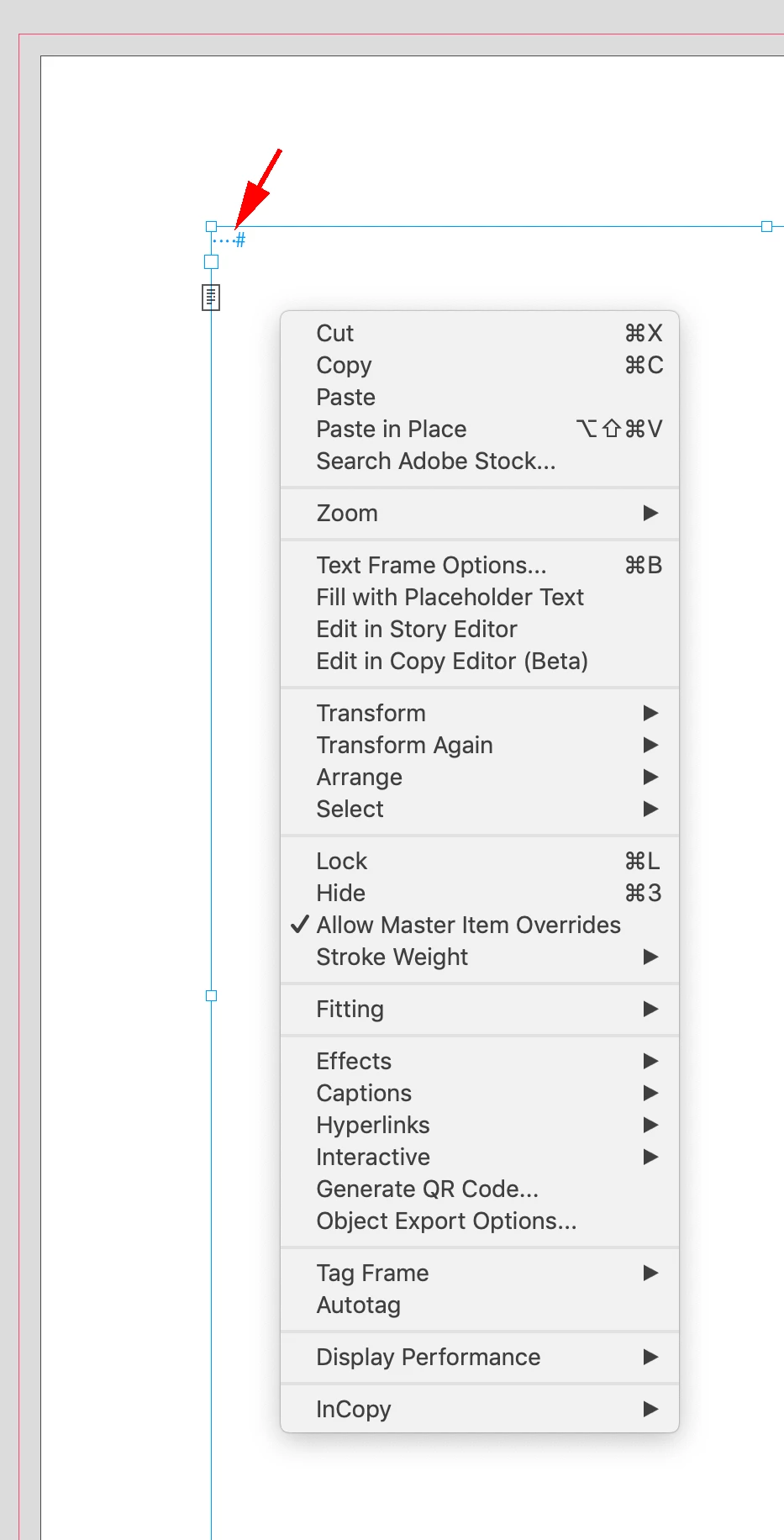
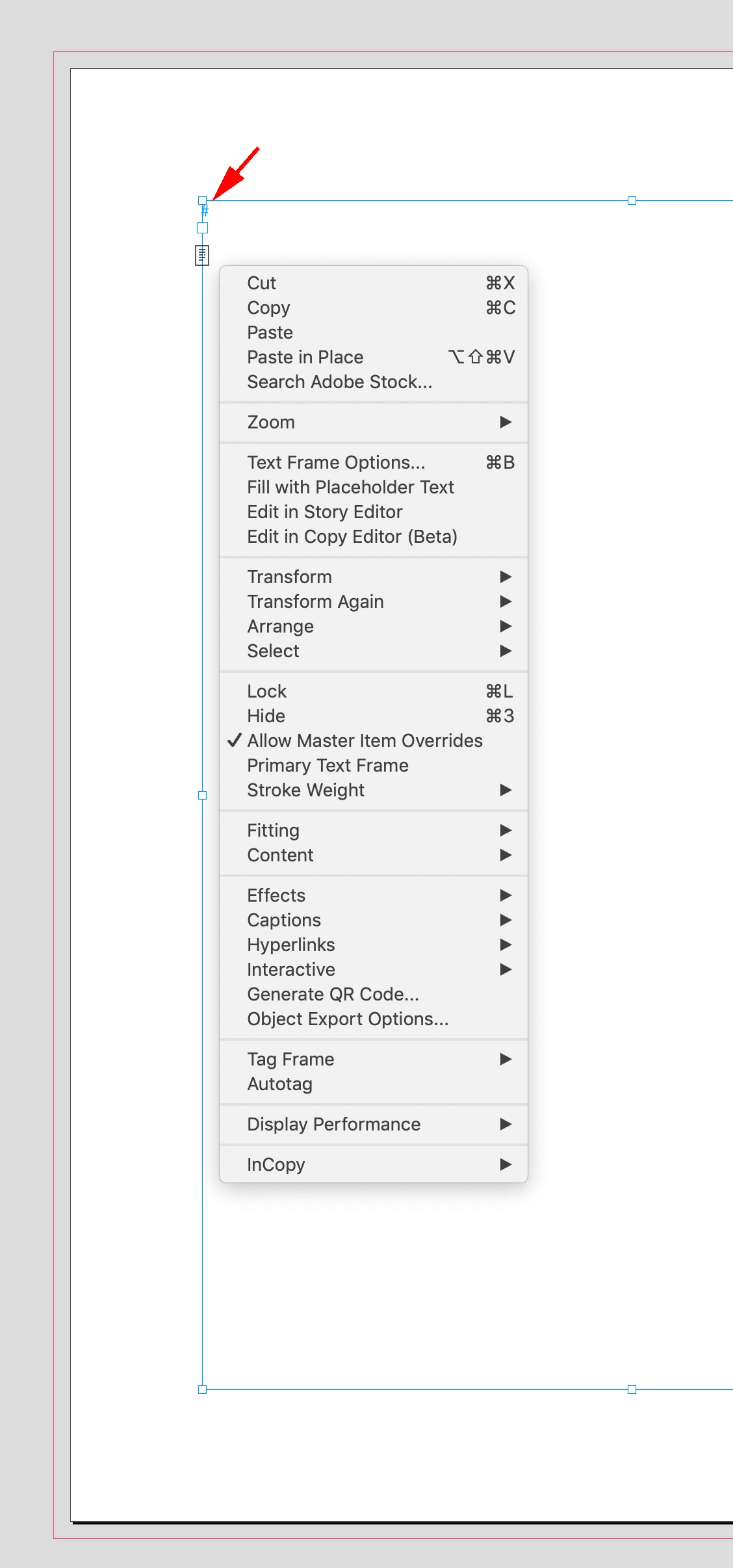
Change text frame to primary
When I create new masters (now called parents) in my book project layout, the text does not continuously thread like it has in the past. The document was started with Primary Text Frame checked, but new master pages are not connecting. I've tried (a million times) clicking on the text frame icon within any given master page, to change those to primary, but nothing is happening (the icon does not get the little arrows on it). I've done this before – changed master pages within a document, and text keeps on flowing – and right about now feel like I'm losing my mind. (Recently upgraded from InDesign 2020 to 2022, if that matters.) Help greatly appreciated.
 AdChoices