

Change text in a listing, and have it update a referenced text box in another window.
I have a document with a map in it. The dots are elliptical text boxes that have 'live' numbers in them.
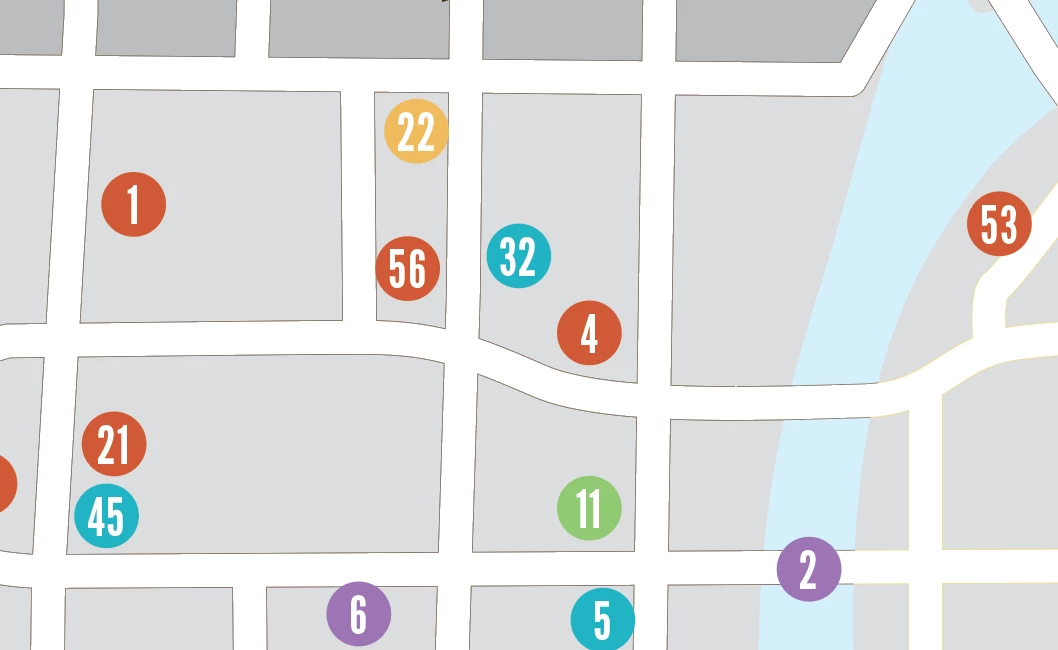
The numbers in the dots relate to an alphabetized list of buildings on the map.
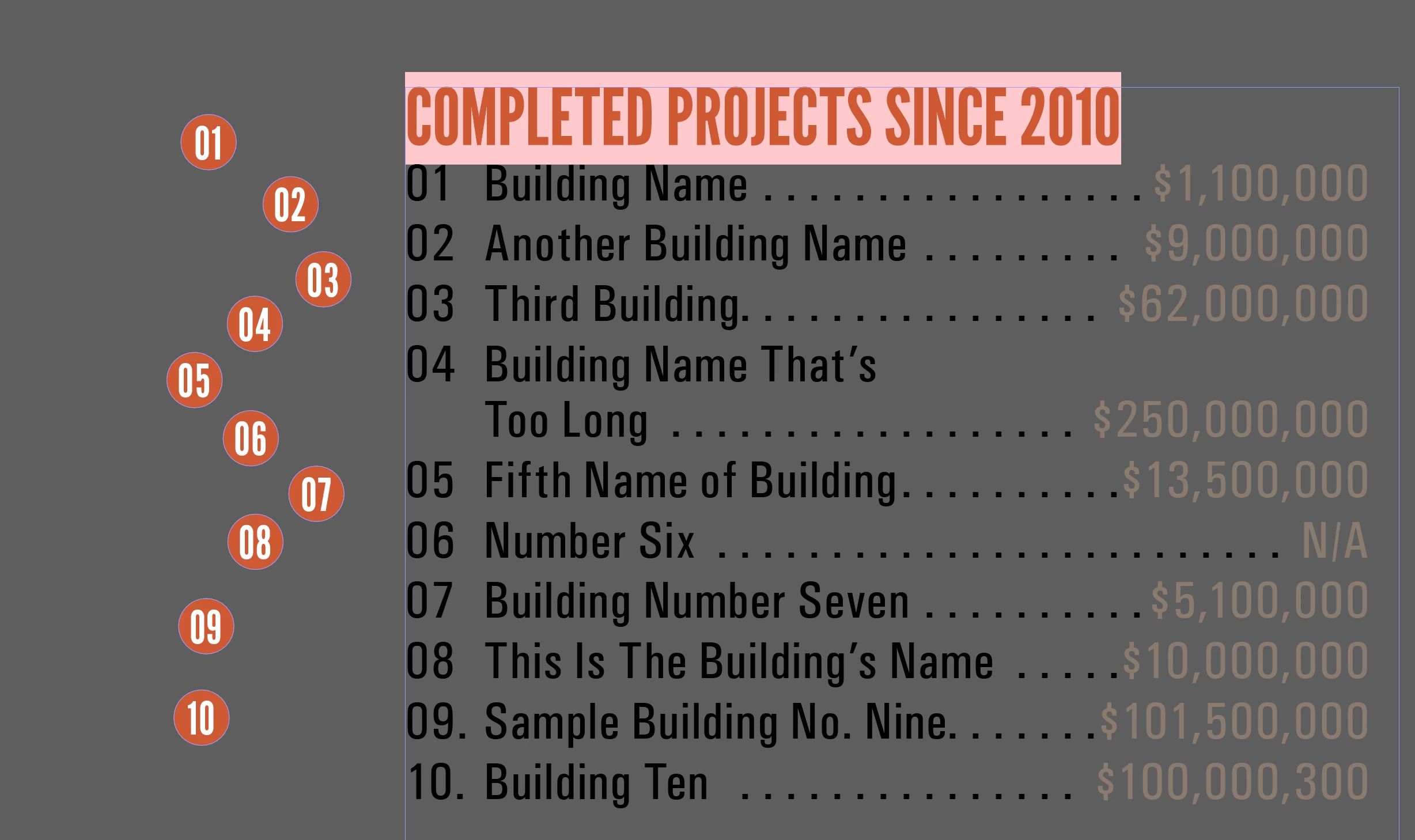
The problem begins when a building gets added or removed from the alphabetical list as the numbering changes on every building in the list after the insertion/deletion.
I'd like to know if there's a way to highlight the number in the building listing, change the number, and have it correlate/automatically change dot's interior number?
I'd like to be able to add a building to the list, alphabetically, and change the corresponding numbers that follow.
Right now, I have to renumber the list, then find the dots on the map, and move them to their new location. The full map has hundreds of color-coded, numbered dots and I'm trying to minimalize potential errors. The buildings obviously don't move, so their dots stay in place. It's the information within them that's the problem.
Thanks for any suggestions!
 AdChoices