
Question
Change text to be bold with a font that only has Regular as an option
Hi there,
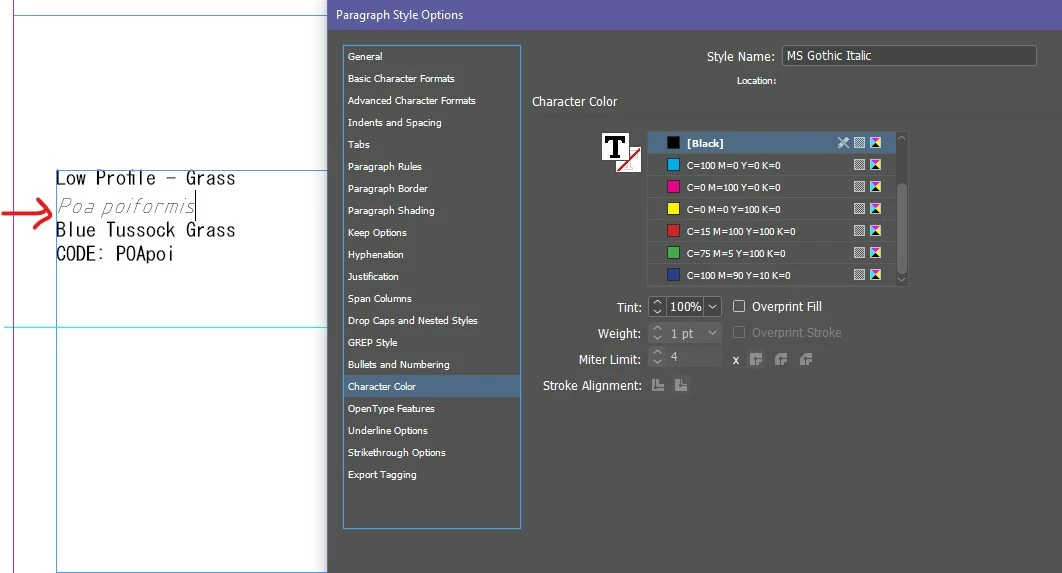
Fingers crossed this is easy to solve. I need to make a document template to match a Revit file. One of the fonts used is MS Gothic. I have only been able to find MS Gothic Standard and not Italic or Bold - searched extensively. So I 've figured out a way to set up an Italic version setting up a Paragraph style, using the Skew setting in Paragraph Style options. The problem with this is that it makes the text look lighter. I want to make the line thicker but in the character colour setting, changing the weight isn't an option. Does anyone else have any ideas?
 AdChoices