
Participant
October 31, 2022
Answered
Change User Dictionary Language - Hyphenation
- October 31, 2022
- 1 reply
- 259 views
Hi Guys,
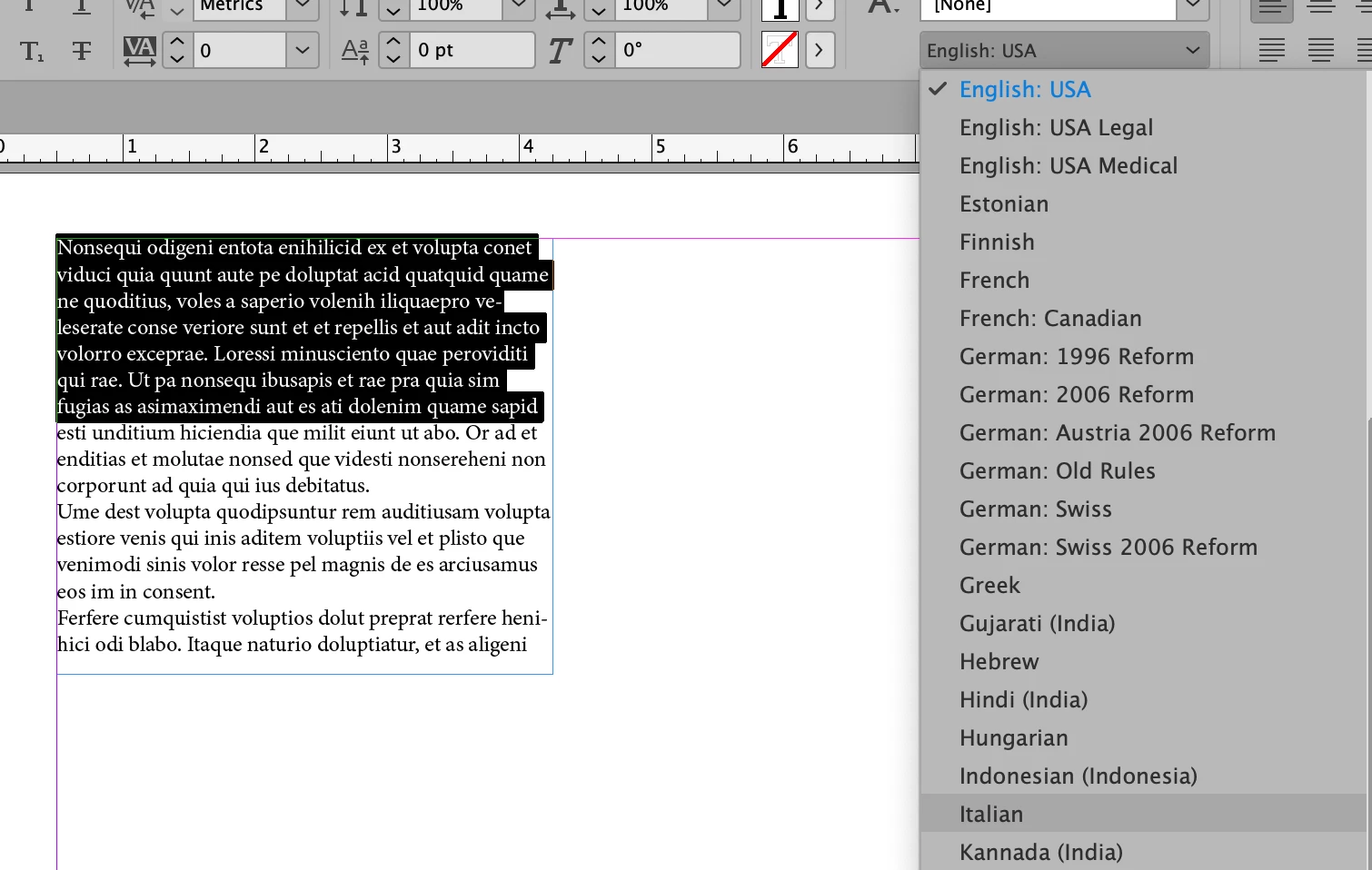
Im new, this is a stupid question for sure, I use Indesign in English but am writing an italian article, my problem lies with hyphenations. Whenever i go to preferences and change dictionary language to Italian, i then go back to my text and realise that Indesign still follows an Enlish User Dictionary, why is it not updating to italian?
I read about downloading a new hunspell dictionary, but its been challenging, and i cant belive that adobe doesnt have an easy access to an italian dictionary?
thanks in advance,
Kosta
 AdChoices