Answered
changing (1) to endnote
I have a Word doc which has endnotes entered manually as (1) (2) etc. When I place the Word doc in Indesign is there any way I can find these endnote numbers and replace with subscripted numbers.
Thanks
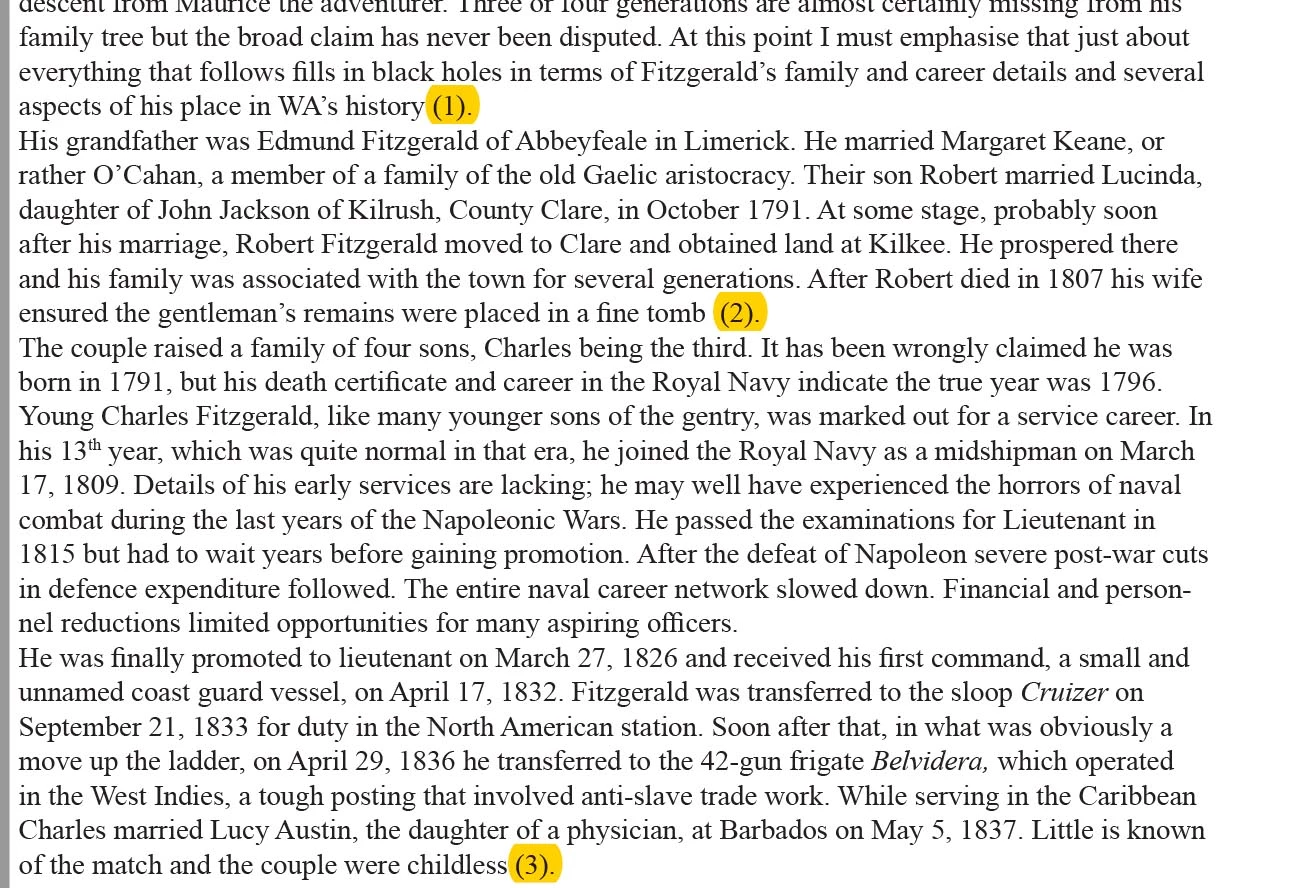
I have a Word doc which has endnotes entered manually as (1) (2) etc. When I place the Word doc in Indesign is there any way I can find these endnote numbers and replace with subscripted numbers.
Thanks
Subscripted? Isn’t it a typo?
Find:
\s*\((\d+)\)
Change:
$1
Change Format:
Char style Superscript
You’ll end up with superscripted number, without parenthesis and no space(s) before it.
Already have an account? Login
Enter your E-mail address. We'll send you an e-mail with instructions to reset your password.
 AdChoices