
Changing doc page size: Why am I getting a 'does not fit with current margin and columns settings' error?
I created a book in InDesign for traditional printing (created with ID's book functionality, if that affects anything)
I now want to create PDFs of each chapter, suitable for printing on A4 pages. So I need to:
- reduce the page size (from 152.4mm x 228.6mm to 148.5mm x 210mm - which I'll then print as spreads on A4)
- reduce the gutter/inside margins (from 28mm to 12mm - because the handouts won't have a spine I need to reduce the gutter)
I created a test chapter for this about two months ago, which the client has approved. At that stage I used the Alternate Layout functionality, but after reading more about this subject I thought it might be simpler to simply copy the entire folder, and simply change the page size.
However now when I try to do adjust the page size after altering the inside margin I'm getting an error message: "This page size does not fit with the current margin and column settings." 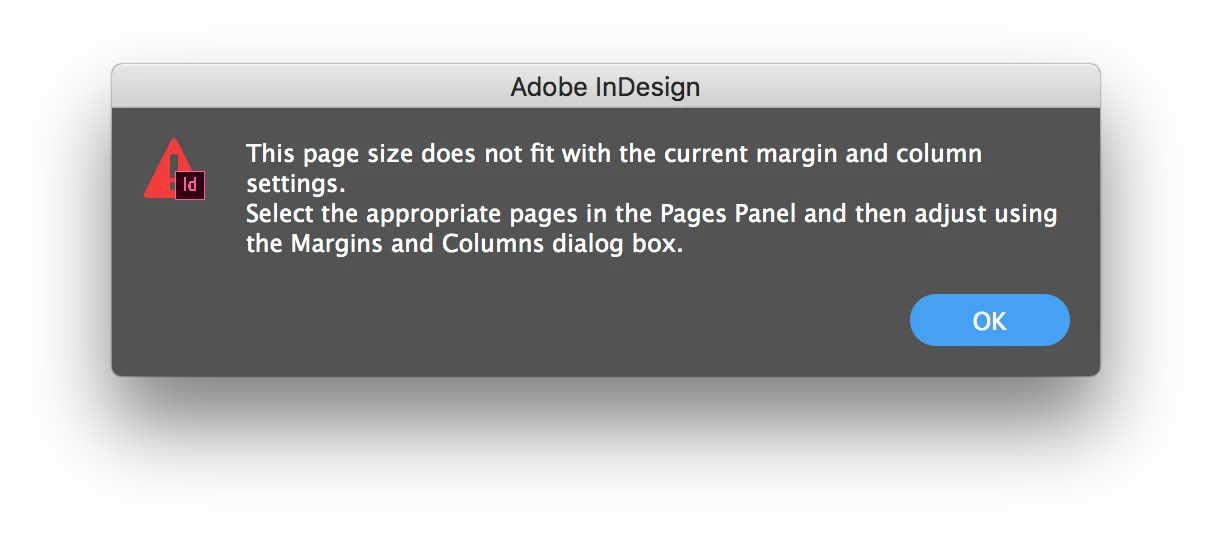
What is causing this? What am I doing incorrectly? Changing the entire document's page size doesn't seem like it should be a particularly difficult operation.
Please help!
_______________
(I've setup the sample chapter so that the layout looks good, and without needing to modify any of the text styles there is almost exactly the same number of words per page. Thus I barely need to make any manual adjustments to the layout – which includes copious models, pull quotes and a full-page spread design at the end of each chapter – for the layout to work, such that a person who has the physical book can quote a page number and be confident the passage will appear on the same page in the chapter handouts).
 AdChoices