January 13, 2026
Answered

Chapter divider that follows a page break

  • January 13, 2026
  • 1 reply
  • 235 views

I have a document in single page layout with threaded text from page to page based on a master layout and I separate chapters with single page chapter divider based on a different master (chapter divider pages have a background color that expants to page bleed). Each time I place a page break at the end of chapter I manualy insert a new page from master with a chapter divider and text is flowing at the next page. In case I add a new page break on the first page or is needed to add text (e.g. edits) is there a way that the chapter divider page could also follow the text flow automatically at the appropriate page position? Please see images for reference. Thanks

Correct answer FRIdNGE

Double-Anchoring will make your layout adjustments just fine!


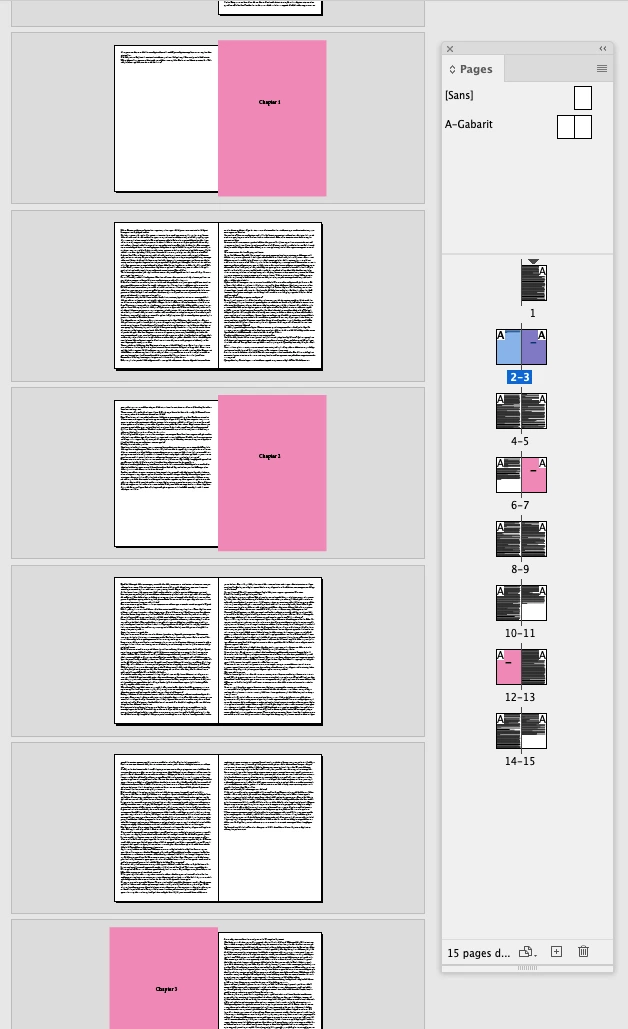
Before:


Capture d’écran 2026-01-13 à 15.04.08.png


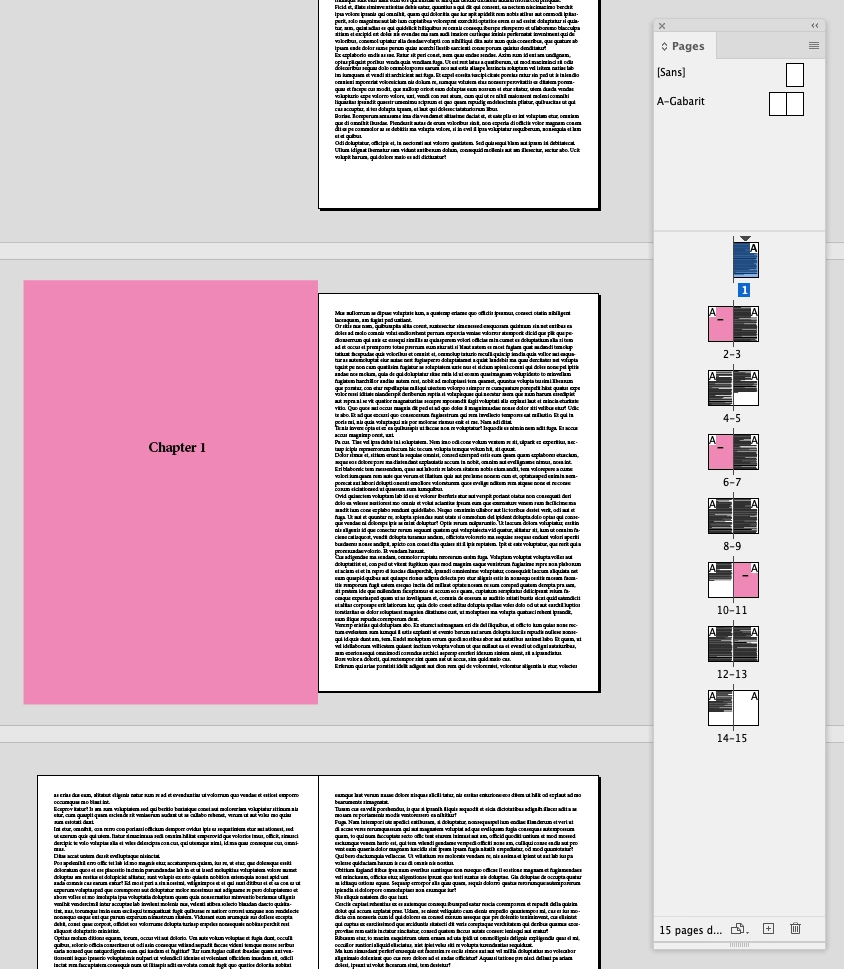
After:


Capture d’écran 2026-01-13 à 15.03.42.png


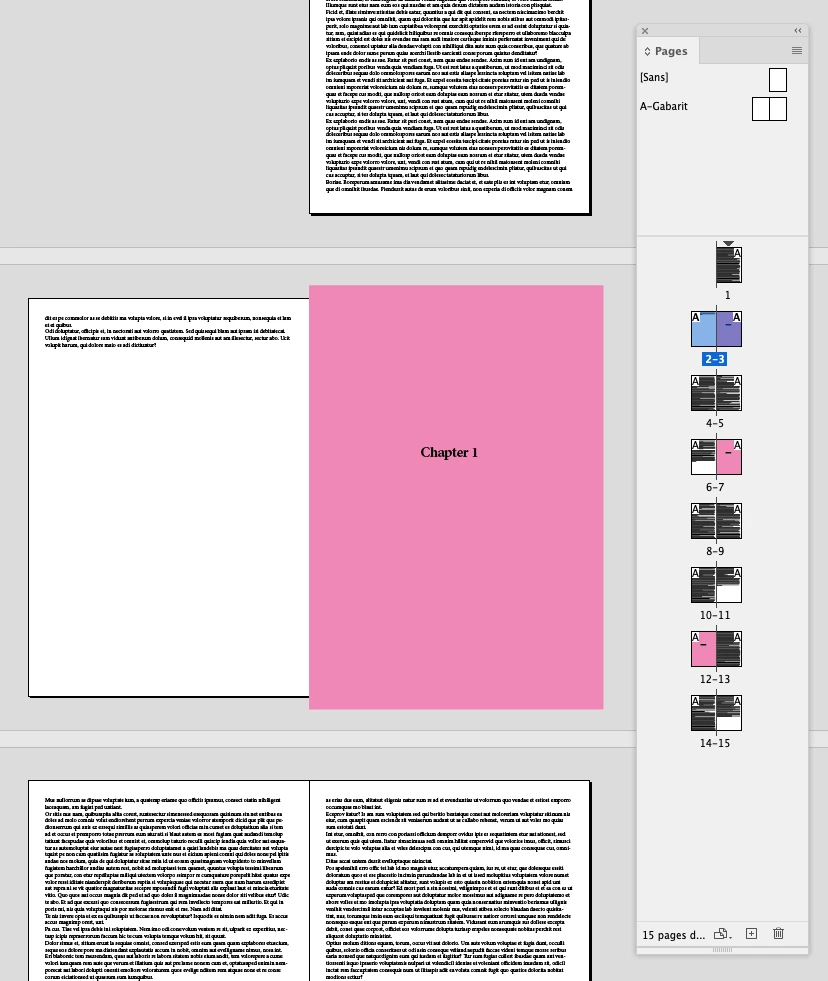
Before (zoom):


Capture d’écran 2026-01-13 à 15.02.49.png


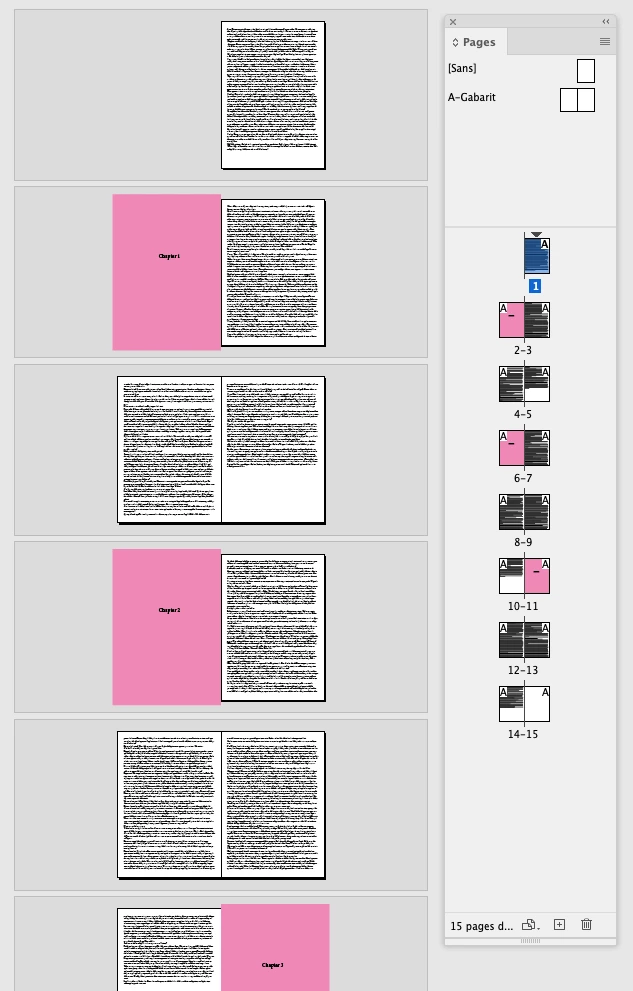
After (zoom):


Capture d’écran 2026-01-13 à 15.03.09.png


(^/)  The Jedi


1 reply

FRIdNGE
FRIdNGECorrect answer
January 13, 2026

Double-Anchoring will make your layout adjustments just fine!


Before:


Capture d’écran 2026-01-13 à 15.04.08.png


After:


Capture d’écran 2026-01-13 à 15.03.42.png


Before (zoom):


Capture d’écran 2026-01-13 à 15.02.49.png


After (zoom):


Capture d’écran 2026-01-13 à 15.03.09.png


(^/)  The Jedi


aero_3375Author
January 15, 2026

Thank you for your reply, how do I double-anchor it?

FRIdNGE
January 15, 2026

Take a look at my test-file, especially the current "Chapter" page! …


So no need to play with specific parent page! Here, the "Chapter" page update is automatic.


(^/)