Pinto
Participant
January 7, 2020
Answered

Character Accents outside of text frame

  • January 7, 2020
  • 2 replies
  • 1206 views

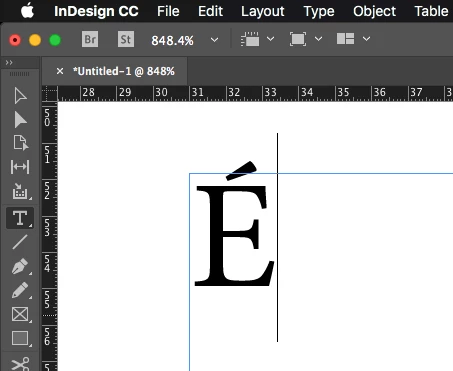
Hi all, I have a small issue with character accents. They sit partially out of the text frame when typing text with accents, how do I keep the accents inside the text frame bounds?

This topic has been closed for replies.
Correct answer rob day

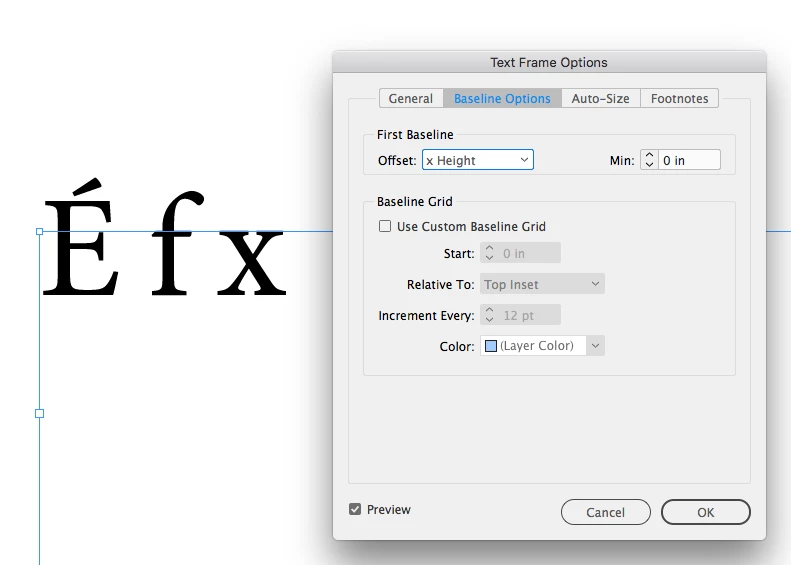
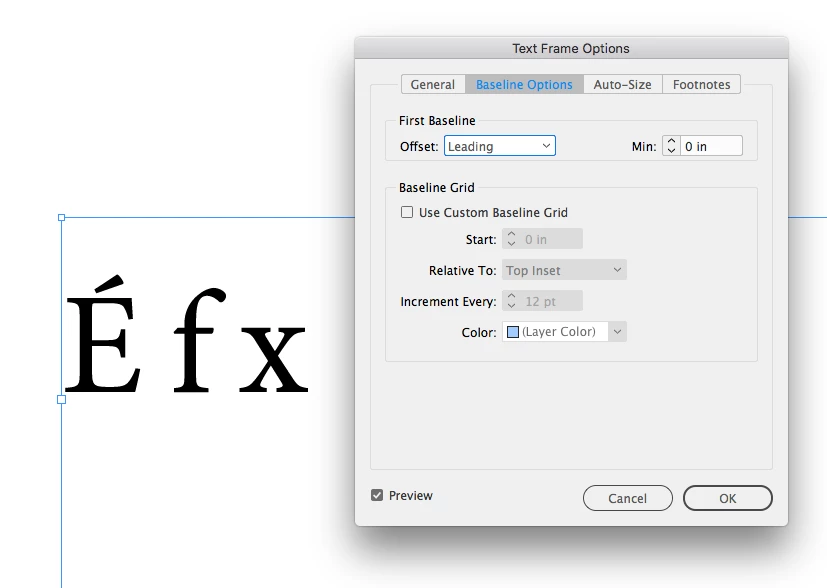
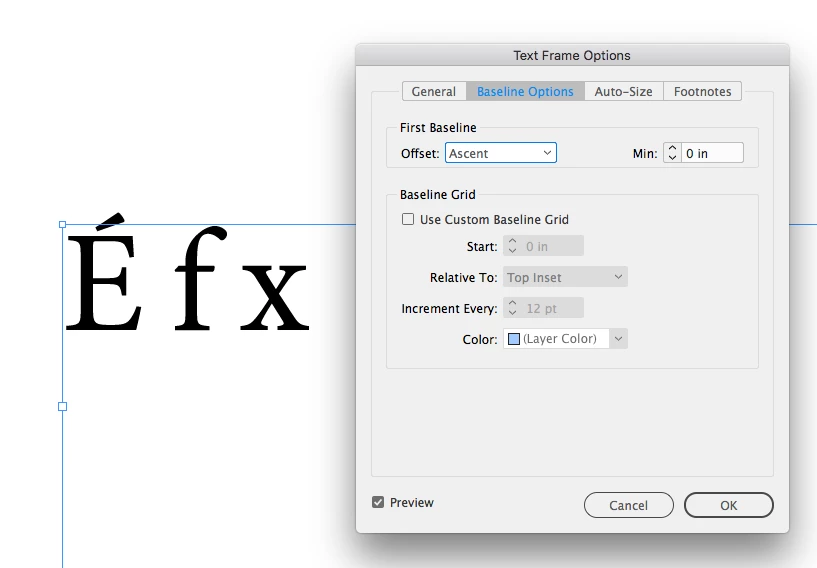
The baseline of a text frame’s first line is set in Text Frame Options Baseline Options:
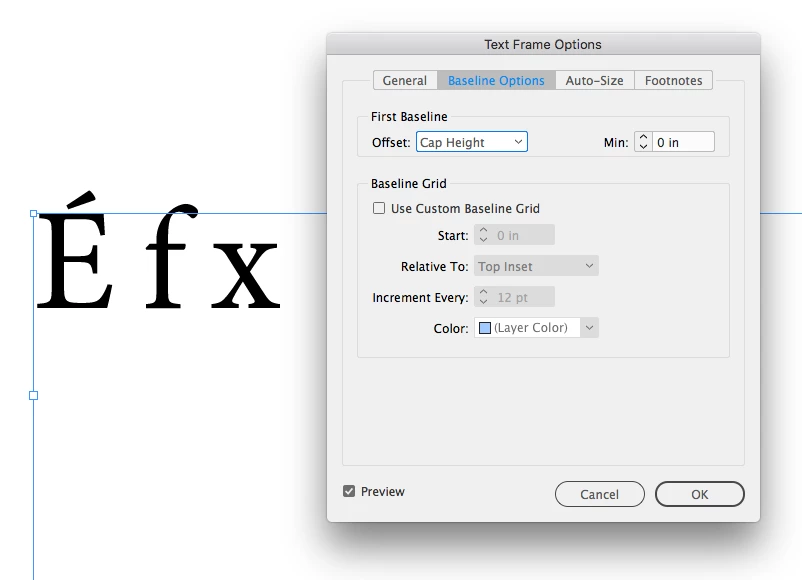
 

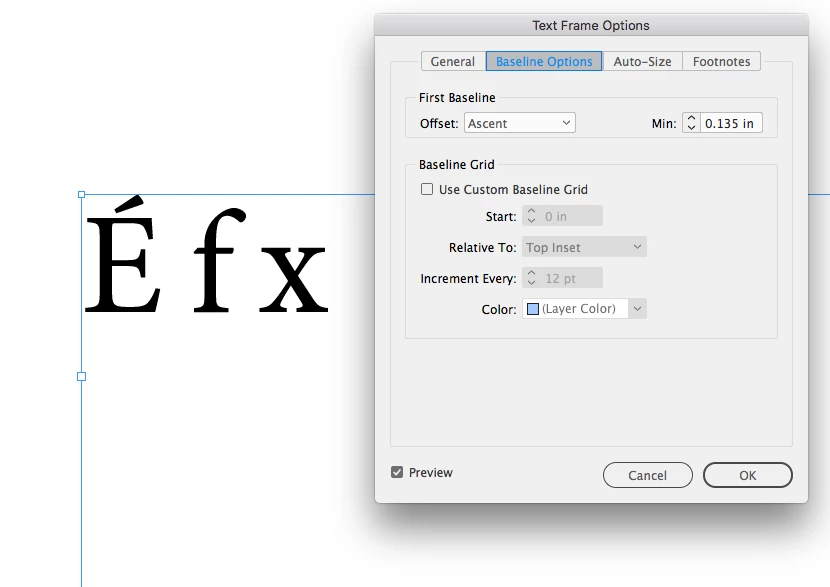
You could adjust the Min:

2 replies

rob day
Community Expert
rob dayCommunity ExpertCorrect answer
Community Expert
January 7, 2020

The baseline of a text frame’s first line is set in Text Frame Options Baseline Options:
 

You could adjust the Min:
Pinto
PintoAuthor
Participant
January 7, 2020

Thank you for the replies

"Looks like the Optical Margin Adjustment is enabled in the Story Panel."

This just moves the text slightly to the right but thanks for trying to help, much appreciated.


I think rob_day has pretty much nailed it as far as I can see, so thank you rob_day I'll mark throbs reply as the answer unless anyone else has an opinion they'd like to share.

rob day
Community Expert
Community Expert
January 7, 2020

You can also push down the first baseline via an inset, either could be saved as an Object Style and applied to other frames, but the amount needed would vary depending on the font and size


Marianne-Deiters
Participating Frequently
January 7, 2020

Looks like the Optical Margin Adjustment is enabled in the Story Panel.