Participant
December 22, 2024
Question

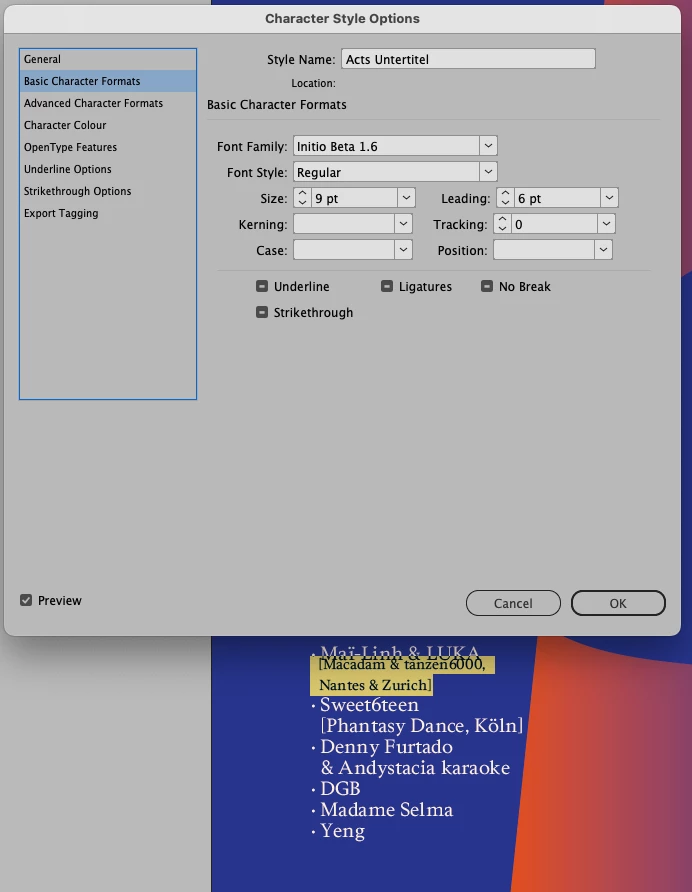
Character Style: leading won't go below 12pt (no baseline grid, no justification)

  • December 22, 2024
  • 3 replies
  • 645 views

Hi everyone 


I've been trying desperately to fix this issue which has been driving me nuts forever. All solutions I have found were already disabled in the first place. 

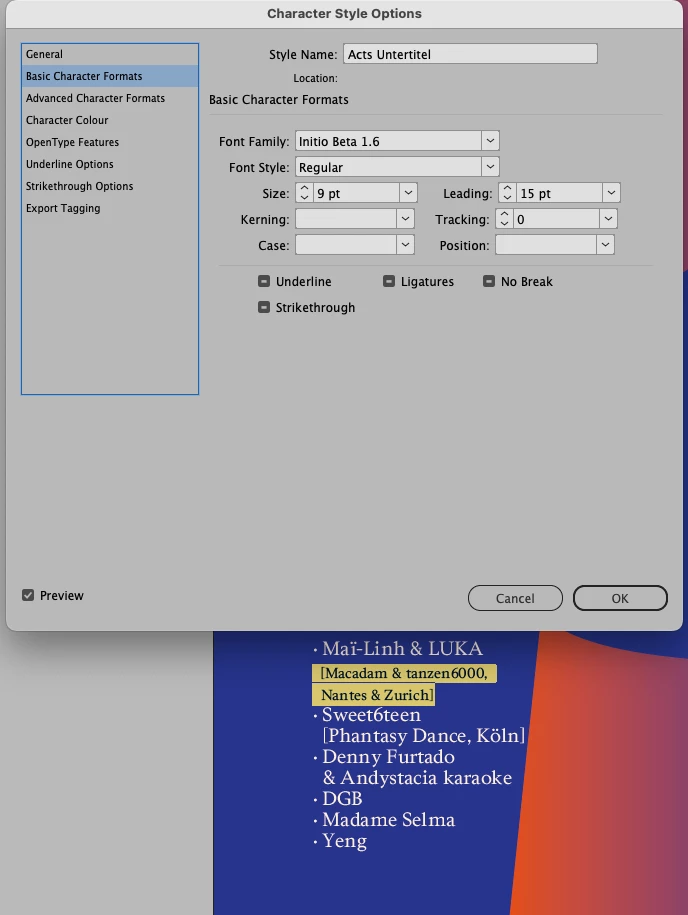
When I try to decrease the leading in this Character Style, at some point (around 12pt) the lines stop moving closer within themselves and only the whole box moves upwards.

I am not using (Auto) leading on any text in this document, the Character style is not based on any other style, I've set the Paragraph Style to [No Paragraph Style] and Baseline Grid is disabled, Vertical Justification is set to top. I've also tried to set Auto Leading in the Paragraph Justifciation menu to other values, no change.

I'd be eternally grateful for any help here! Thanks a lot. Cheers

T.
 

3 replies

Mike Witherell
Community Expert
Community Expert
December 23, 2024

The essential problem is that you are confusing the use of a character style (appropriately used for 1 or more characters within a paragraph style) with the overall paragraph style. The essence of the use of InDesign is to control text by means of paragraph styles. Here and there, like for an italicized word, you would make a character style. 99% of the time you want a paragraph style to define things like font, point size, leading, paragraph alignment, etc...

Mike Witherell
Willi Adelberger
Community Expert
Community Expert
December 22, 2024

If you have applied a character style with a smaller leading as the leading of the paragraph style it will only use this setting over the whole ine. Even if a single character or space in that line is not included, the bigger leading of the paragraph style is used.

Participant
December 22, 2024

Thanks for your answer! That's why I made sure to be using [No Paragraph Style]
Do you think the issue could still be related to that?


Cheers

T.

Willi Adelberger
Community Expert
Community Expert
December 22, 2024

Never use no paragraph style. There must be an underlayibg paragraph style.


Did you check Preferences > Type > Apply leading to the entire paragraphs? Deselect it.  It is a document setting, not program wide.

Legend
December 22, 2024

Can you provide an example document?

Show invisible characters, eventually with different background colors.

I once tracked down similar troubles to an incompatible style and font in the bullets, but that would be a different line than your highlight.

Participant
December 22, 2024

Thanks for your answer! Somehow I cant really replicate the issue with a new document. Also I can't share the fonts I'm using – maybe you can replicate the issue with a replaced font too.


Cheers!

T.