
Character style that picks alternate glyph?
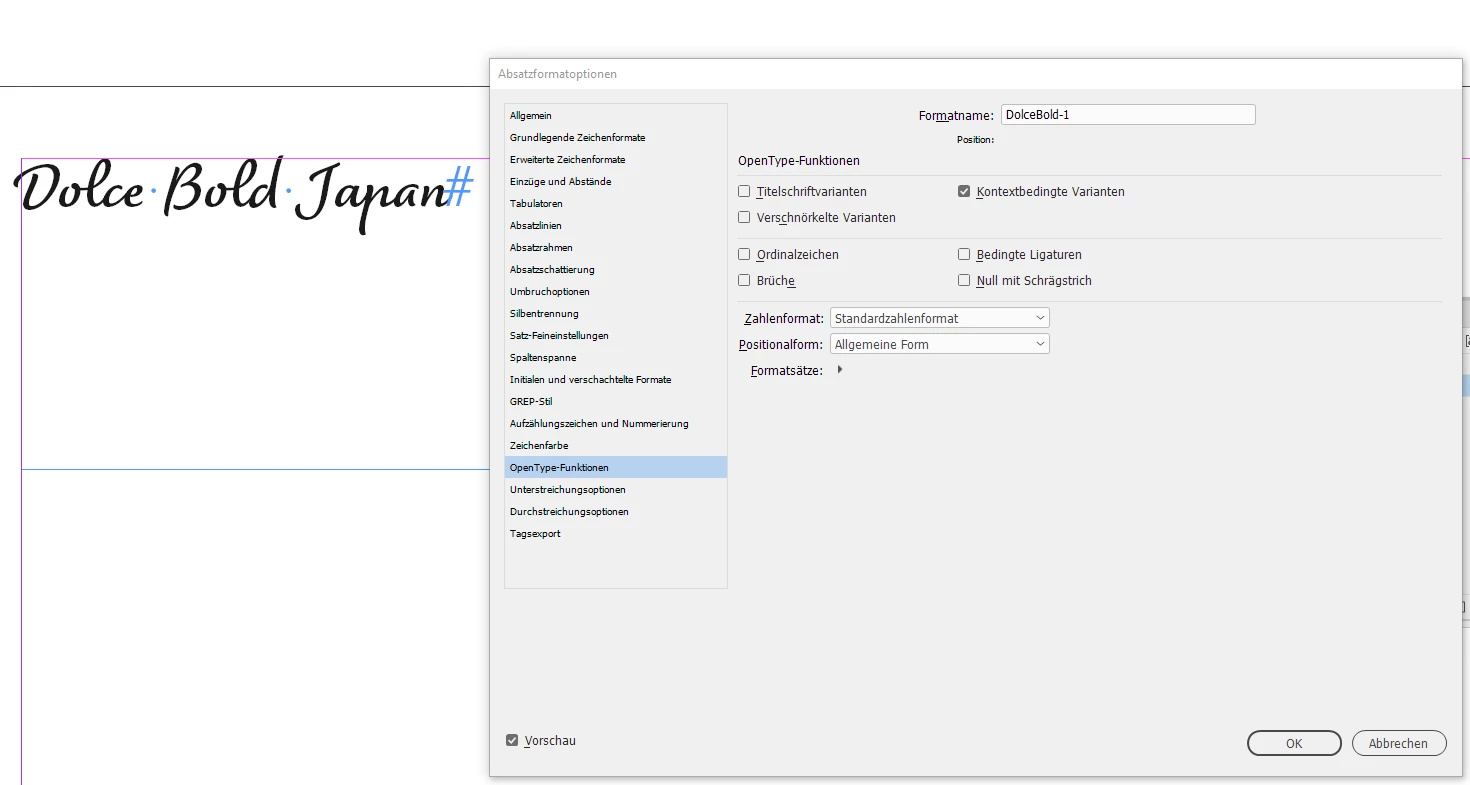
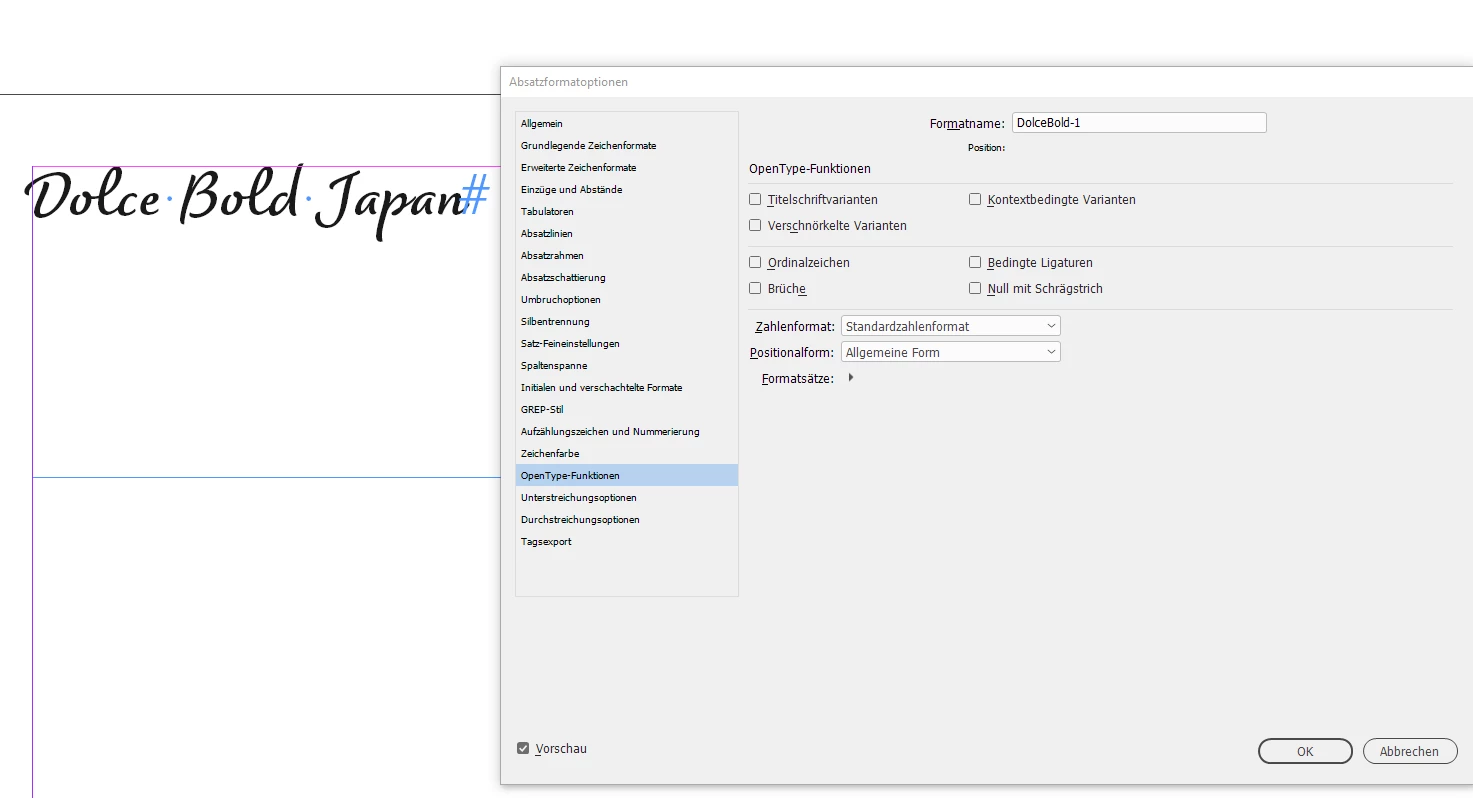
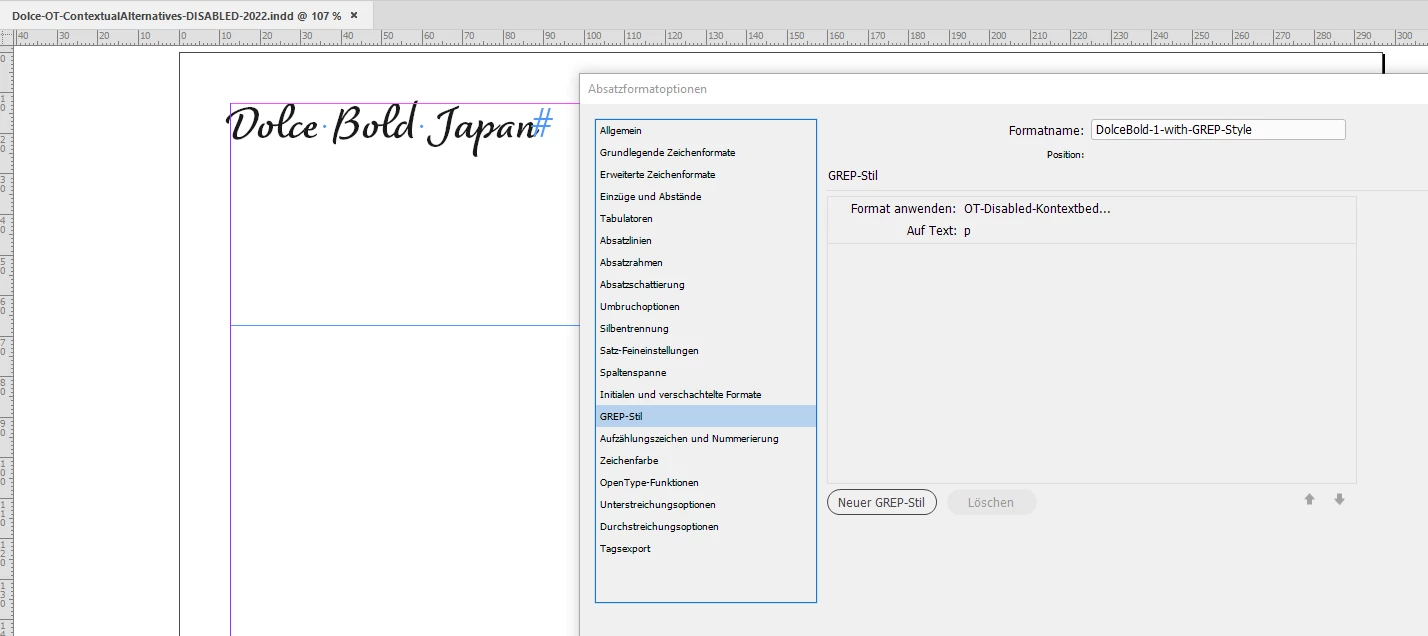
My goal is pretty much exactly like this thread - in my magazine design work I often use a font that has one or two characters that are weird but the first alternate glyph offered looks much better. Currently the font I'm dealing with is Dolce - I want to use the alternate for lowercase "p". But my challenge is not the GREP styles, which is most of what was explained in that other thread. My challenge is figuring out what setting(s) in the Character Style Options will replace the glyph. When I select the desired glyph manually and then hover over the paragraph style to see what overrides it has, it says, "ligatures; OT contextual alternates". So I searched Character Style Options and found what sound like those settings: Basic Character Formats -> Ligatures and OpenType Features -> Contextual Alternates. But applying such a character style does nothing. I also tried just ignoring character styles and just using Find/Change, but the Change Format Settings has the same set of choices as Character Style Options - I assume the magic is somewhere in the OpenType Features tab, but I can't find anything that will have any effect. The only way I can get the glyph to change is to manually select it.
One interesting thing that might be related is that when I select a "p" that has not been changed and hover to see the glyphs (or view them in the Glyphs panel), I see two other glyphs to choose from, but after I select the first of those two, if I look again, only one is there (I would have expected the original one to appear as a choice, but it doesn't). I clearly don't understand how glyphs work.
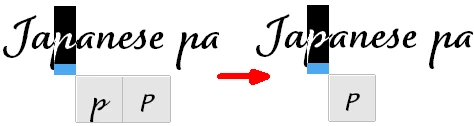
So, is there a setting in OpenType Features (or elsewhere in the settings) that will do what I want, selecting the first alternate glyph?
 AdChoices