cirilmoser_MobusAG
Participant
May 19, 2022
Answered

Clipboard with html tags

  • May 19, 2022
  • 3 replies
  • 343 views

Hello all

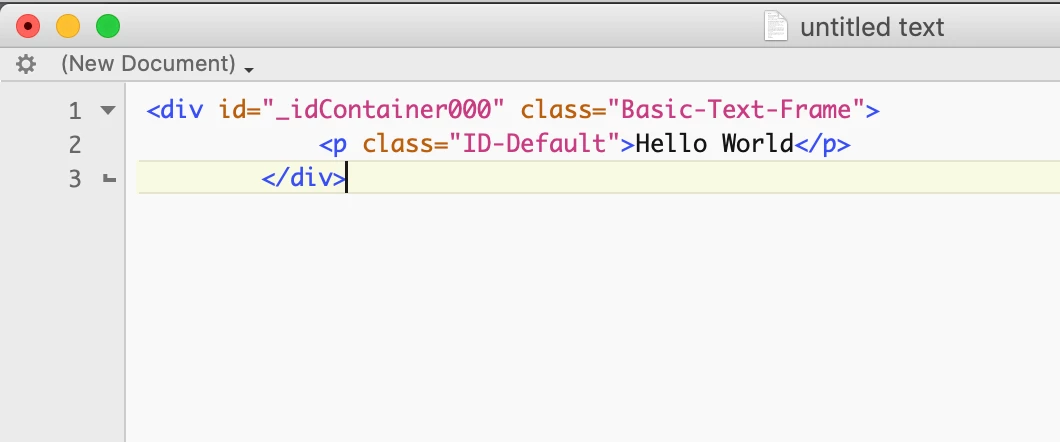
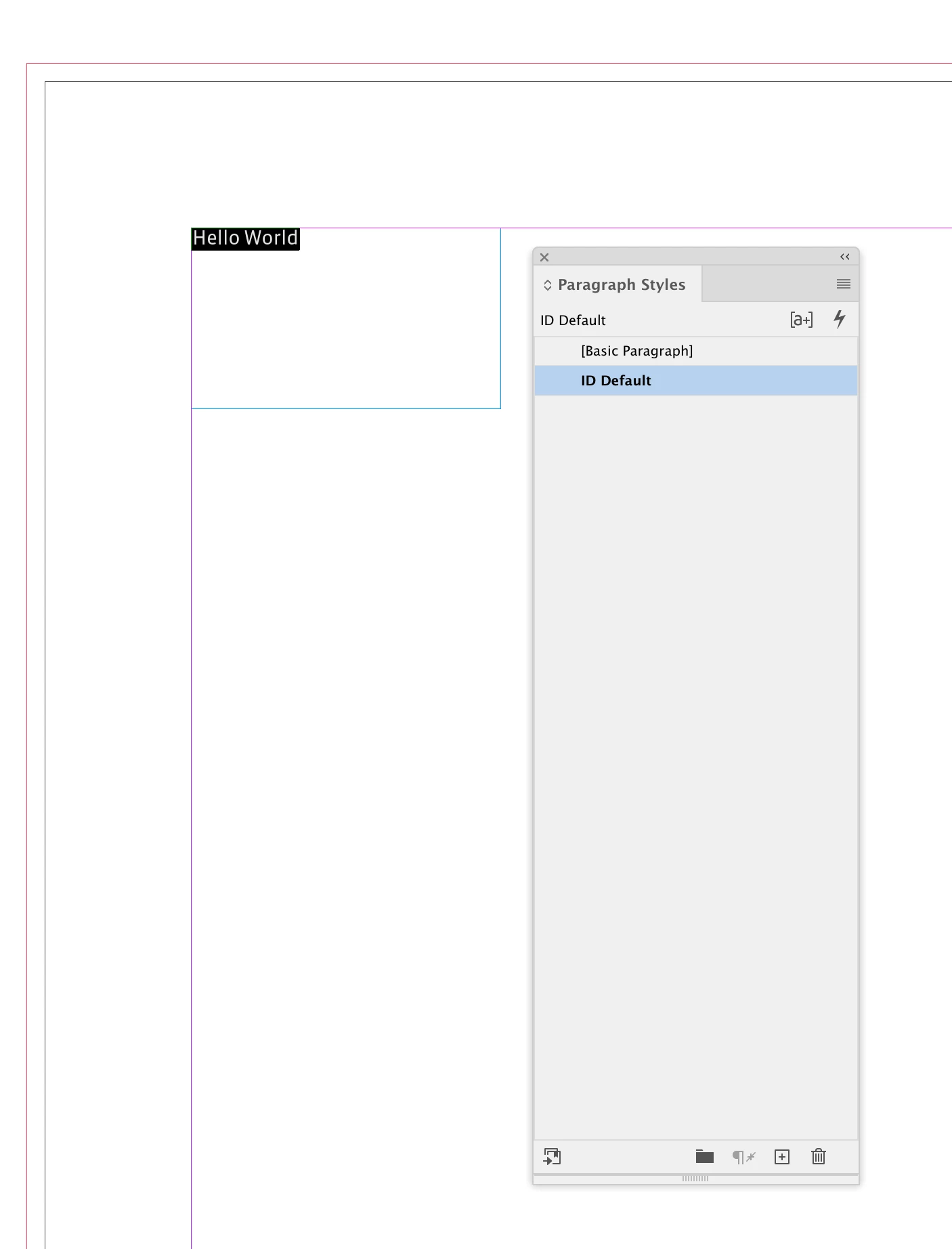
I am looking for a way to copy a text that I have selected via script. The difficult thing is that the HTML tags that I give to the paragraph formats should also be passed as in an HTML export. So it is possible to take a small text I have selected from the document and paste it into the web page and everything is correct. With the HTML export I always have to save an intermediate file and then I have to open and copy it. this should be much easier. But I just do not get behind it. Thanks for a little help.

Greetings Ciril


Hallo Zusammen

Ich bin auf der Suche nach einer Mölichkeit einen Text welchen ich ausgewählt habe per Script zu Kopieren. das schwierige daran, die HTML-Tags welche ich den Absatzformaten mitgebe sollten ebenfalls so wie bei einem HTML-Export übergeben werden. So ist es möglich einen kleinen Text den ich Markiert habe aus dem Dokument zu nehmen und kann diesen in der Webseite einfügen und alles stimmt. Mit dem Export über HTML muss ich immer eine zwischendatei speichern und dann muss ich diese öffen und kopieren. das müsste doch viel einfacher gehen. Doch komme ich einfach nicht dahinter. Danke für eine kleine Hilfestellung.

Gruss Ciril
This topic has been closed for replies.
Correct answer rob day

Here’s a variation on the CSS script:


var sel = app.activeDocument.selection[0];
CopyTextAsHTML(sel)

/**
* Copt the selected text with HTML tags 
* @ param a text selection 
* @ return void
* 
*/
function CopyTextAsHTML(t){
    var doc = app.activeDocument;
    var f = new Folder(Folder.temp.fsName + "/gethtml")
    f.create();
    var exPath = f + "/" +  doc.name + ".html";
    doc.htmlExportPreferences.viewDocumentAfterExport = false;
    t.exportFile(ExportFormat.HTML, File(exPath));
    var htmlText = readFile(exPath);
    var regx = new RegExp("<div[^.\]+div>");
    var ht = htmlText.match(regx);
    var tf = doc.textFrames.add({contents:ht.toString()});
    tf.parentStory.texts[0].select();
    app.copy();
    tf.remove();
}

/**
* Read a text file 
* @ param file path 
* @ return file’s text 
*/

function readFile(p) {
	var f = new File(p);
	f.open("r");  
	var x = f.read();  
	f.close();
	return x; //returns the text in the file sampletext.txt
}


3 replies

rob day
Community Expert
rob dayCommunity ExpertCorrect answer
Community Expert
May 19, 2022

Here’s a variation on the CSS script:


var sel = app.activeDocument.selection[0];
CopyTextAsHTML(sel)

/**
* Copt the selected text with HTML tags 
* @ param a text selection 
* @ return void
* 
*/
function CopyTextAsHTML(t){
    var doc = app.activeDocument;
    var f = new Folder(Folder.temp.fsName + "/gethtml")
    f.create();
    var exPath = f + "/" +  doc.name + ".html";
    doc.htmlExportPreferences.viewDocumentAfterExport = false;
    t.exportFile(ExportFormat.HTML, File(exPath));
    var htmlText = readFile(exPath);
    var regx = new RegExp("<div[^.\]+div>");
    var ht = htmlText.match(regx);
    var tf = doc.textFrames.add({contents:ht.toString()});
    tf.parentStory.texts[0].select();
    app.copy();
    tf.remove();
}

/**
* Read a text file 
* @ param file path 
* @ return file’s text 
*/

function readFile(p) {
	var f = new File(p);
	f.open("r");  
	var x = f.read();  
	f.close();
	return x; //returns the text in the file sampletext.txt
}


cirilmoser_MobusAG
Participant
May 20, 2022

Many thanks
This was the solution I was looking for. Only at the RegExp I had to enter the following <div[^]+div>.
So I could pass everything I had selected and still correctly.

Super thanks

rob day
Community Expert
Community Expert
May 19, 2022

Hi Ciril, The HTML tags don’t exist until you Export HTML, so I think your script would have to Export the selected text frame as HTML, read back the HTML file, paste it into a temporary textframe and copy the contents to the clipboard. A similar question about getting a Character Style’s CSS code came up a few weeks back. The code in this thread might help:


Willi Adelberger
Community Expert
Community Expert
May 19, 2022

Mit dem normalen InDesign wirst du diesen Umweg gehen. Vermutlich gibt es Scripter und Plugins, die hier eine Abkürzung ermöglichen.

cirilmoser_MobusAG
Participant
May 19, 2022

Dessen bin ich mir bewusst, etwas scripten kann ich selbst, aber wie ich die TAGs in die Zwischenablage bekomme ist mir noch nicht bewusst. Vieleicht ist einer dieser Scripter so gnädig und gibt mir einen Tipp.


Danke