CMYK swatches and gamut different in old and new files
I'm having a problem with inconsistent colours between InDesign files. I thought it was limited to a single swatch (CMYK 20/0/100/0) displaying differently in files created a few years ago on a previous version of InDesign and new files created in CC. However, I've noticed today that the entire colour gamut (as displayed in the colour window) subtly changes as I flick between old and new documents. I've worked through the various colour settings to try and find a discrepancy: checked the colour settings, the swatch options, the transparency setup, overprint preview, proof preview, but nothing addresses the issue.
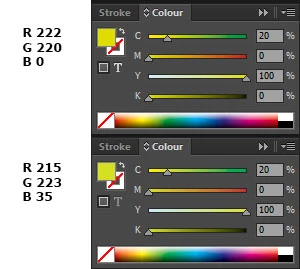
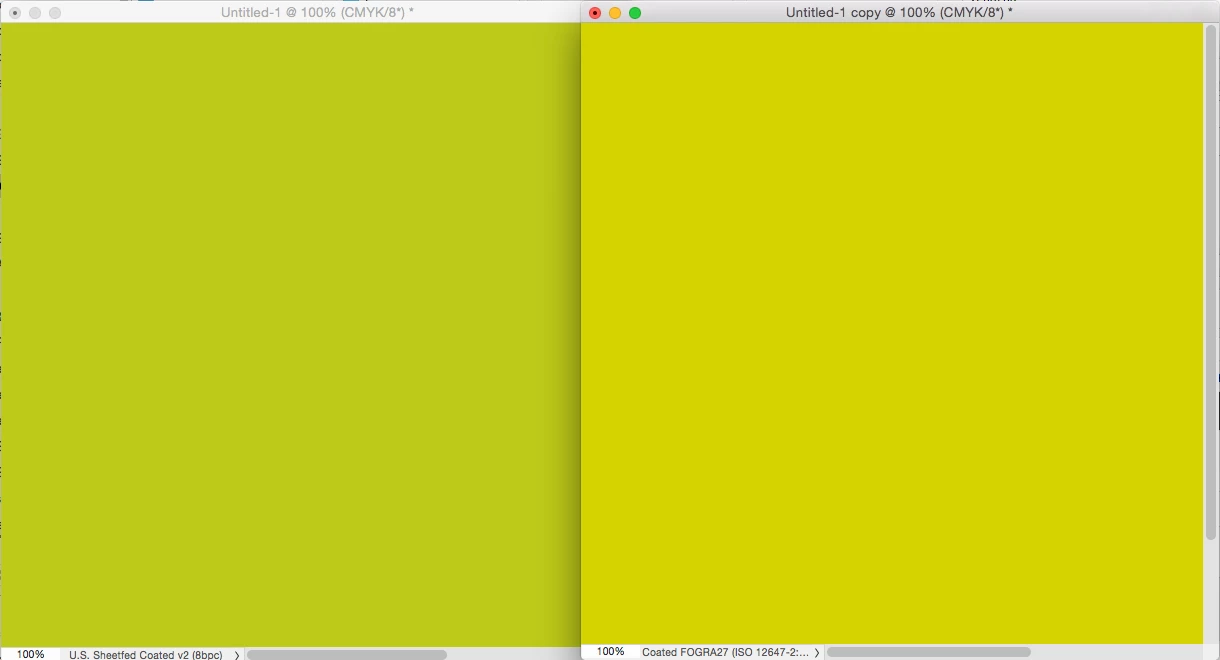
The image below shows the colour window for each file and the RGB values of the swatch from Photoshop. You may not be able to tell but the colours as displayed in the sliders and gamut are also slightly different.
Is there any reason that different files would display colours differently, not just in the document but also in the colour windows?
 AdChoices