

Question
Collapsed panels glitch with UI scaling
I applied the 17.2 update today and it finally fixed UI scaling so now there are 5 proper scaling settings. However, now there is a new problem when you collapse a panel down to just it's icon. It is not a problem when UI scaling is on the lowest setting. When I move scaling to the second notch and restart the app, collapsed panels don't pop up in the right place when you click on them.
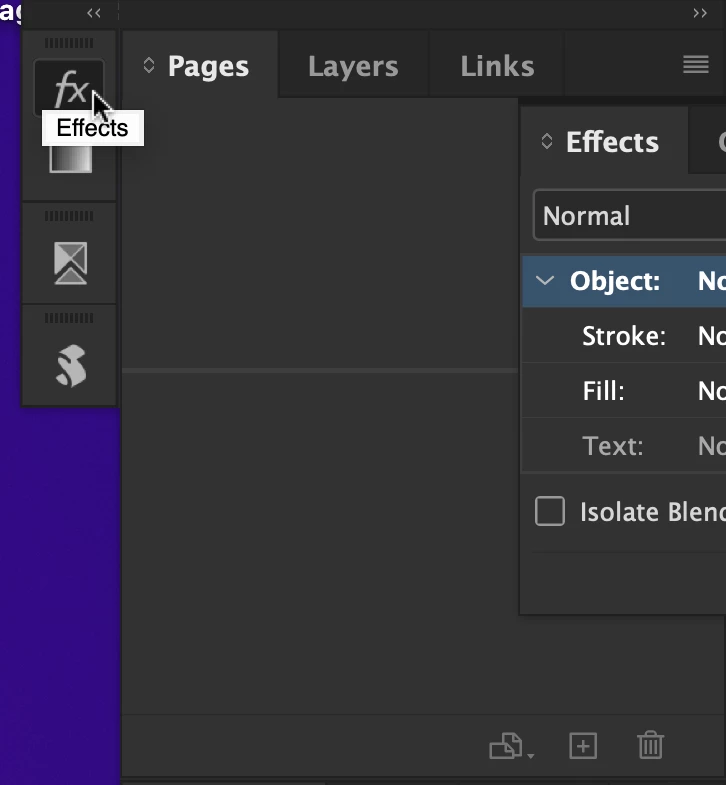
The problem gets worse when you choose the next size setting and restart again. The panels now don't even show up on the screen at all!
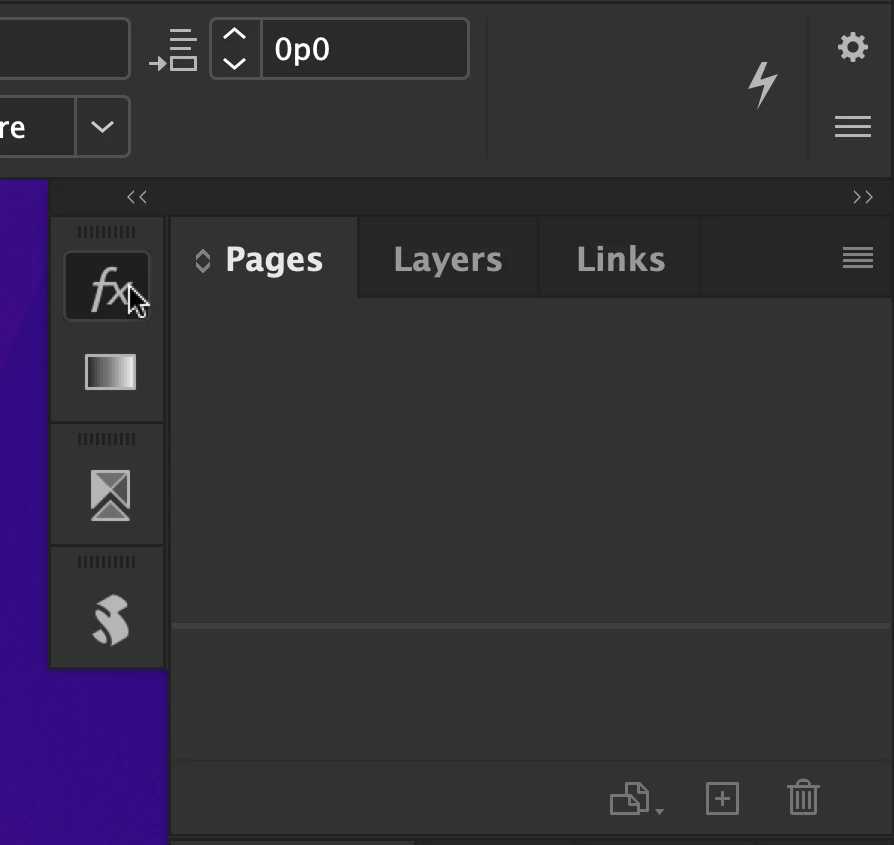
I saw a similar issue with Illustrator, however in that app I simply restarted it and it was fixed. Not so with InDesign.
macOS Monterey 12.3


 AdChoices