Known Participant
September 21, 2023
Answered

Color changes when applying a gradient

  • September 21, 2023
  • 2 replies
  • 704 views

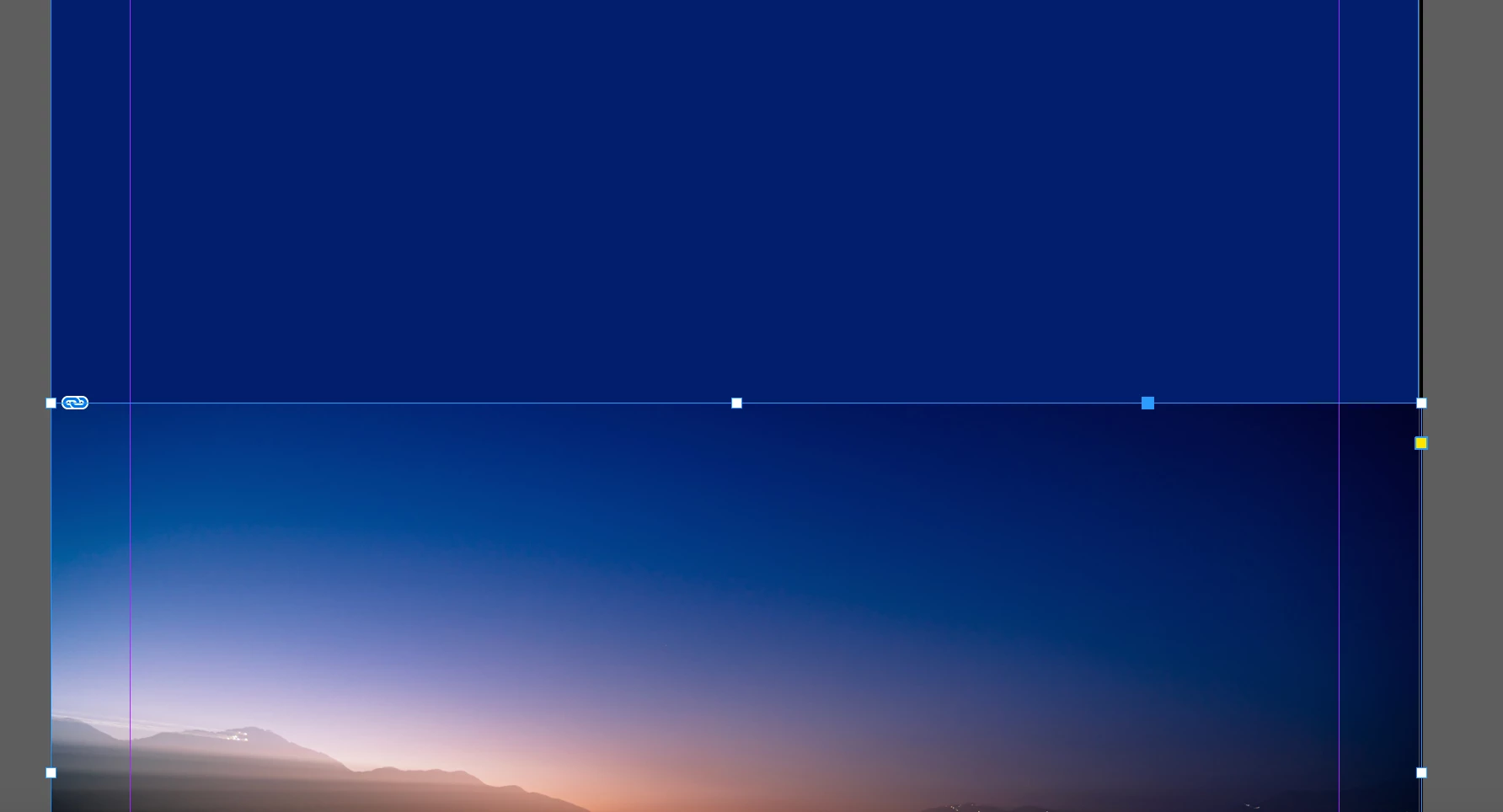
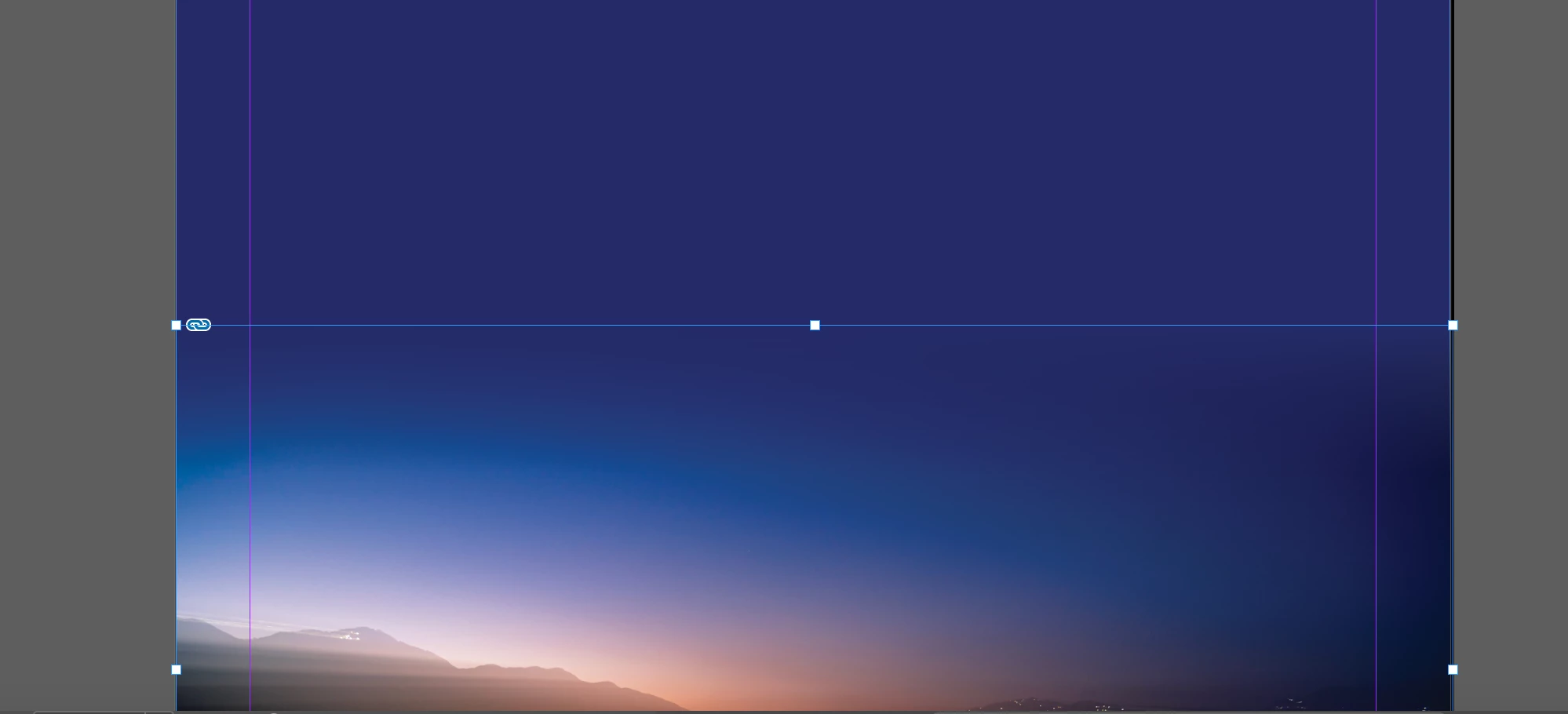
I'm working on a documeint in CMYK mode. When I apply a gradient to an image that is layered over a color filled shape, the colors change. From the example below, it goes from blue to purple. How do I stop that from happening?


This topic has been closed for replies.
Correct answer rob day

I'm working on a documeint in CMYK mode


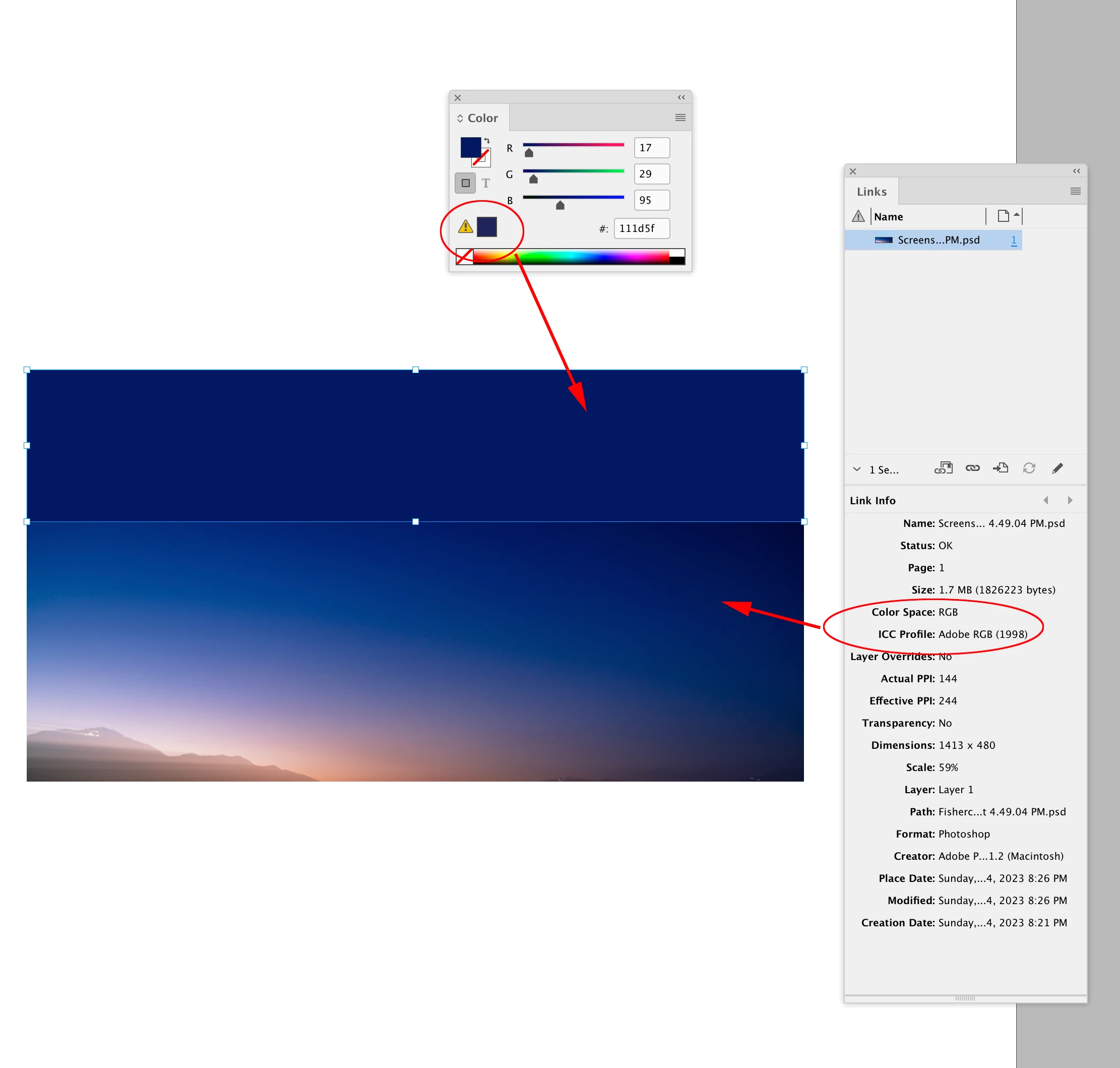
Hi @Slayer213 , InDesign doesn’t have a document color mode—page items and colors can be a mix of RGB, CMYK, or Lab color modes. It looks like your placed image and background color is RGB, and the RGB colors are outside of the CMYK gamut. You can check a placed image’s Color Space and profile assignment via Link Info, and the Color panel will tell you the mode of a fill color—the warning triangle indicates the color is out-of-gamut


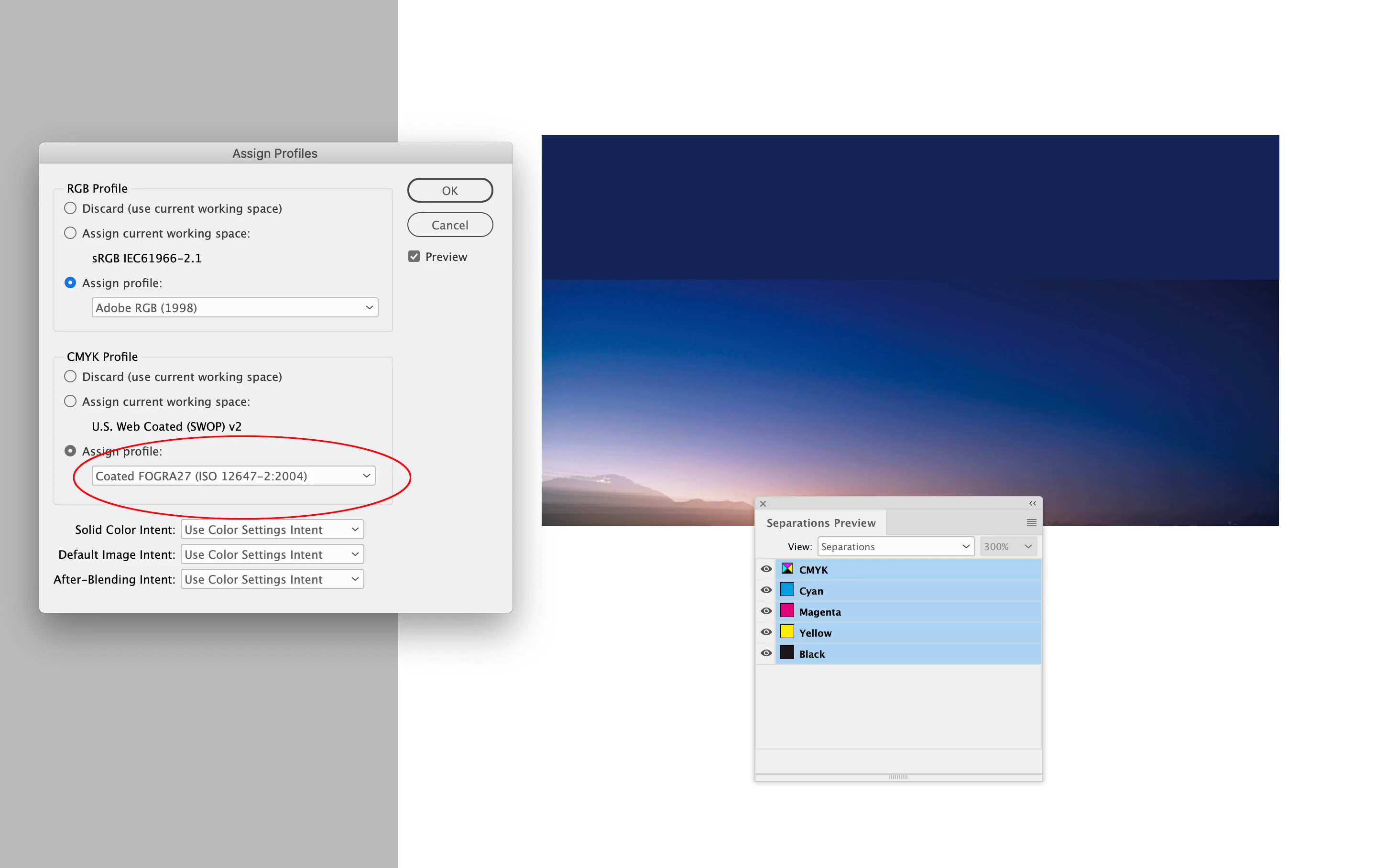
When you turn on Overprint or Separation Preview the RGB color is dispayed in the Document’s assigned CMYK space—the assigned color profile and intent will affect how the color is brought into gamut:
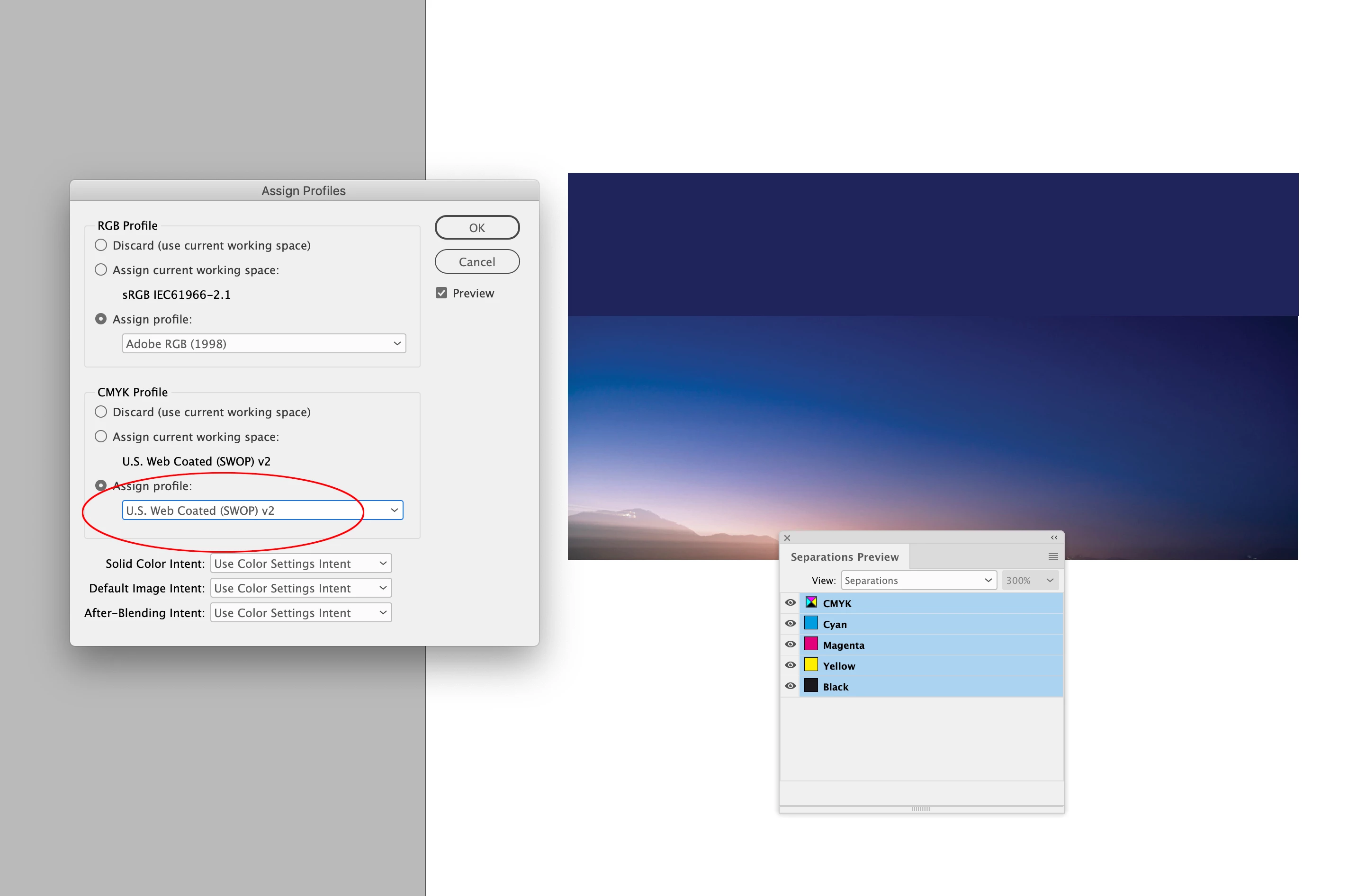


2 replies

rob day
Community Expert
rob dayCommunity ExpertCorrect answer
Community Expert
September 25, 2023

I'm working on a documeint in CMYK mode


Hi @Slayer213 , InDesign doesn’t have a document color mode—page items and colors can be a mix of RGB, CMYK, or Lab color modes. It looks like your placed image and background color is RGB, and the RGB colors are outside of the CMYK gamut. You can check a placed image’s Color Space and profile assignment via Link Info, and the Color panel will tell you the mode of a fill color—the warning triangle indicates the color is out-of-gamut


When you turn on Overprint or Separation Preview the RGB color is dispayed in the Document’s assigned CMYK space—the assigned color profile and intent will affect how the color is brought into gamut:



Slayer213Author
Known Participant
September 29, 2023

That clarifies things. Thanks for the detailed explanation, Rob!

Randy Hagan
Community Expert
Community Expert
September 22, 2023

Not to dissuade you, but I'd fix it by creating my gradient and compositing your final image in Photoshop, then place the composited image into InDesign. You have much better control over how your gradient blends into your image with Photoshop than you'll ever get from InDesign.


Hope this helps,


Randy

Slayer213Author
Known Participant
September 29, 2023

I've notiched that lately. I'll keep that in mind. Thanks, Randy!