Participant
February 3, 2023
Question

Color difference in photos when printing to a Konica C70hc

  • February 3, 2023
  • 1 reply
  • 658 views
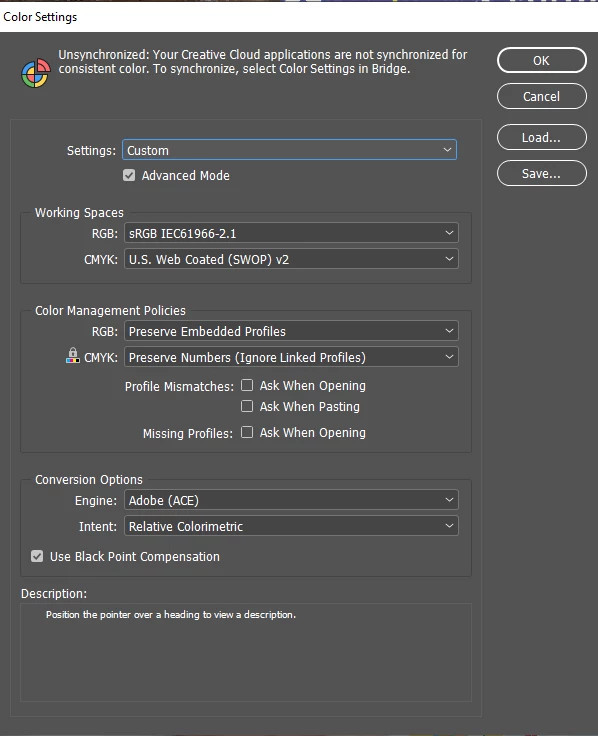
I'm printing a work with vector art and photos on a Konica Minolta Bizhub C70hc printer. But the colors mainly in the photos are coming out darker and with more 
saturation, moving towards magenta. In general I exported using everything in default in pdf x1 .
They don't provide me with information or profile file.
The vectorized arts are in "OK" color, but the photos have this problem.
What is the best way for me to export and reduce this problem?



This topic has been closed for replies.

1 reply

rob day
Community Expert
Community Expert
February 3, 2023
In general I exported using everything in default in pdf x1


Hi @Thais Graz , Composite printers almost always use RGB drivers where the conversion to the print space happens in the driver—document CMYK values are converted to new values at output.


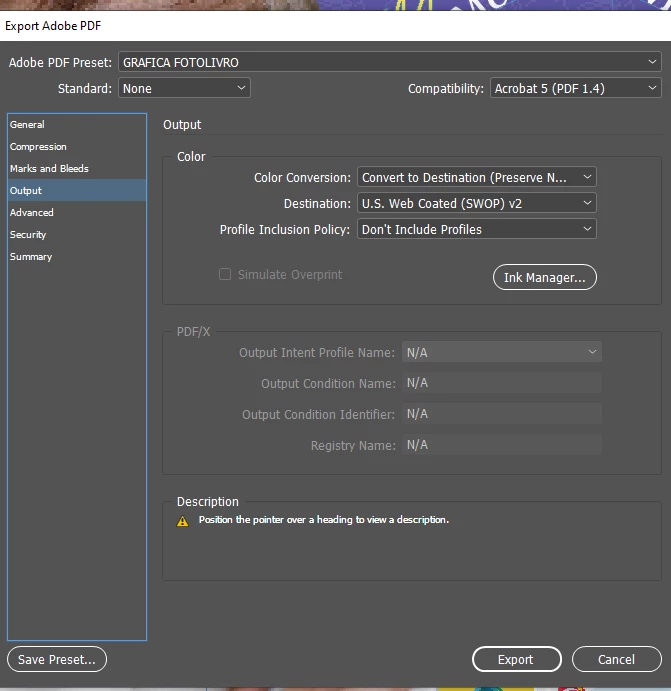
The PDF/X presets are designed for offset printing, and the PDF/X-1a preset converts all color to CMYK with no profile, so in that case there would be no source profile for your Konica to convert your document’s CMYK values into the Konica’s print space.


Try setting your Export Output tab to Document RGB and include all profiles—something like this:


If you are trying to imitate a US Web Coated SWOP offset press, check Simulate Overprint.

Participant
February 3, 2023

thanks, I will try that