Answered
Color Errors
I see this:

in InDesign I get this:
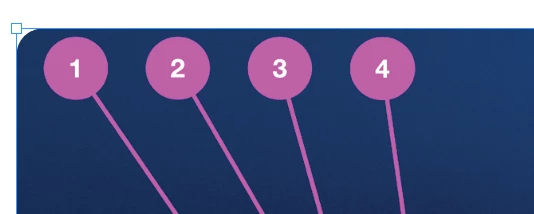
What is wrong? When I open in Preview or Photo App on Mac everything is fine!

I see this:
in InDesign I get this:
What is wrong? When I open in Preview or Photo App on Mac everything is fine!
@Dmitrij25118334e1i0 wrote:
It either I get what I see or I change the software!
If the RGB values of the color are outside the printable color range of CMYK inks, then no other software will solve your problem because no software can change the color limitations of CMYK inks.
It looks the same in Preview and Photos because those applications are showing you RGB only. But if you want to print this, it must be previewed in CMYK, and that is what InDesign is telling you. In fact…if you ask Preview to simulate CMYK printing, Apple Preview agrees with InDesign, showing you the same result as InDesign:
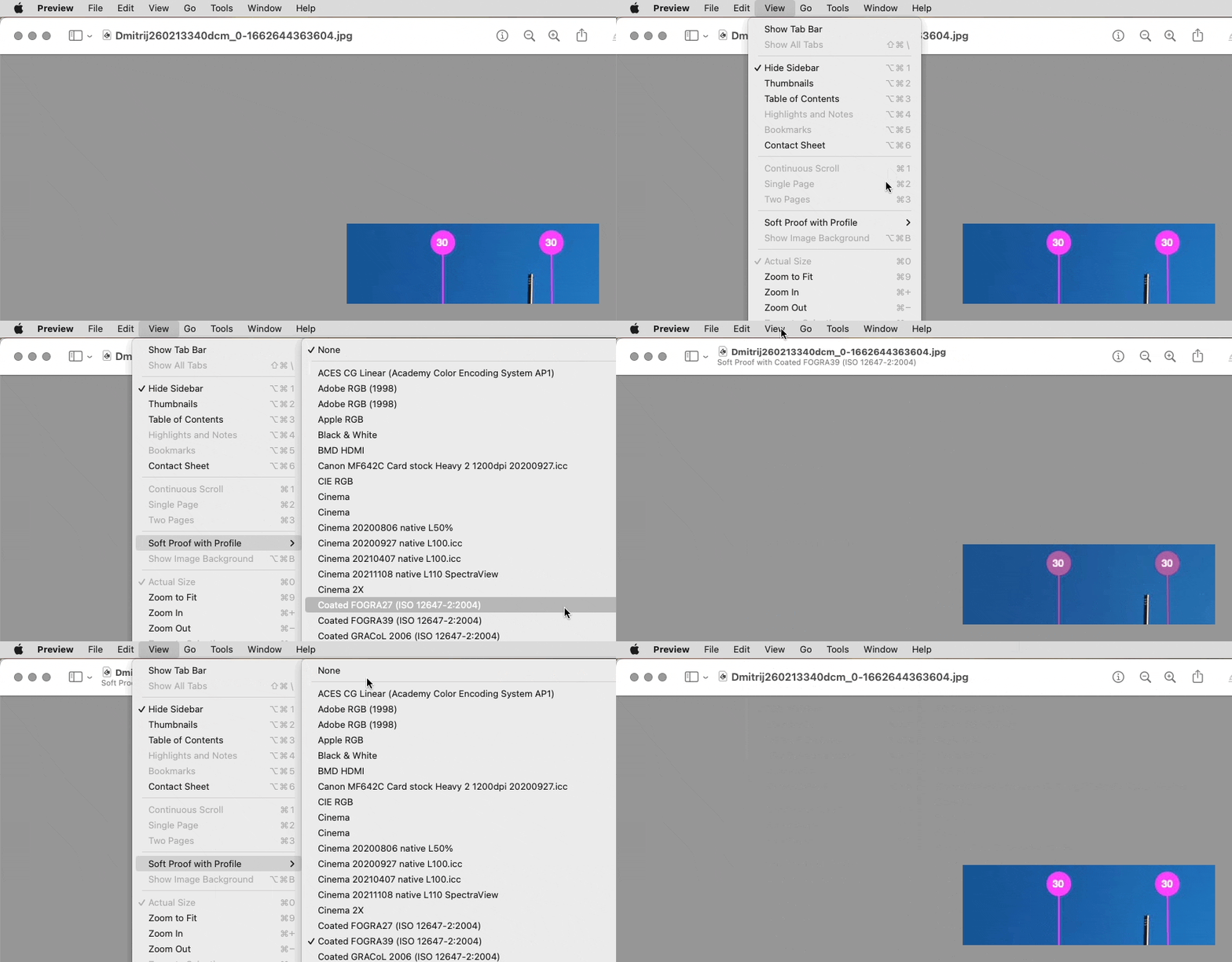
Both Preview and InDesign are warning you that there are colors in the image that do not work well when printed in CMYK.
Below is a diagram of why this is happening. The color is too far outside what CMYK inks can achieve. The only way to get close to printing that color is to work with your printing company to use a custom-mixed spot color ink for that color, which adds another ink to the press. Or, you can redesign the document’s color palette to be easier to reproduce in CMYK.
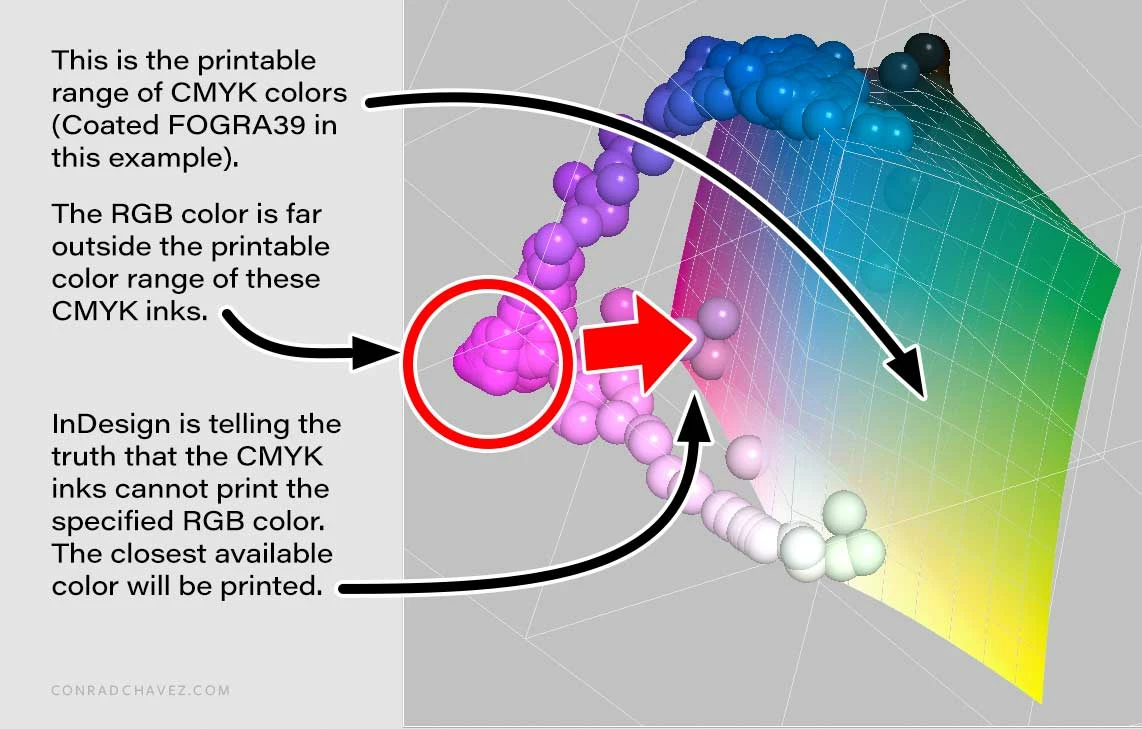
The diagram was made by combining plots of the colors of your screen shot and the colors that Coated FOGRA39 CMYK can print. Uncoated would reproduce an even smaller color range.
Already have an account? Login
No account yet? Create an account
Enter your E-mail address. We'll send you an e-mail with instructions to reset your password.


 AdChoices