

Answered
Color space preflight error
I'm using InDesign 2024 v19.2 and came across an error with a preflight profile that I use. One of the settings in the preflight profile is set to flag anything using the RGB color space.
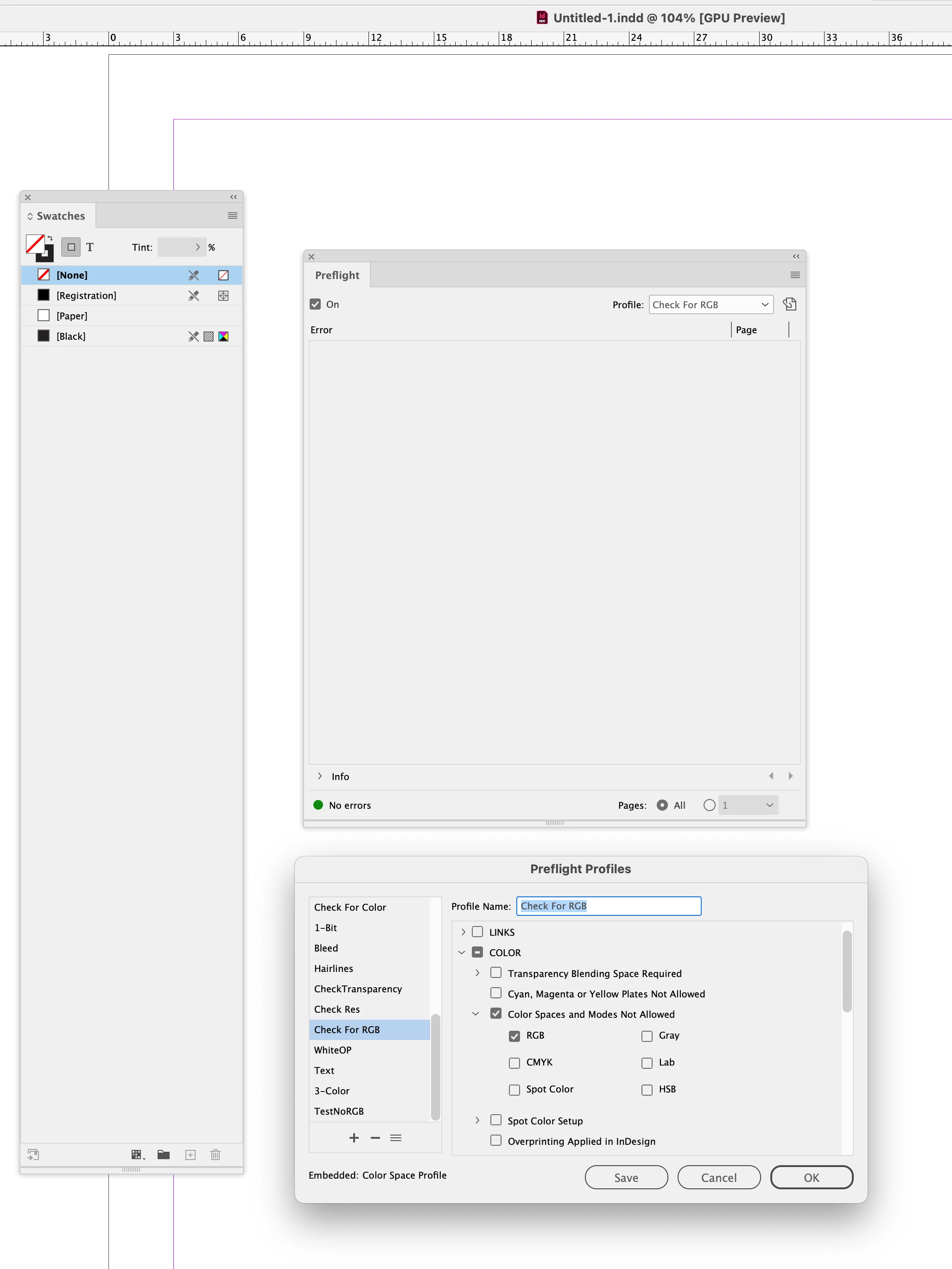
I have not had any issues with previous versions of InDesign but with CC 2024 I get preflight errors for any file that is open, including a new file with no color swatches (other than the colors that cannot be removed).
This is what the preflight panel looks like:
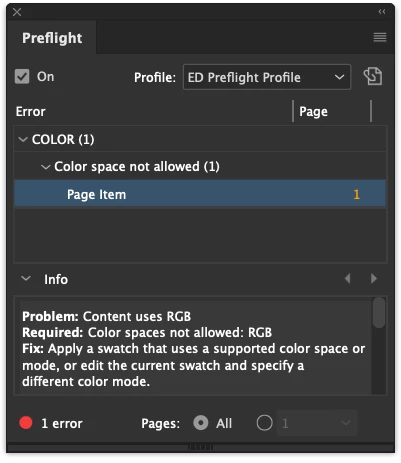
The "fix" doesn't apply because the file has no swatches other than Paper, Black and Registration, which cannot be edited or deleted.
Is this a known issue? Does anyone know how to fix this? I've tried changing the color workspace and nothing settings will fix the issue.
Thanks in advance.
 AdChoices