
Colors are darker in preview but the export comes out fine.
Hello everybody.
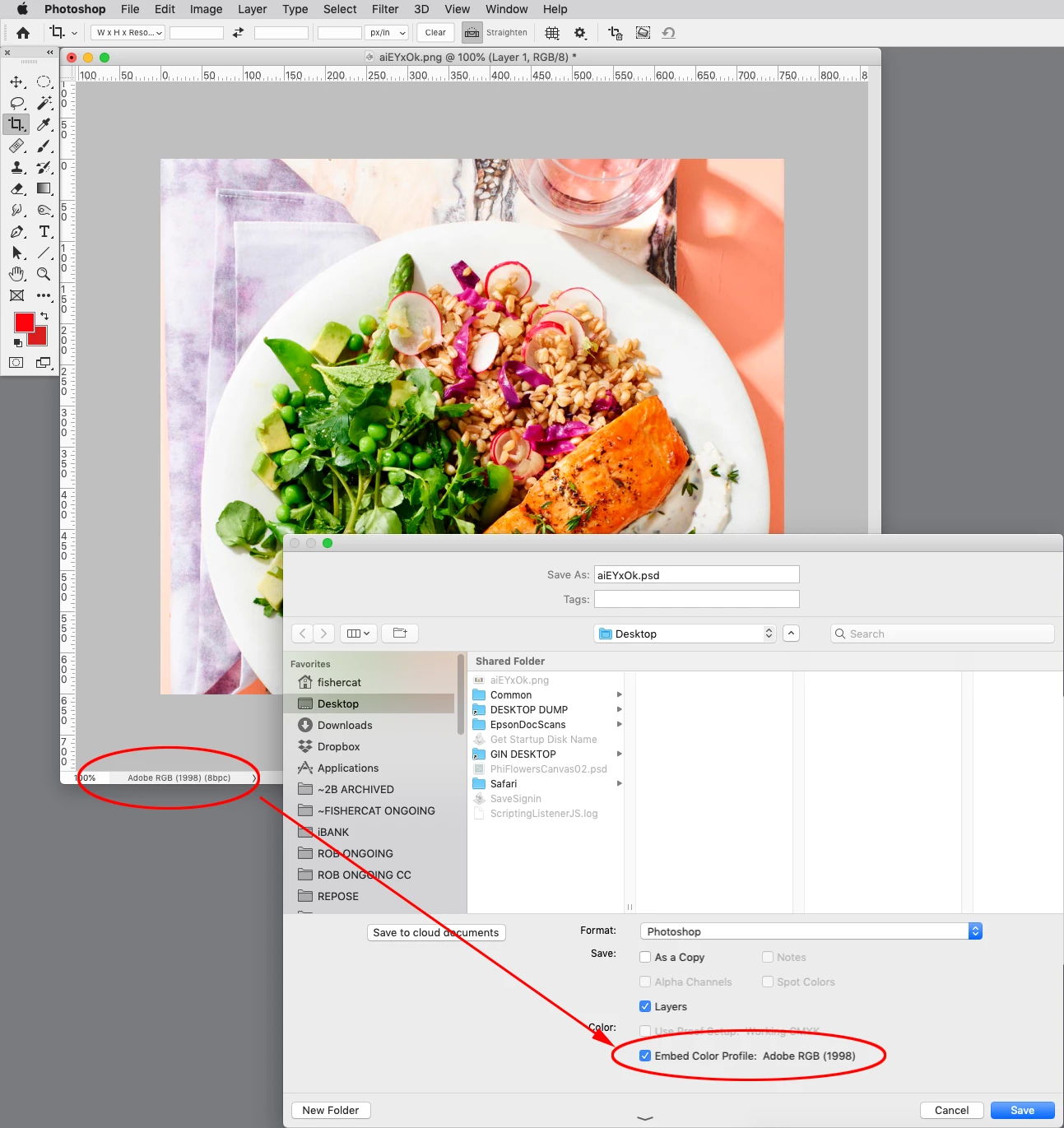
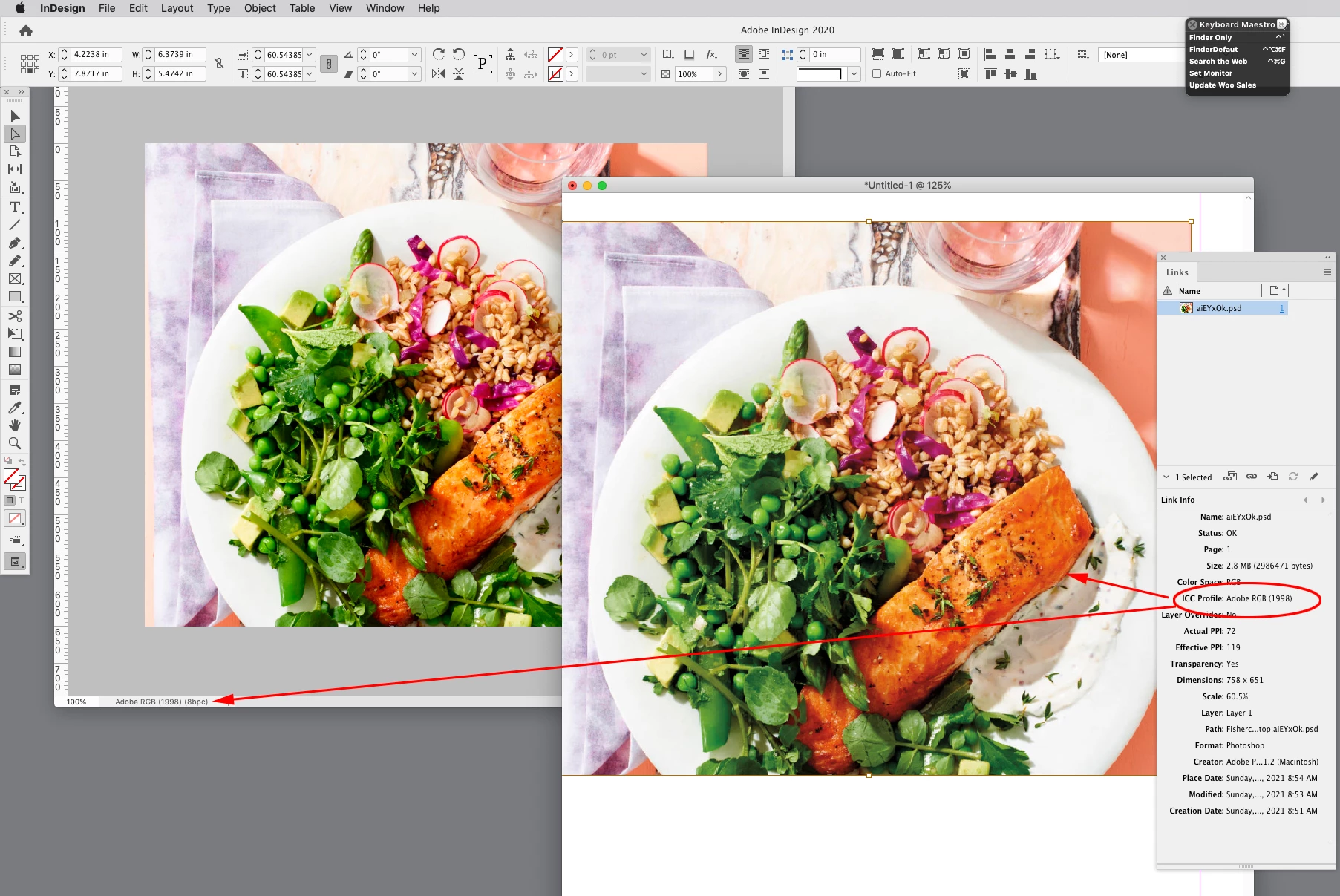
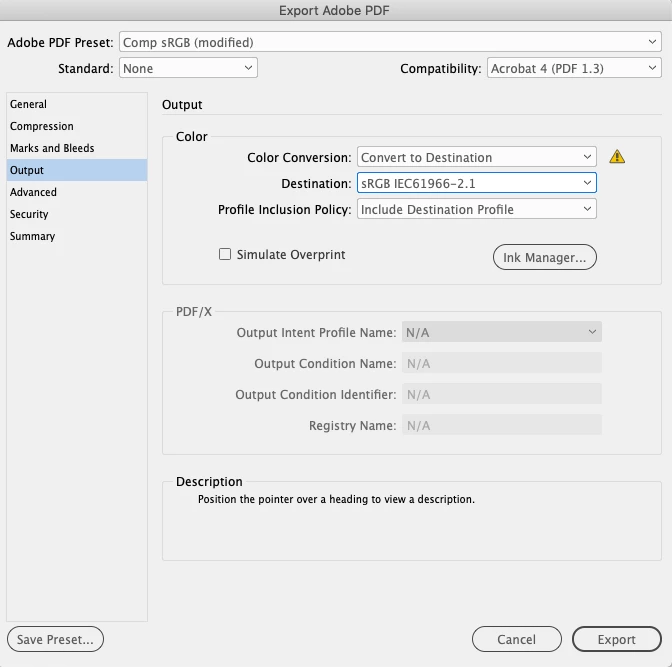
I have been using InDesign for about 3 months now and a few weeks back i started noticing a problem with it. When i import an image in it, the colors of that image appear to be much darker than the actual one. the same applies to any of the shapes or the colors i use. but when i export it, the colors look as they were and everything is fine. I presume this is a problem with InDesign's viewer and hence i uninstalled it and re-installed it about 3-4 times but the issue still persists. the same applies with my Acrobat X too. The pdfs are much darker and contrasty in color. I have tried to adjust everything in the color management tab by going to preferences but no luck. nothing is changing. I have attached an imgur link where you can see what issue i am facing. Thanks a lot for your help.
I have also tried to play with Document CMYK and Document RGB but still faced an issue.
InDesign is crucial for my uni work as i'll be designing stuff for the uni and it's magazine. Please help me out.
 AdChoices