
Answered
Colors change automatically to dull colors
- February 4, 2021
- 4 replies
- 65873 views
Hi!
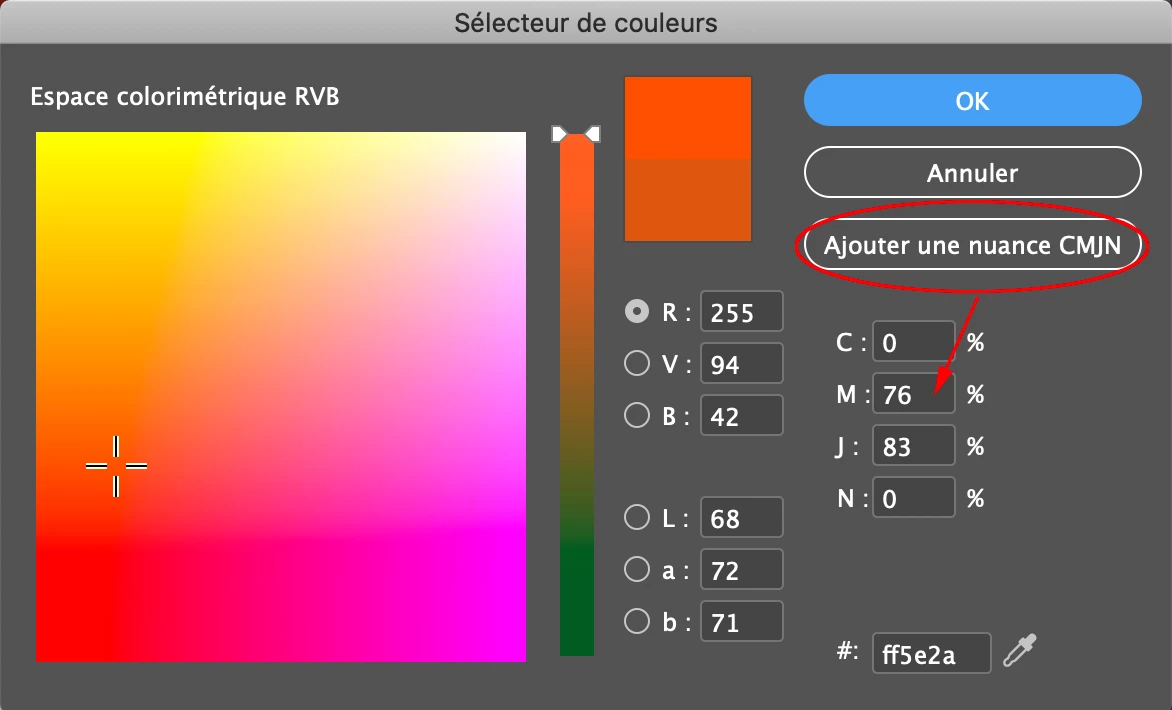
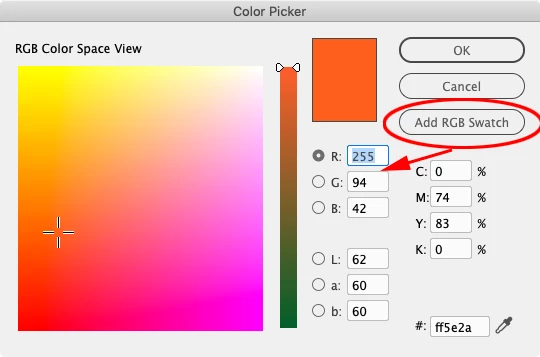
I'm creating a document from scratch on InDesign. Whenever I select a bright color, for example ff5e2a for a shape, a text, or anything, I click "OK" to select the bright color, and then the color is automatically changed to a dull color, the new color being in this example cd5a37, a color I never chose.
I have a Mac but I don't think it changes anything. I am using InDesign with its initial settings, the ones we all have when we first install it.
Could someone help me please? Bright colors seem to be completely forbidden, whether I work with blue, red, yellow etc..
 AdChoices