Participating Frequently
August 30, 2022
Question

Colors inconsistent gpu / cpu preview, especially after connecting second display

  • August 30, 2022
  • 2 replies
  • 1592 views
Hello,
 

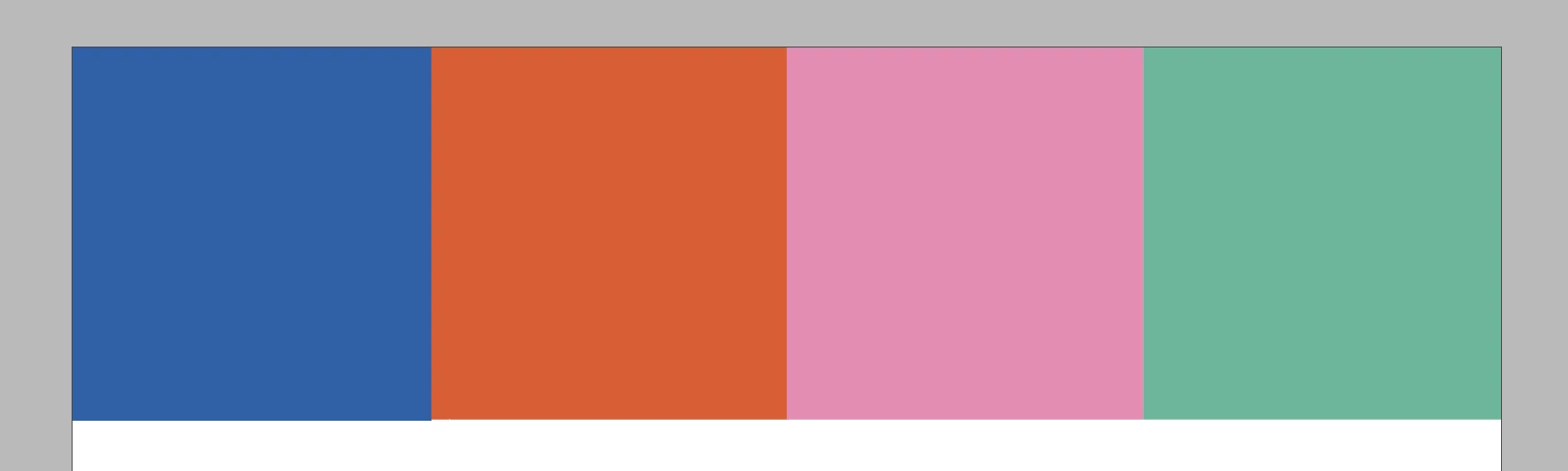
I'm having extreme difficulty setting a colour scheme for a client since my colours keep going oversaturated / desaturated while switching between CPU / GPU preview. The colours shown are defined in CMYK. The blending space is RGB. 

 
I'm working on a 14" M1 Macbook. The second display is Dell 2720Q.
Indesign is updated to the latest version.
 
The problem is not consistent, sometimes CPU / GPU switch produces no difference,
sometimes it is very striking, like in the screenshots.
 
thanks!

2 replies

rob day
Community Expert
Community Expert
September 6, 2022

The colours shown are defined in CMYK. The blending space is RGB.


Hi @Zoran232233835iuy 

Is this for Print? Do you have the problem with Overprint Preview turned on? Does it happen the same way on both monitors. Have you tried turning off GPU Performance in ID’s Preferences?


Participating Frequently
September 7, 2022

Hi @rob day 

It's a WIP file, I'm designing a visual identity and am in the process of defining colors. I prefer to set them in CMYK to be on the safe side, but sometimes switch to RGB if some color needs a bit more life. 


I think the secondary monitor usually kickstarts the problem. The other day, I had normal colors and consistency when switching from CPU / GPU / Overprint (apart from RGB washout, but that's normal). When I plugged in secondary display and pulled Indesign to it, saturation went up 20%. Then I pulled it back to Macbook primary monitor, it destaturated. After repeating this, I fullscreened Indesign on primary, colors matched secondary (so cca +20% saturation). Then I pulled it up again, to secondary, and colors went +40% saturation. I know it sounds crazy — I'm crazy with it. It does not happen outside Adobe CC.


Have not tried turing off GPU completly, I will give it a try, altough when not experiencing problems, GPU seems much smoother so I would prefer to be able to use it.


Thanks!

Rishabh_Tiwari
Community Manager
Community Manager
August 30, 2022

Hi,


Sorry to hear about the trouble. We'll need to test this so, please share a few more details like:


  1. The exact version of InDesign & macOS.
  2. Is this only happening on the external monitor or on the primary screen as well(without any external display connected).
  3. Please share a screenshot of the monitor color profile.
  4. Does this happen always on every file or on a specific file only?


We're here to help, just need more details.


Regards

Rishabh

Participating Frequently
August 30, 2022

Hello Rishabh,


I'm using Monterey 12.5.1 (21G83). Indesign is 17.4.

I have been encountering similar problems on and off. Yesterday when I came home (meaning I have disconnected from external display 4 hours priori), after about an hour of usage, colors suddenly desaturated.

I am attaching a screenshot of Macbook display. Secondary display color profile was set to monitor, I have changed it to sRGB but didnt't help.


Since then I have created a new file without pasting any old elements and have not been experiencing problems.

I do A LOT of glitches working in Indesing, attaching a dramatic example, usually its white lines over artboard.

They are even more common on my other, 13inch M1 laptop. There I often expeirence textbox turning blank.


Thanks!