
Colour of picture changes after print export
Hello,
I finnaly finished my first ever indesign project for print but something happend to my colors.
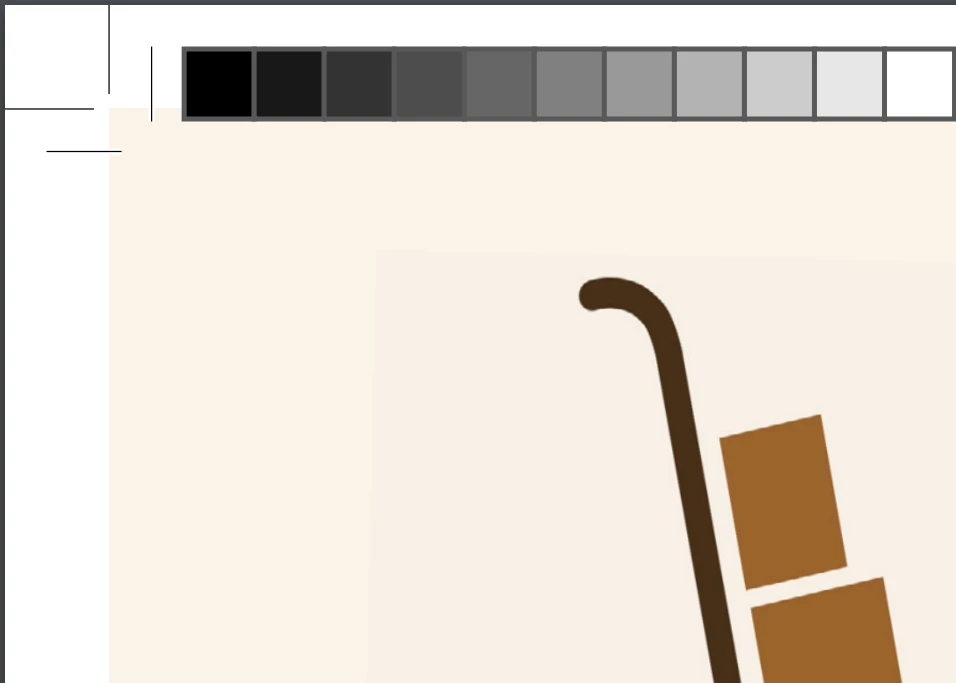
The background of the logo should be the same color as the total background. I didn't recive a logo with a transparent background so I thought I just place an extra backround behind it in the same colour to fill up the white space. But somehow, during export the logo background changes a bit.
Does anyone know how to fix this?
I followed sevral video's and instruction about exporting for print but they all have this problem.
I've tried the Adobe PDF Preset: {PFD/X-4:2008] , [High Quality Print]
Colour conversion: No colour conversion, convert to destination, (with and without, preserve numbers)
Destination (when possible): Coated FOGRA39 (ISO 12647--2:2004) I heard this is the right one for EU (Netherlands)
The pdf print exported
In indesign v




 AdChoices