Participant
September 28, 2019
Question

Colours don't look right!

  • September 28, 2019
  • 3 replies
  • 525 views

Hi,

I'm relatively new to inDesign and having problems with colours - was wondering if someone could help.

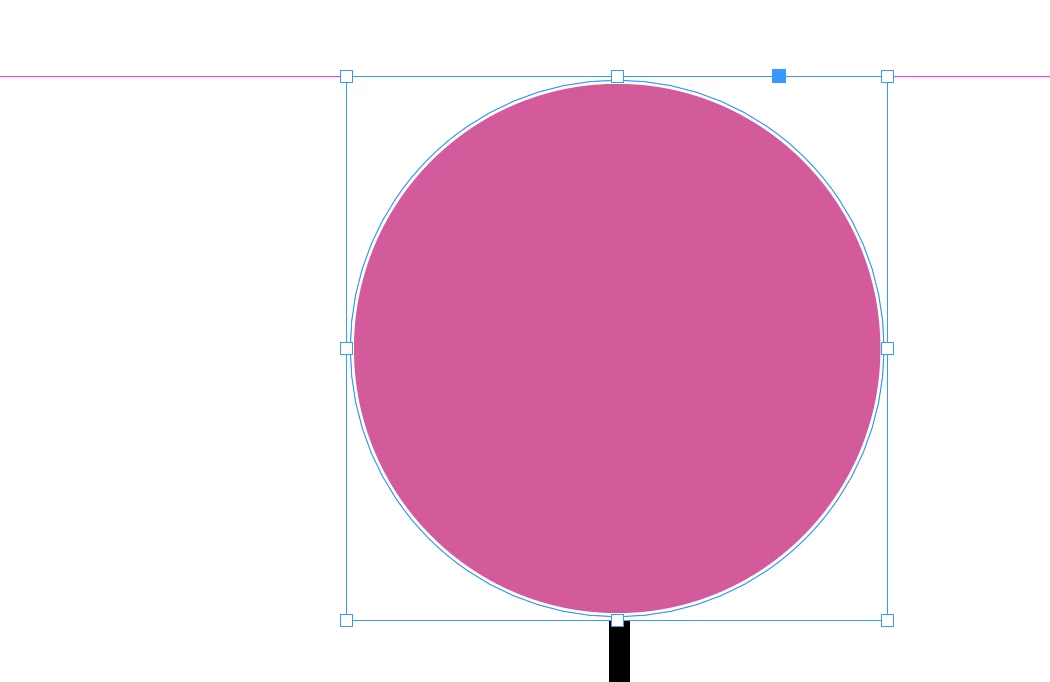
Most colours seem to work fine, but particularly when I select bright colours as a fill, the colour in my document looks much more muted. Any advice would be appreciated.

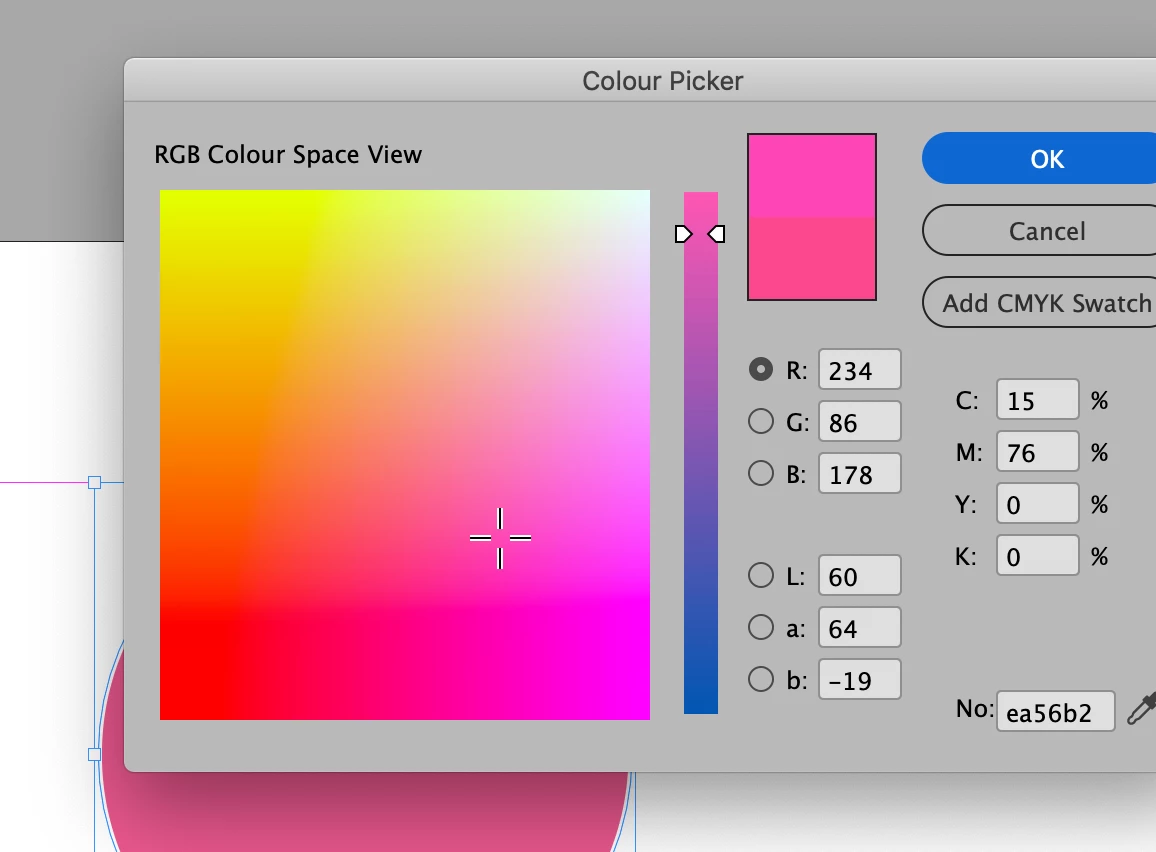
e.g. The colour I select:
the result: 

Thanks in advance.

Maria 🙂

    This topic has been closed for replies.

    3 replies

    rob day
    Community Expert
    Community Expert
    September 28, 2019

    I can see from your capture that you are creating a CMYK color (Add CMYK Swatch). The color mode of the swatch or color you will get is dependent on where your cursor is in the dialog when you click OK or Add Swatch. Put yout cursor in one of the R,G, or B fields to get an RGB color that is outside of the CMYK color gamut. Note that it’s the cursor and not the active radio button that switches the color mode.


    Participant
    September 29, 2019
    Thank you very much Rob!
    Legend
    September 28, 2019

    You are viewing RGB colors on the Color Picker display, while the fill applied seems its CMYK counterpart. On that window, you press OK or CMYK swatch?

    Even if you select RGB, you can check the color you are using by taking a look at the fill icon in the Toolbar and in the Color panel, you will view a CMYK equivalent if you have (View>) Overprint Preview on, or (View>) Proof Colors (CMYK profile) on, or (Effects) Opacity is less than 100%.

    Those are reasons that come to mind. Please confirm if any is being used.

    Selecting and applying colors using the color picker is not a good practice, yes it's very ""Photoshop-esque", 2x clicking on color icons, BUT it  creates unnamed colors, colors or tints that are not added to the swatches panel, thus it is not easy or inmediate to apply the very same color to different objects later or in different pages, unless you add it to the Swatches panel.

    rob day
    Community Expert
    Community Expert
    September 28, 2019

    The OK button adds an unnamed colr, but the contextual Add ... Swatch button will add a new swatch to the Swatches panel.

    Derek Cross
    Community Expert
    Community Expert
    September 28, 2019

    Many RGB colours are much brighter that CMYK colours (known as the color gamut, or range of colours), particularly bright greens and bright oranges. If your document is for screen use, such as websites and ebooks, you can have these bright colours, but for printed documents they will be duller (you can use spot colours, such as Pantone, if you want to reproduce some of these brighter colours). 

    This excellent online video tutorial on color management, from Linkedin Learning, will explain in detail (you can get a month's free access): https://www.linkedin.com/learning/indesign-color-management/welcome


    Participant
    September 29, 2019
    Thank you Derek - very useful link too!