Om Nath Jha
Legend
November 8, 2019
Question

Column Rules for better readability

  • November 8, 2019
  • 3 replies
  • 1003 views

For multi-column text frames, add separator lines (column rules) between text columns to prominently differentiate individual columns, and improve readability.


For more information, check this article.


Feedback and questions:  

Reply to this post to share your feedback on this feature, and any questions you have around using it. Our team of experts here will do their best to assist you.

This topic has been closed for replies.

3 replies

Community Expert
November 22, 2019

Hi Om,

yes, it should be able to span footnotes as well.

Make this an option.


Regards,
Uwe Laubender

( ACP )

Community Expert
November 8, 2019

Just came accross this:

Column rules will ignore footnote texts.

The result:


On the left: Rule ends a bit below the last line of the main text in the second column.

On the right: Same here. It definitely should stop at the last line of the footnote text.


Regards,
Uwe Laubender

( ACP )

Om Nath Jha
Legend
November 21, 2019

Thanks a lot for bringing this to our notice, Uwe!


I've asked the product team for more insight on this. I'll keep you posted and update the discussion as soon as I hear from them.


-Om

Community Expert
November 8, 2019

Hi Om,

thank you for asking and thank you and the team for adding this feature.


I hope this is only the start in this regard and not the end of options we have with text frame column rules in the future.

Why? Because it's a bit awkward how the beginning and the end of the rule is defined. Where exactly the 0 start/stop points are. One could never know exactly. At least I found no way to calculate the exact values where the rule is rendering starts and stops. Why is that? Because the actual text's point size and the type designer's choice will govern this.


What we need, so I think, is an option that defines start/stop regarding to known values.

Preferable the text frame's shape, with a rectangular frame the top and bottom edges of the frame. Or the frame's insets.
More on that below.


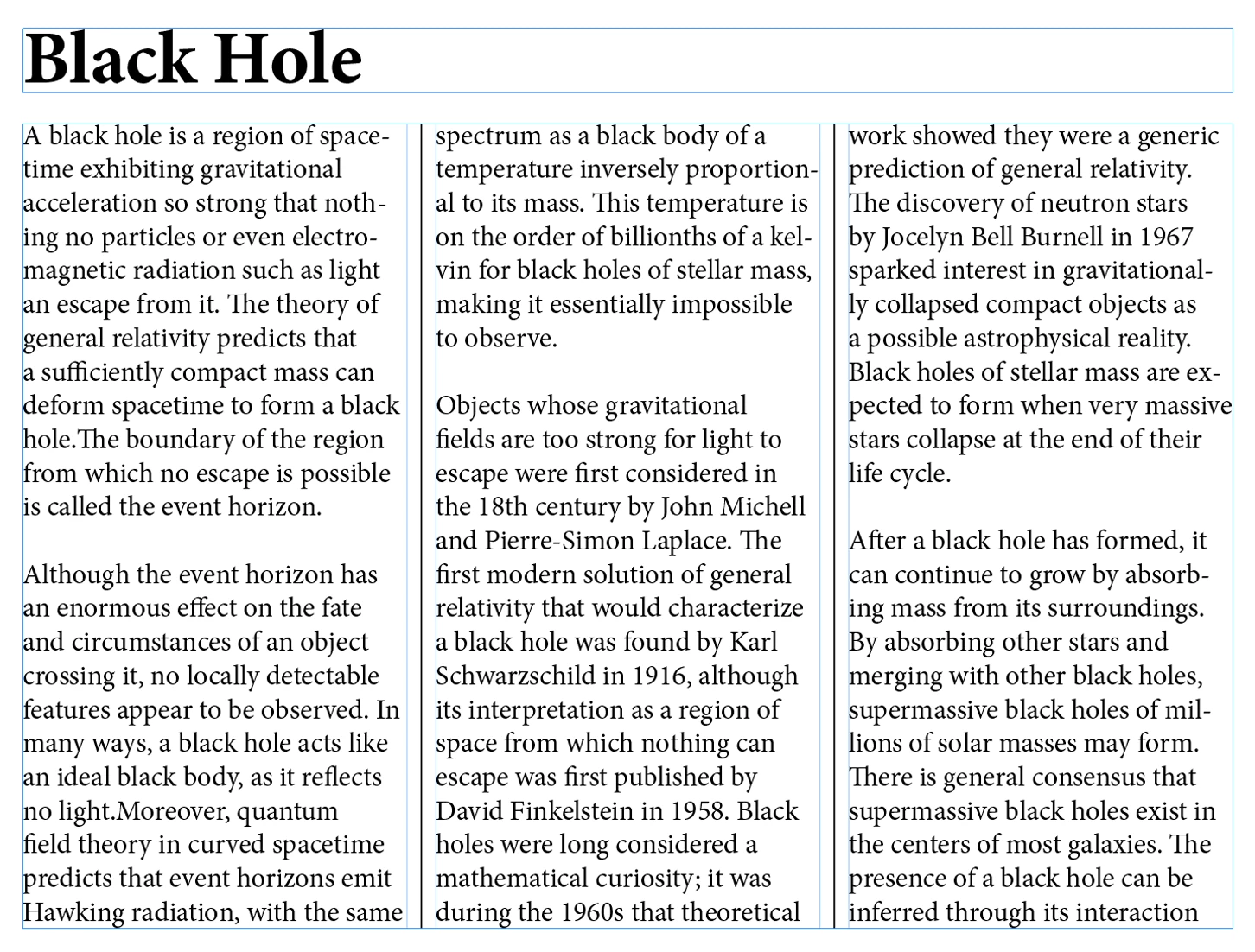
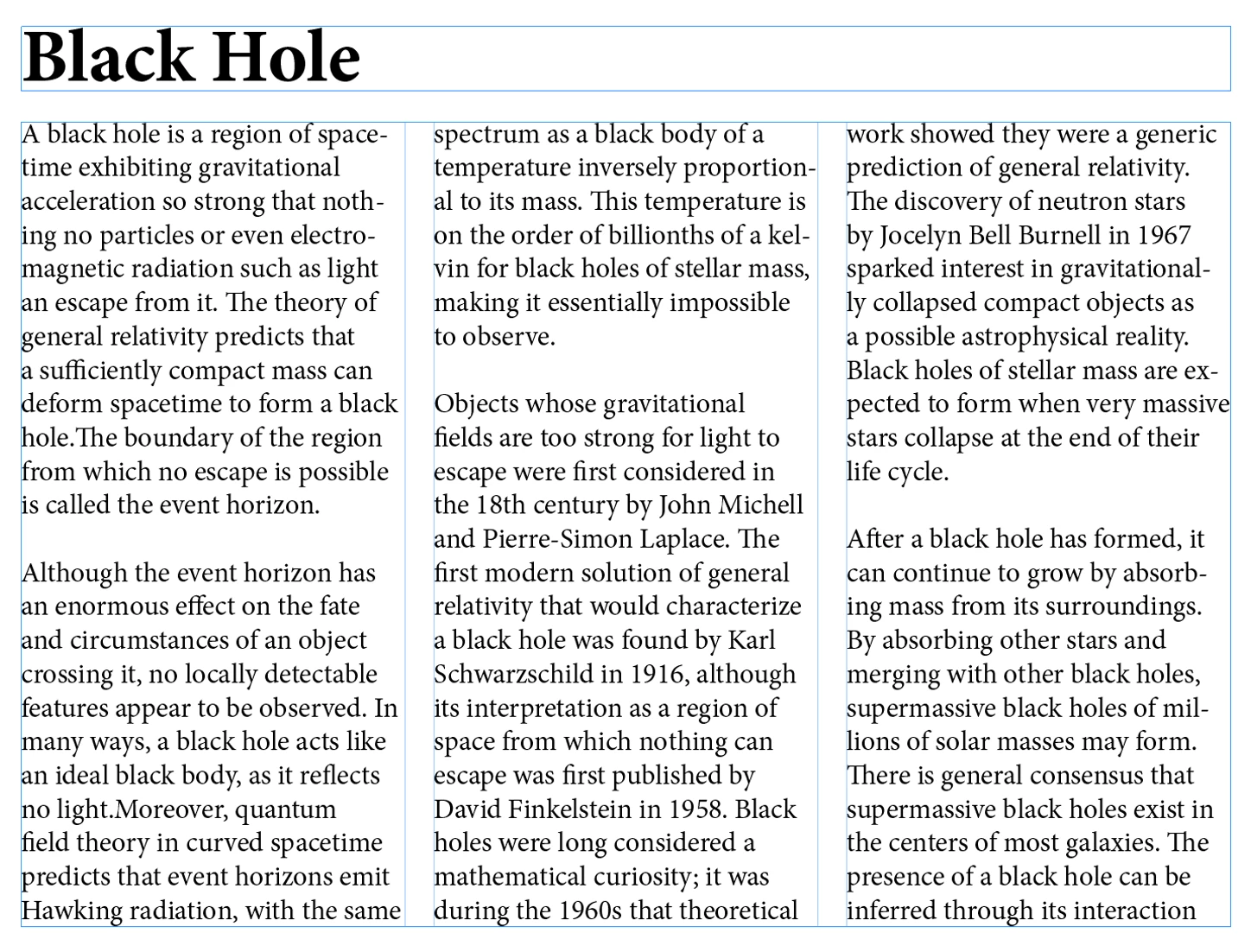
Right now it's a hit and miss where the start is. See the following example where on the left a single font is used wheras on the right a mix of fonts is used with the same point size. Hard to predict where rules are starting and stopping:


Here the same frames with a mix of point sizes in the first line of the frame:


What we also need are options like:

[ ] Clip Column Rules to Frame Edges.

[ ] Clip Column Rules to Frame Insets.


Thanks,
Uwe Laubender

( ACP )