
Content Disappearing in Preview Mode
I'm running into a major issue with InDesign and have yet to find a solution. While I'll keep digging, I want to post here with everything I've tried to solve this problem and have had zero success with.
I am working from a template file creating a series of workbooks and have at this point made about 20 from the same template file. All of a sudden, when I enter any viewing mode that isn't Normal, content on one single master page completely disappears, leaving only the bounding box behind. All other pages function fine, and going back into all previous documents made from this template file does not produce this issue. In opening the original version of the template file, it does appear to be an issue in the template now, as well.

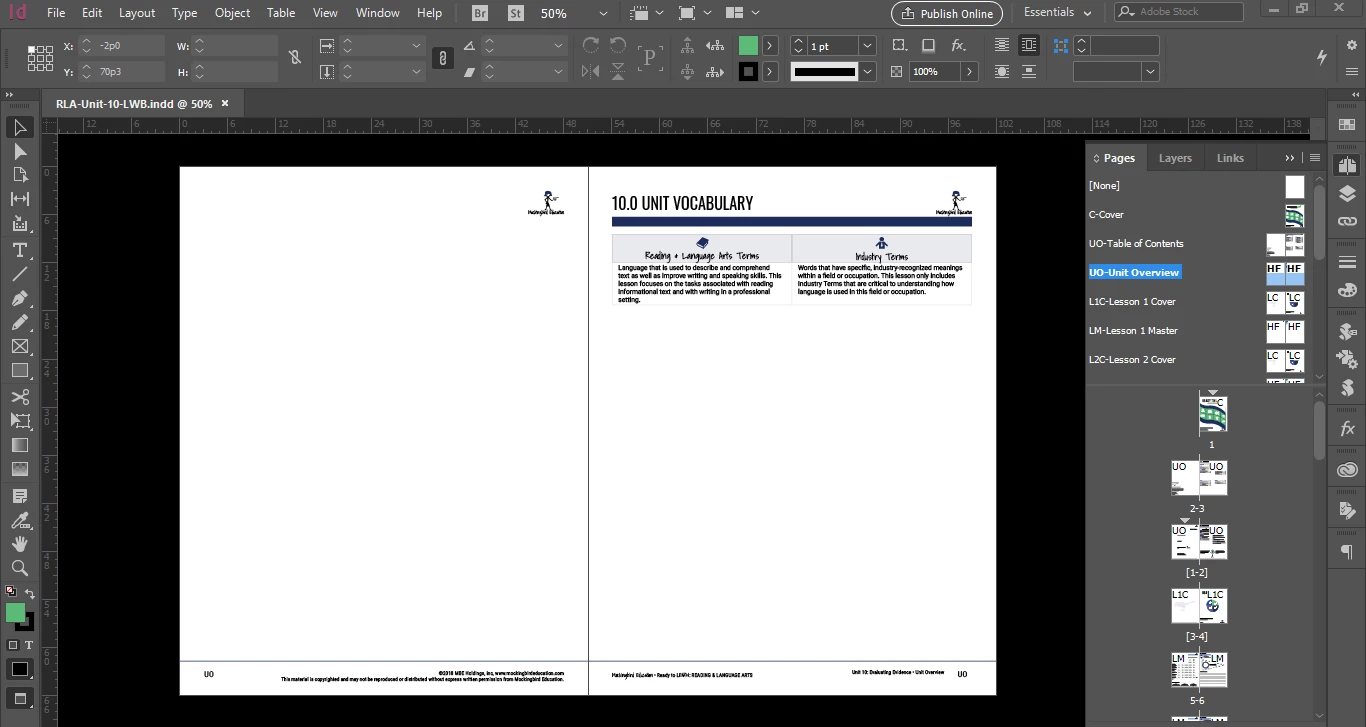
- When I delete all the content on the page and copy and paste it from a previous version where the issue does not occur, it simply disappears in Preview mode as before.
- Using the Attributes panel, Non-Printing is de-selected on all objects.
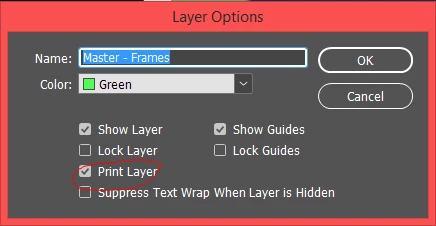
- My layer options also do not appear to be Non-Printing.
- Exporting to IDML reveals nothing and the issue persists.
Again, I will keep searching for a solution, but if anyone could help me, I would greatly appreciate it. I'm relatively new to InDesign and entirely self-taught, so layman's explanations to solutions would be helpful. Specifically if there's a step I'm missing in trying to solve the issue with an IDML export.
 AdChoices