Answered
Content not showing on page but visible on thumbnail
For some reason, a bunch of page content is visible in the thumbnail but not showing on the page. I didn't delete the content so it should be there. Photos attached. Any ideas?
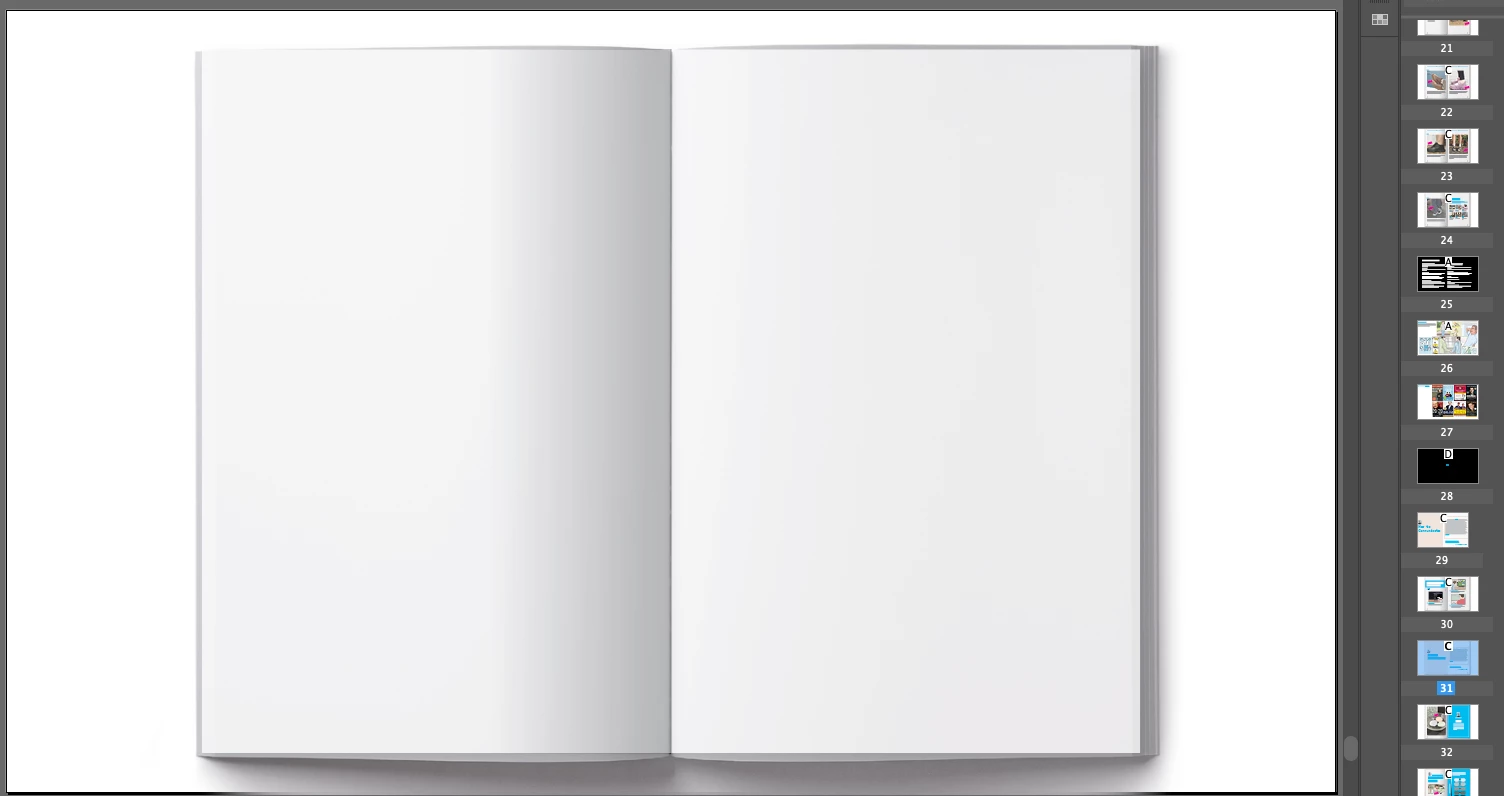

For some reason, a bunch of page content is visible in the thumbnail but not showing on the page. I didn't delete the content so it should be there. Photos attached. Any ideas?
Is there any chance you hid the objects? Doing this will cause the items to still appear on the page thumbnail but will not appear on the page itself. Choose Object > Show all on spread to see if the items re-appear.
Already have an account? Login
Enter your E-mail address. We'll send you an e-mail with instructions to reset your password.
 AdChoices