kelseyd82487675
Participant
August 15, 2018
Answered

Continuous Design - How do I export with bleed on all sides?

  • August 15, 2018
  • 4 replies
  • 667 views

I'm working on a project where I am designing a continuous vinyl film. The printer needs 1/4" bleed on all sides.

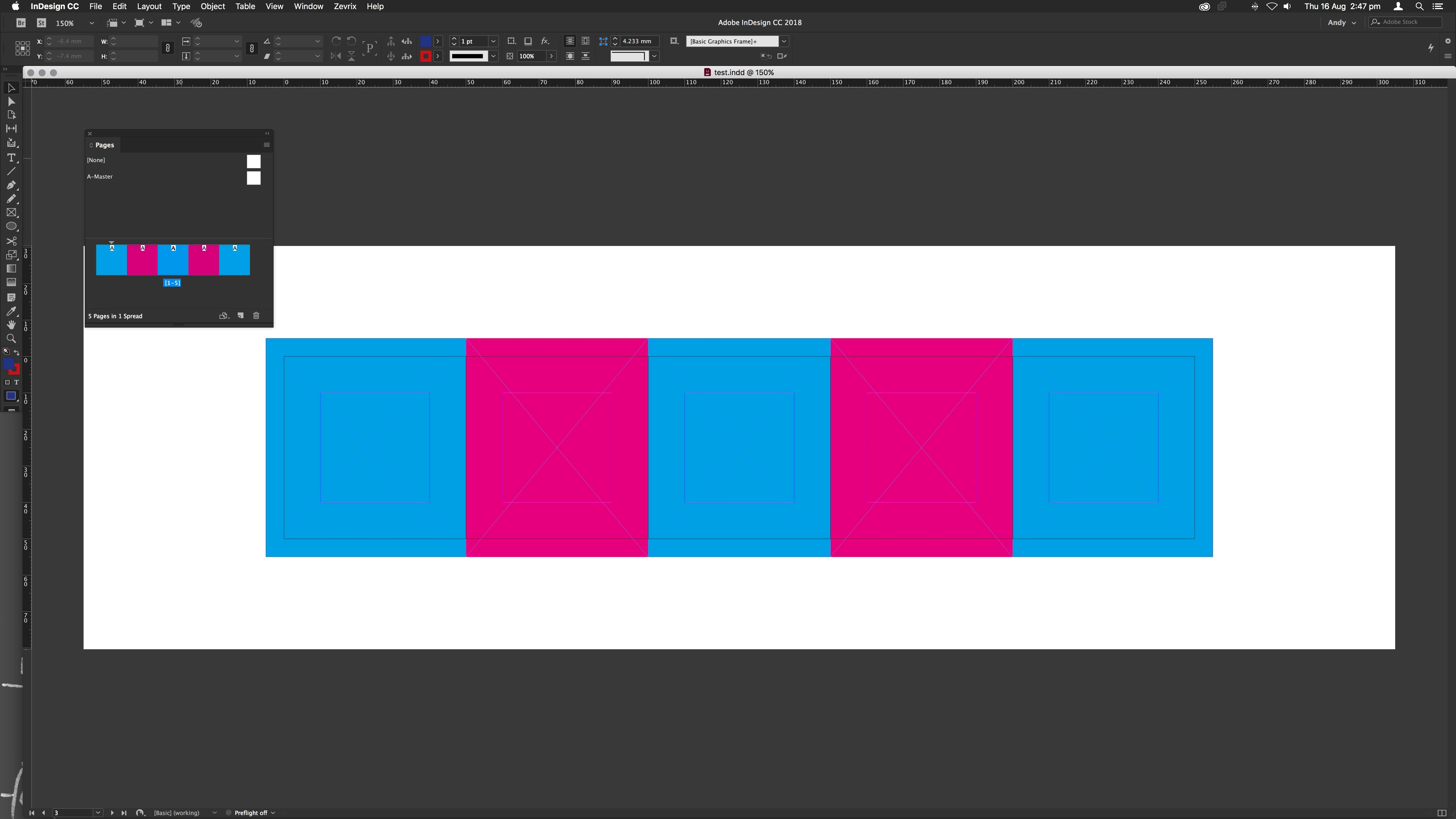
I currently have my boards set up where they are separate boards but with no space between them.

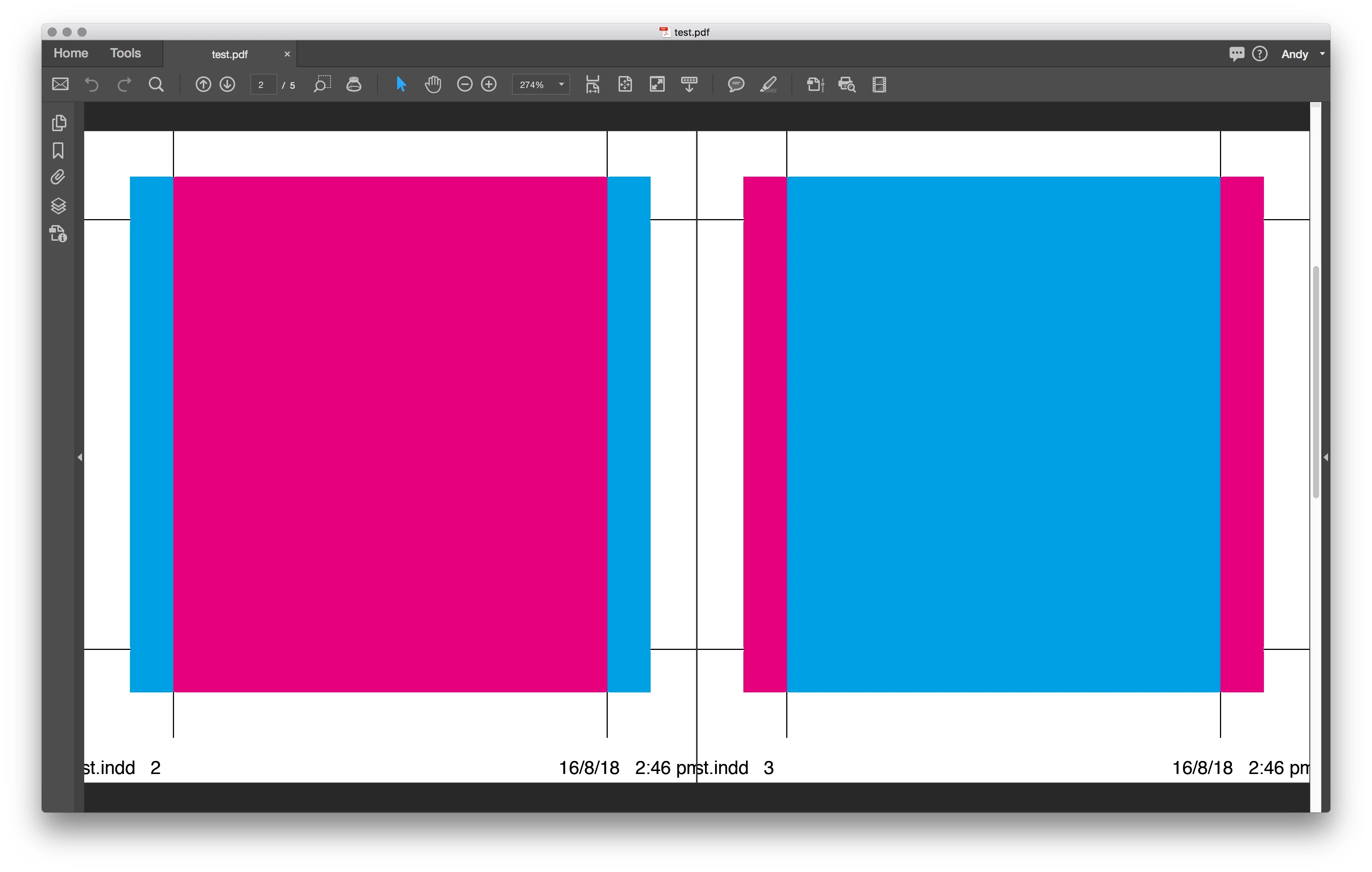
How do I export as separate boards but with bleed that captures 1/4" of the board next to it?
    This topic has been closed for replies.
    Correct answer andyw22740857

    You should be able to export the pages separately each with the common bleed for the document.


    4 replies

    Srishti_Bali
    Legend
    August 29, 2018

    Hi Kelsey,

    I would like to know if the steps suggested above worked for you, or the issue still persists.

    Kindly update the discussion if you need further assistance with it.

    Thanks,

    Srishti

    andyw22740857Correct answer
    Participant
    August 16, 2018

    You should be able to export the pages separately each with the common bleed for the document.


    Sjaani
    Community Expert
    Community Expert
    August 16, 2018

    I would expect you will have to separate the pages, have the bleed on each page making sure it will match up appropriately with the next page in the print area.

    Eugenio.NYC
    Participating Frequently
    August 15, 2018

    Hi there:

    Please if you can share a screenshot of your idea

    I don't understand everything but I guess this:

    Are you working with facing pages? (File menu Document setup)

    Didi you added bleeds?

    Do you want to export a PDF?

    Regards

    E