
Inspiring
February 9, 2024
Answered

Continuous numbering for figure captions in different text boxes

  • February 9, 2024
  • 1 reply
  • 559 views

How do I achieve continuous numbering for my Figures when the figure captions are in individual text boxes? 


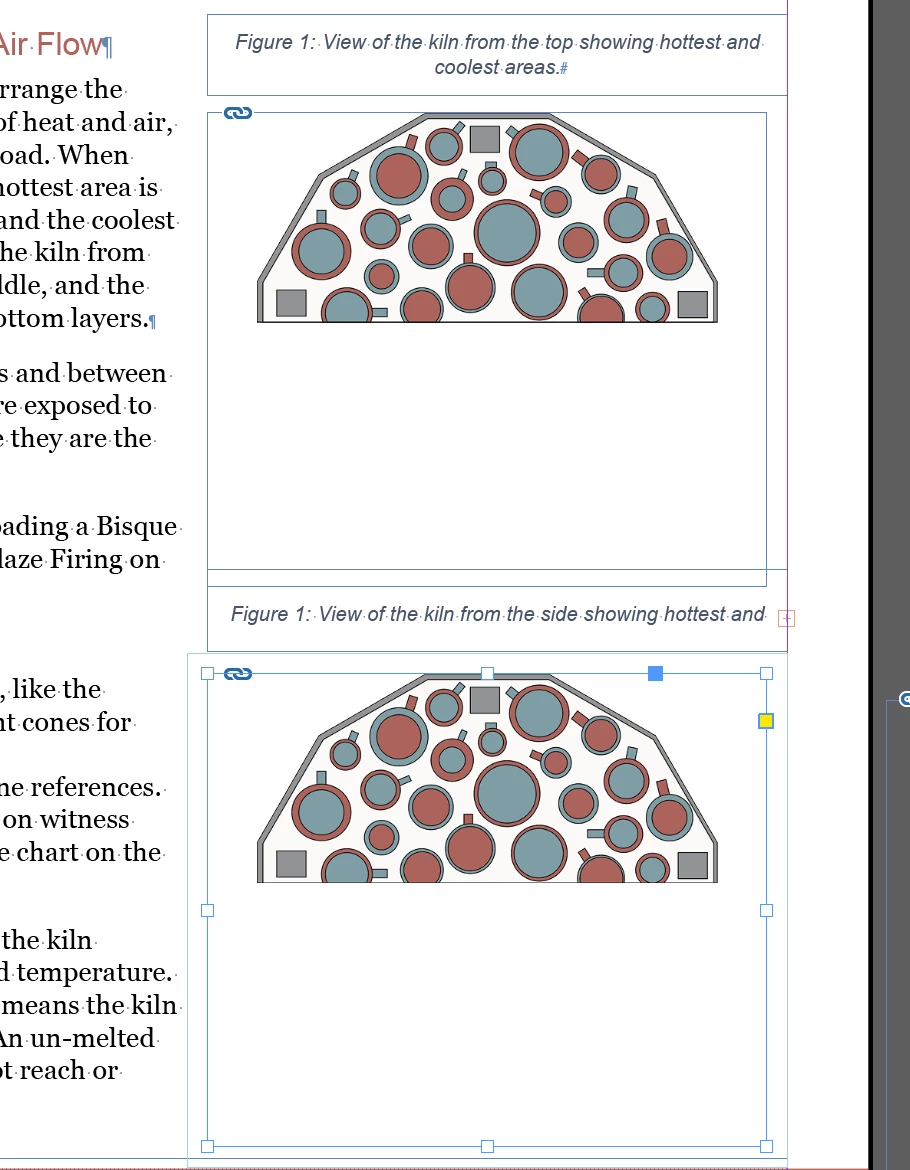
I set up my Figure paragraph style to be a numbered list starting with the word "Figure". But the numbering starts over in every individual text box (as shown in the image). 


I've explored anchoring the objects to the page, but this requires that I format the figure IN LINE with other text. What I like about the individual text box is, I can position it anywhere on the page, allowing for more design flexibility with my images.
 

Correct answer Aron32765378zjbm

SOLUTION UPDATE: 

Anchoring text is the answer. After pasting the anchored text into the page, I right click the anchored text, go to Anchor Object>Options>Custom to position the text where I want it. 


If there's a faster way to do this, for a long document, please let me know 🙂 

1 reply

Aron32765378zjbmAuthorCorrect answer
Inspiring
February 9, 2024

SOLUTION UPDATE: 

Anchoring text is the answer. After pasting the anchored text into the page, I right click the anchored text, go to Anchor Object>Options>Custom to position the text where I want it. 


If there's a faster way to do this, for a long document, please let me know 🙂 

Participant
January 15, 2025

I'm facing the same problem, could you please explain you answer more througly? I'm not finding a way to anchor the figure captions text frame. Thanks!